1139300 Shadow 8 User Manual
3-8 Operation
Shadow 8’s floating blanking feature allows you to disable one beam at any location along the
length of the light curtain, letting any object 1 in. or smaller penetrate the sensing field in a
random pattern without causing the light curtain to enter a Curtains Obstructed state. In
multi-segment installations, the floating beam may be used in any segment.
Floating blanking is useful in those applications where material must travel through or within
the sensing field in a random pattern. A one-beam floating window can only be used when
material or parts take up a space no greater than 1 in. (25.4 mm). Larger material would block
more than one light beam at a time and cause a stop command to be generated.
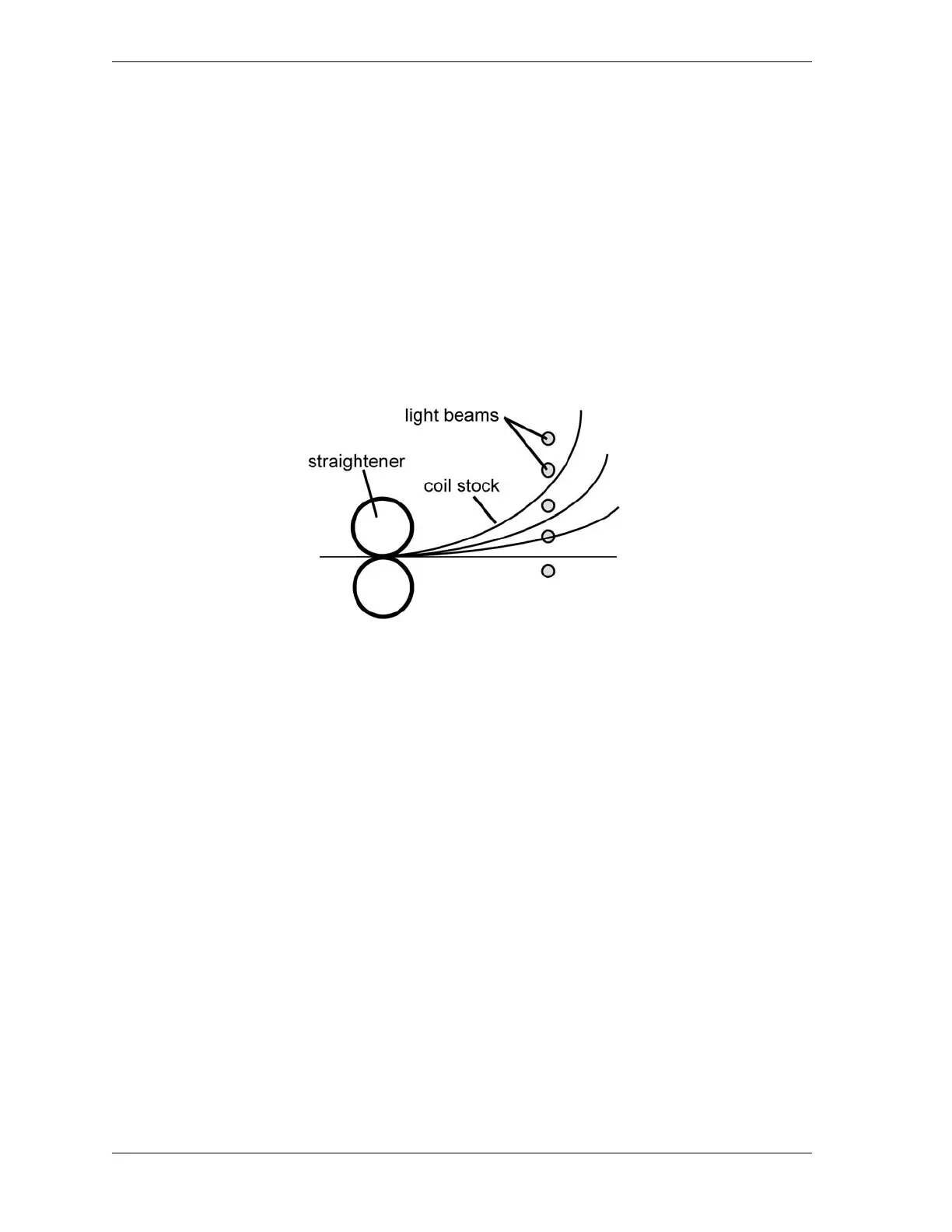
Figure 3-2 shows how coil stock interrupts different light beams as the coil unwinds. When one-
beam floating blanking is active, the coil may interrupt one beam at a time at any point along the
length of the light curtain without triggering an emergency stop of the guarded machine.
A one-channel floating window automatically alters the object sensitivity from 1.18 in.
(30 mm) to 2.05 in. (52 mm). If you plan to use this feature even occasionally, the safety
distance at which light curtains are mounted must be increased (see page 2-10). When you are
using more than one pair of light curtains, you must increase the safety distance for every
segment in the multi-segment series.
Floating blanking windows are enabled via option switches SWA 4 and SWB 4 on the Main
Receiver (see page 2-48). When floating blanking has been enabled, the amber Blanking
Active LED on the Main Receiver becomes illuminated.
To enable a floating blanking window, do the following:
1. With Shadow 8 in the Curtains Unobstructed state (i.e., Machine Run/Stop LED indicator
is lit green), set option switches SWA 4 and SWB 4 on the Main Receiver to ON.
If Shadow 8 is in Automatic Start operating mode, the amber Blanking Active LED
indicator becomes illuminated. If the mode is Start/Restart Interlock, perform step 2.
2. Turn the Program/Run/Start key switch to START. The amber Blanking Active LED
becomes illuminated.
Figure 3-2. Coil Stock Unwinding Using a One-beam Floating Window



 To Next Page