Main menu Time function
This is where settings are made regarding the time-controlled operation, date and
time.
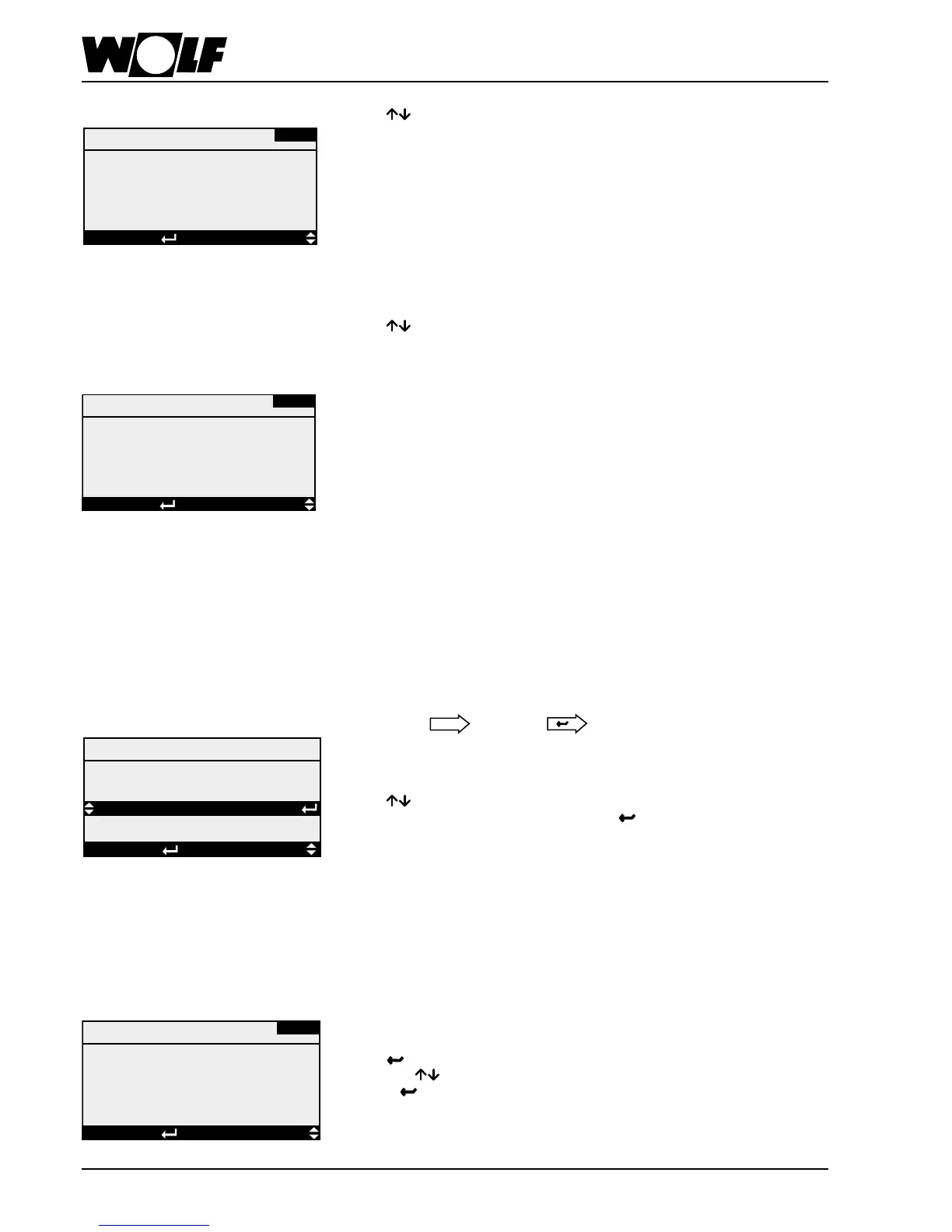
Pressing enables selection between the overview of the illustrated menu points.
After selecting the menu point required, pressing leads you to the selected
sub-menu.
Overview:
→ 7-dayprogram
→ Dayprogram
→ Setvalues
→ Holidayprogram
→ Date/time
Mon Tue Wed Thu Fri Sat Sun
P1 P1 P1 P1 P1 P1 P1
Program overview
7-day program Individual programs are assigned to the individual days of the week via the 7-day
program.Ifnoprogramisassignedtoaspecicdayoftheweek,thenthesystem
will remain switched off for the whole day.
Pressing highlights Monday to which one of the 4 day programs (P1 - P4) can be
assigned with . If the system should remain off on that day, select "--". Further
pressing of enables a day program to be assigned to the next day in the week
as described above. Once all settings or changes have been made, terminate the
process by pressing
exits the 7-day program.
Others
Pressing
showsinsequencerstthesoftwareversionandthenthesystem
conguration.
WP-01
Esc BACK SELECTION DISPLAY
Pressing shows in sequence the hours run by the installed components.
→ Totalsystem(Mainswitchon)
→ Fans
→ Heatingwaterpump
→ Coldwaterpump
→ Directevaporator
→ Electricheaterbank
→ Heatpump
→ Noreheaterbank
→ Lastltertest
Hours run
AB-01
DISPLAYSELECTIONEsc BACK
Displays
Hours run
System 0 h
Fan 0 h
Once the language selection menu point is selected, the relevant language
can be highlighted by pressing the key. The key enables the selection of the
required language, which is adopted by pressing the key again.
Available languages:
German, English, French, Dutch, Italian, Spanish, Portuguese, Hungarian, Swedish,
Danish, Russian, Czech, Slovak, Slovenian, Polish, Latvian, Lithuanian
AI-01
DISPLAYSELECTIONEsc BACK
Displays
Software: KG Control
Version: 5.0.001
Date: 06/10/2011



 To Next Page