3.Selecting a Voice
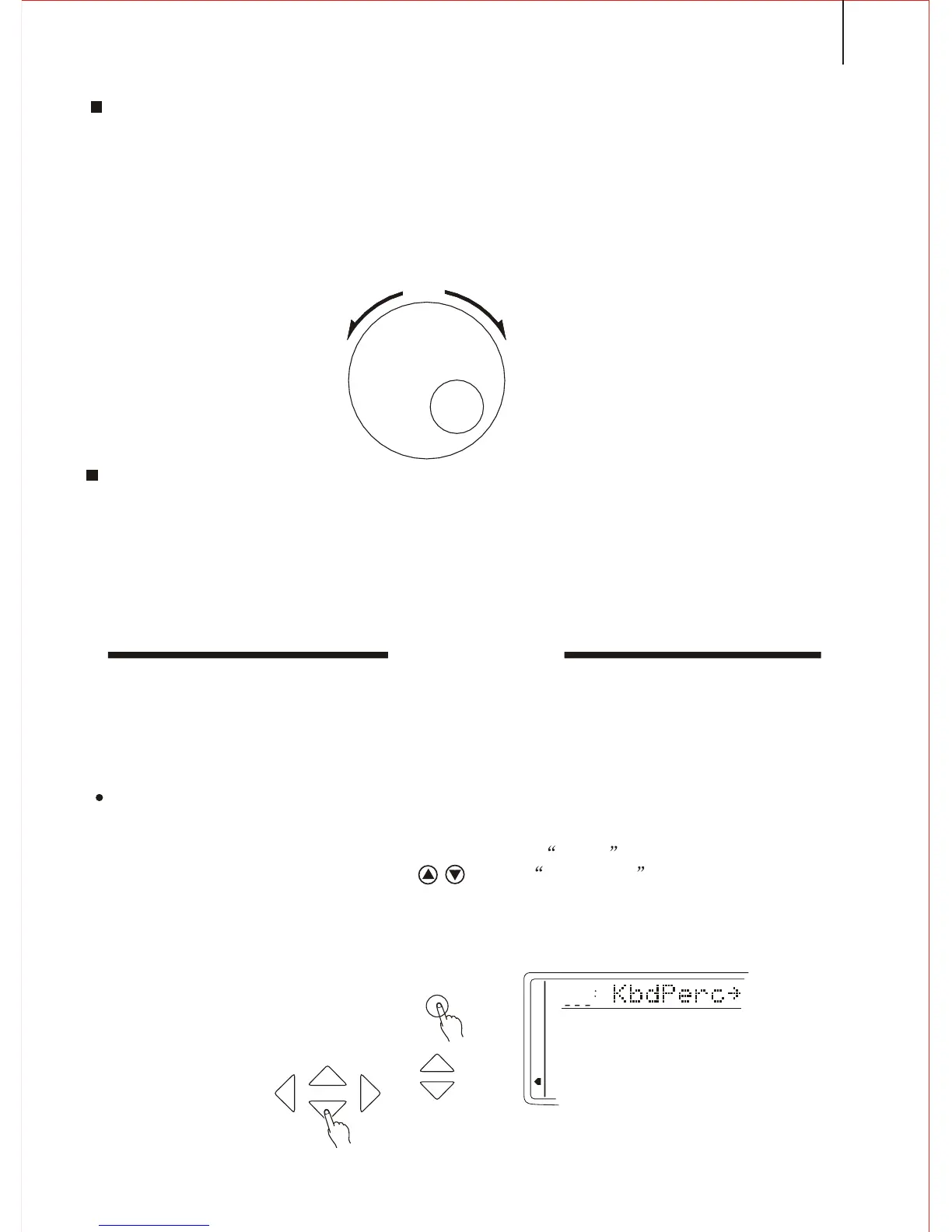
You can adjust the [SEARCH] dial to select one voice from the total 153 voices.
The voice list has been listed on the panel, and the present voice name and number
shows in the first line of the screen.
[SEARCH] dial
During the Voice Play function, this dial can change the voice number in order.
4.Adjusting the Volume
First try the keyboard and then adjust the volume to a suitable place.
NOTICE
In the Whole Function team, the keyboard volume and
the accompaniment volume can be separately adjusted.
Holding down the [VOICE] button can quickly select the
keyboard volume function. More information please refer
to P. 46.
PERCUSSION
Keep pressing the FUNCTION button until the arrow points to Whole Function
position. Then adjust the CURSOR till the KbdPERC appears on the screen.
1. Selecting the PERCUSSION FUNCTION
SEARCH
FUNCTION
TEMPO
MEMORY
MUL TIFUNCTION
DUAL VOICE
SPLIT MODE
HARMONY/ECHO
WHOLE FUNCTION
NUMBER EFFECT
S. NUMBER
VOICE
STYLE
CURSOR
15
Press [PERCUSSION] button to turn on / off keyboard percussion voice. In keyboard
percussion mode, you can play drum or other percussion on the keyboard. More information
please refer to page 53.



 To Next Page