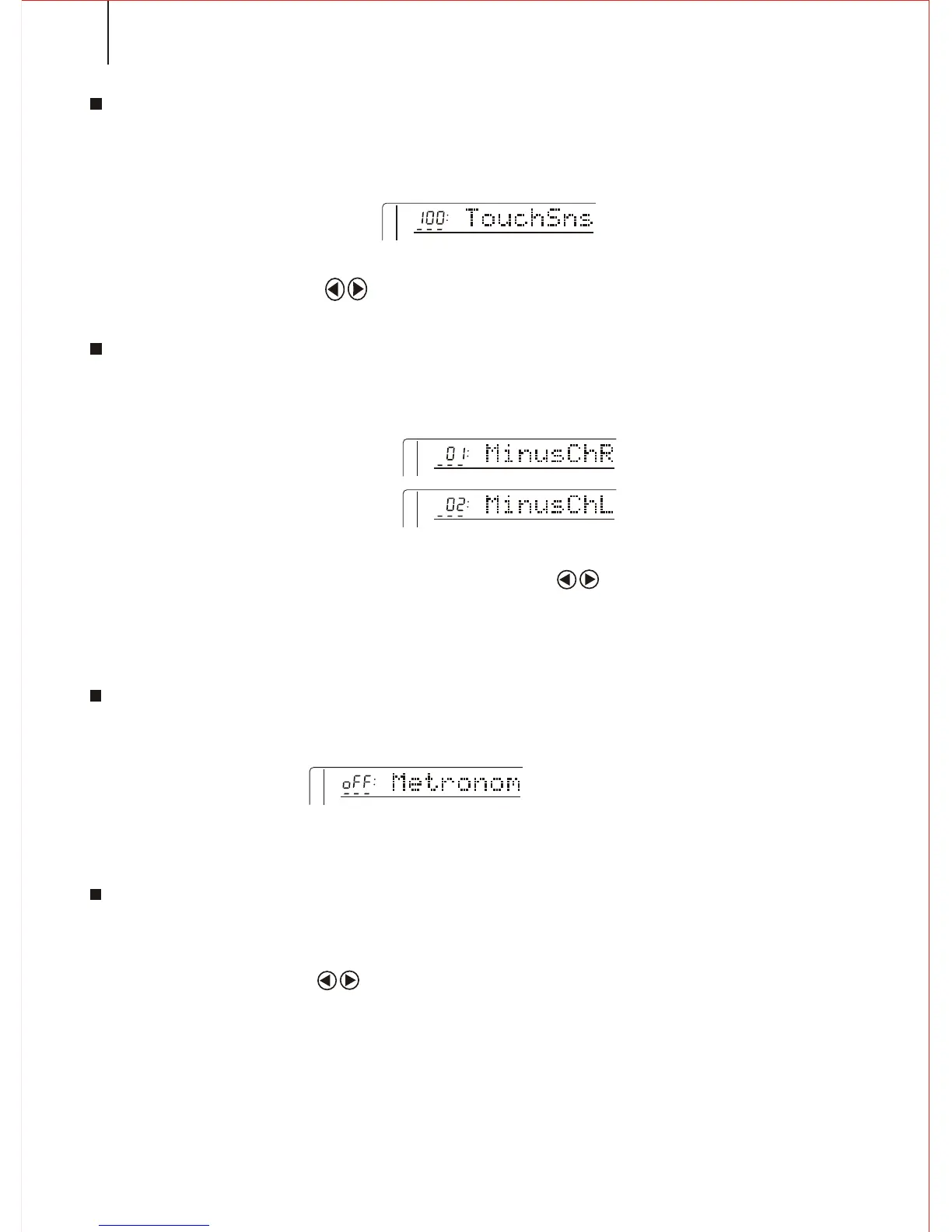
TOUCH SENSITIVITY
When the Touch Response function is on, this parameter determines the touch sense.
The bigger the number, the higher the sense.
Notice:
Press both CURSOR buttons to return to the original volume setting(100).
Holding down the [TOUCH] button can quickly select this function.
MINUS CHANNEL .
You can make the Song(DEMO)Minus counterpoint to the passage. By closing the
passage you can close the Minus during you practice.
Notice:
Passage 1-16 is available. Press both CURSOR buttons to return to the
original number setting(01 for right hand, 02 for left hand).
48
METRONOME
You can open/close this function. When it is open, Metronome sounds with the
function under accompany/Usersong and recording.
Notice:
When the power switch turns on, this function is closed.
PITCH
Adjusting the Pitch a little bit to fit other musical instruments. Extension
is from -100 to100. 00 is the standard Pitch.
Notice:
Press both CURSOR buttons to return to the original setting (00).



 To Next Page