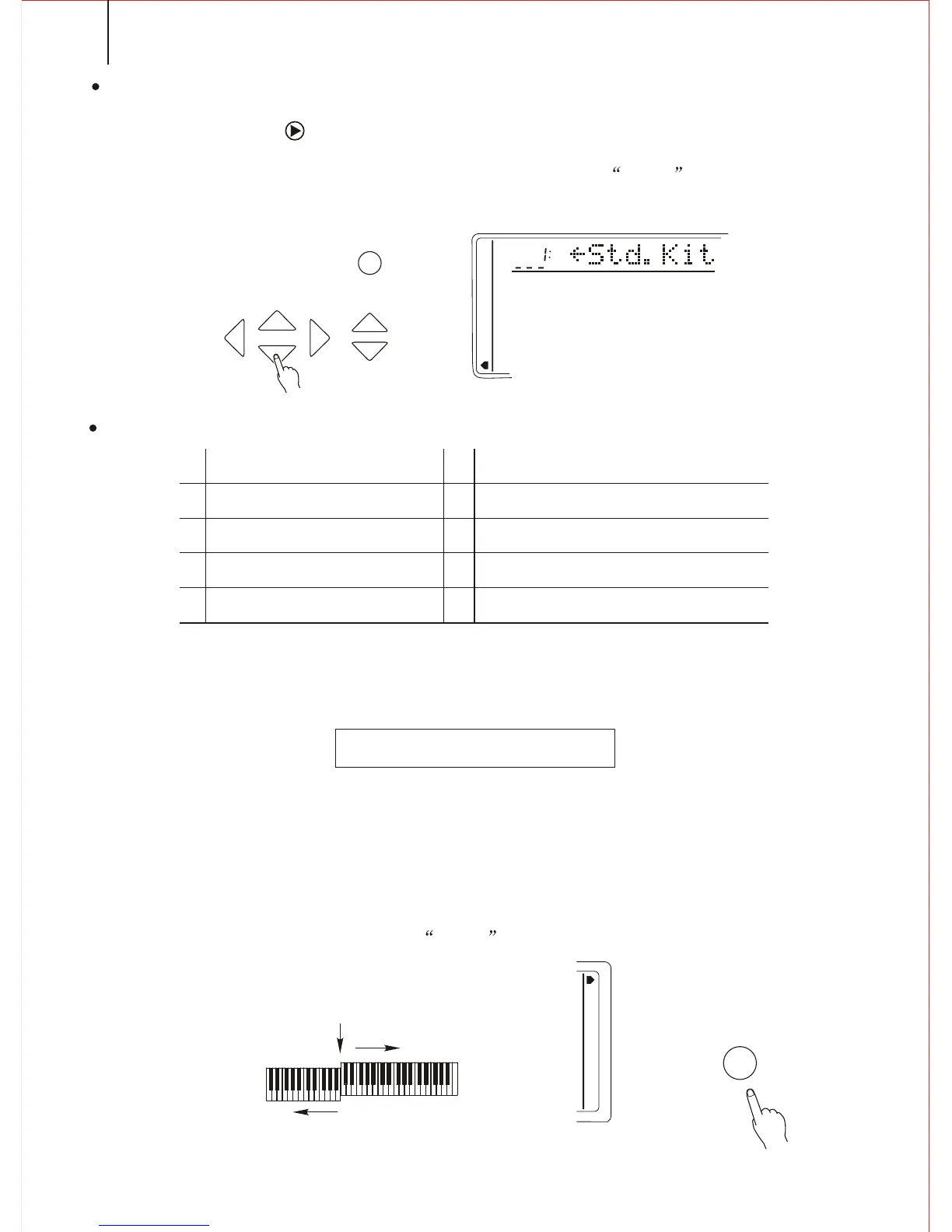
2. Selecting the PERCUSSION TEAM
Press the CURSOR button to enter in. Use [SEARCH] dial to select one group of
the total 10 Percussion groups. The name of the one you select appears on the screen.
You may also hold down the [PERCUSSION] button till the arrow in the screen points
to the Whole Function position, and the name of present percussion group appears in
the screen.
*.Under this mode, the keyboard split to the right & left hands. Each can play a different
Voice.
Example: BASS/PIANO
This mode splits the keyboard. One range is assigned a bass voice and other range
is assigned a piano voice. The split point is B3 ( Key No.59). It could be changed willfully.
The voice of the right hand selects by normal mode, the voice of the left hand selects
by the split mode. The following describes the details.
Press the [MODE] button till the arrow marks to the Keyboard Split. Thus you
enter into the SPLIT MODE.
Right Hand Voice
Split Point
Split Voice/Left Hand
KEYBOARD SPLIT MODE
NOTICE
The keyboard Split Mode and Dual Mode can play at the same time. Only the right hand plays the Dual.
3. Percussion team
Notice:
*.while selecting the Percussion, you may not use the DUAL and the HARMONY function
At the same time. These functions will automatically close.
STANDARD DRUMS
ROOM DRUMS
ELECTRIC DRUMS
JAZZ DRUMS (same as 01)
CLASSIC DRUMS
CHINESE PERCUSSION GROUPS
ROCK DRUMS
T808 DRUMS
BRUSH KIT
SFX KIT
01 02
03
04
05 06
07
09 10
08
TEMPO
FUNCTION
MEMORY
MULTIFUNCTION
DUAL VOICE
SPLIT MODE
HARMONY/ECHO
WHOLE FUNCTION
NUMBER EFFECT
S. NUMBER
VOICE
STYLE
CURSOR
MODE
S.TS.T
FINGERED
S.FINGER
KB SPLIT
N. PERFORMANCE
16



 To Next Page