5.Stop Recording
You can stop recording by pressing the [PLAY/STOP] button either in the Song part
or auto accompaniment part, or pressing the [ENDING] button.
If the record is stopped, there is no REC signal in the screen.
Voice number and volume of the accompaniment show in the screen.
Accompaniment & Melody Tracks Playback
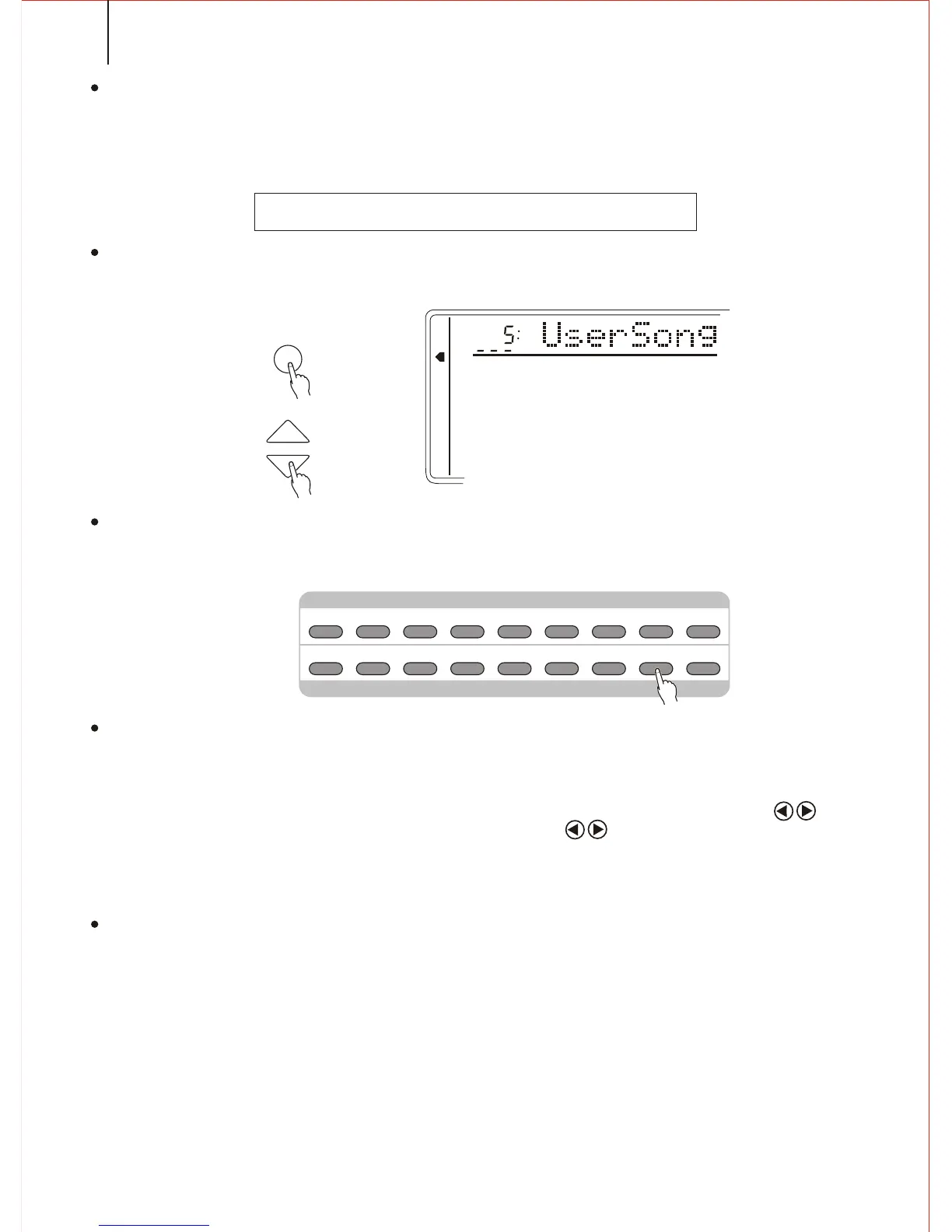
1.Selecting S.NUMBER
If needed, press the FUNCTION button to select the Song Number. Then
use the [SEARCH] dial to select No. 5 (USER SONG)
2.Start Playback
Press the [START/STOP] button, and you could open/close the accompaniment
& melody tracks according to your need.
3.Stop Playback
The playback automatically stops at the end. You can also press the [START/STOP]
button to stop the playback.
Notice:
Press the FUNCTION button to Song Track position, and use the Cursor buttons
to select a certain track, and then use the CURSOR buttons or data roller to open/
close this track. When closed, the track mark disappears. When the playback is on,
the voice volume can be rewritten.
4.Rewriting the Voice & Volume
While playing, you could rewrite the setting of the voice of any track. After selecting
a Voice number of one track (the mark flashes) by the Cursor buttons, use [SEARCH] dial
to change the setting. The setting will soon work. The voice change in the record data will
take in effect at the same time.
While playing, you could rewrite the setting of the volume of any track. After selecting
a volume of one track (this mark flashes) by the Cursor buttons, use the [SEARCH] dial to
change the setting. The setting will soon work. The volume change in the record data will
take in effect at the same time.
Notice:
Only the Voice and Volume of the USER SONG can be rewritten.
MEMORY
MULTIFUNCTION
DUAL VOICE
SPLIT MODE
HARMONY/ECHO
WHOLE FUNCTION
NUMBER EFFECT
S. NUMBER
VOICE
STYLE
FUNCTION
TEMPO
M1 M2 M3 M4 M5 M6 M7 M8
REGISTRATION MEMORY
REGISTRATION
/ MEMORY
B./S.
ACMP
TRACK1 TRACK2 TRACK4
TRACK3
TRACK5
RECORD
PLAY
/STOP
REPEAT
RECORD & PLAY
42



 To Next Page