Seting the chorus Return level
This parameter determines the output level of chorus Effect.
1.Selecting the Chorus Return Level
Press the [FUNCTION] button till the Arrow points to the NUMBER EFFECT position.
Then select the ChoRtnlv by the CURSOR buttons.
2 Setting the Return Level
Use the [SEARCH] dial to adjust. 00-127
3 Quit
Press the [VOICE] button or select another function to quit.
Notice:
This setting influences all voices. Each reverb send Level of the voice ( including Split
& Dual) could be set separately.
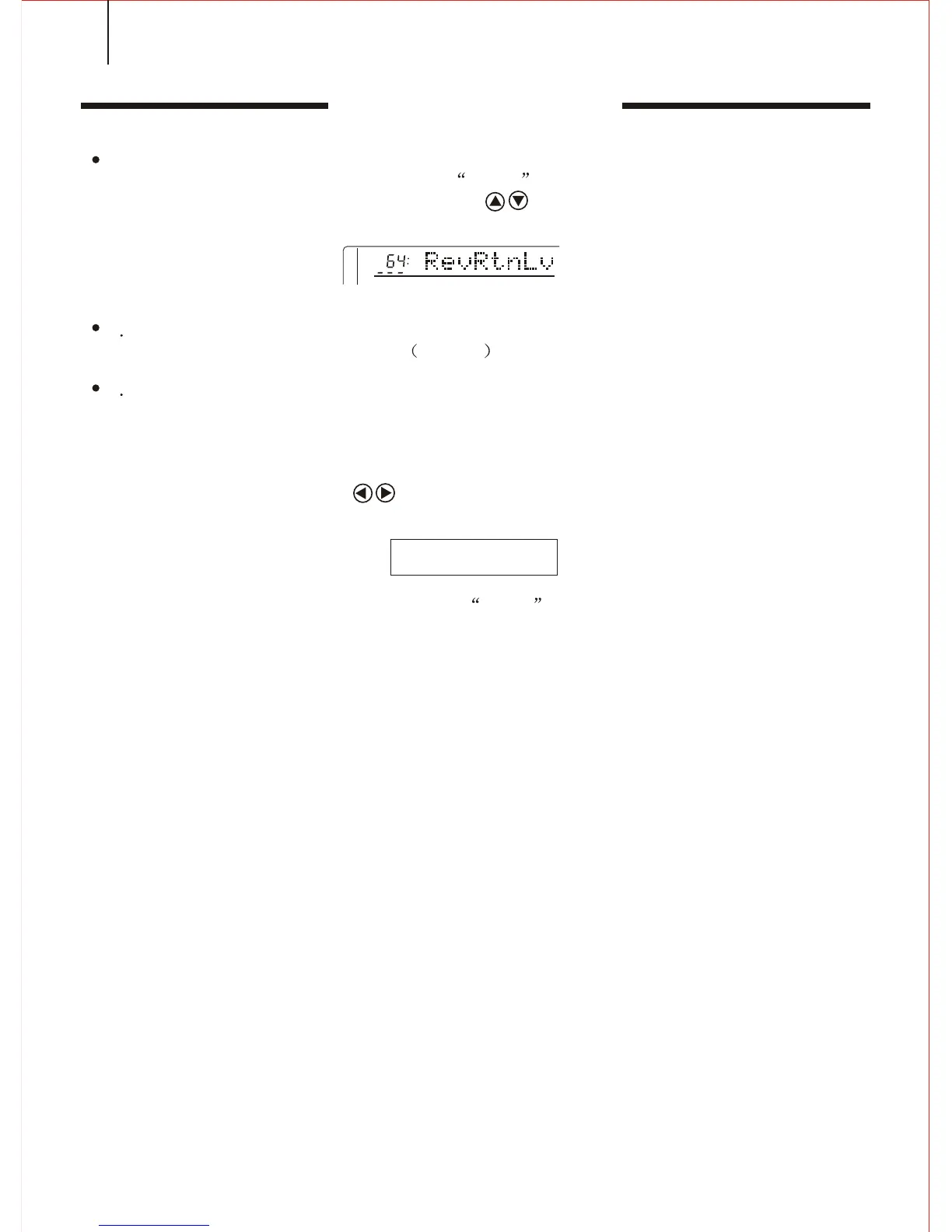
Pressing both CURSOR buttons may return to the original setting of Reverb
return level.(64).
3 D EFFECT
*. Press the [3D EFFECT] button and the arrow points to the 3D EFFECT position
of the WHOLE FUNCTION. Then you can open / close 3D EFFECT by pressing TEMPO
+ & -.
26



 To Next Page