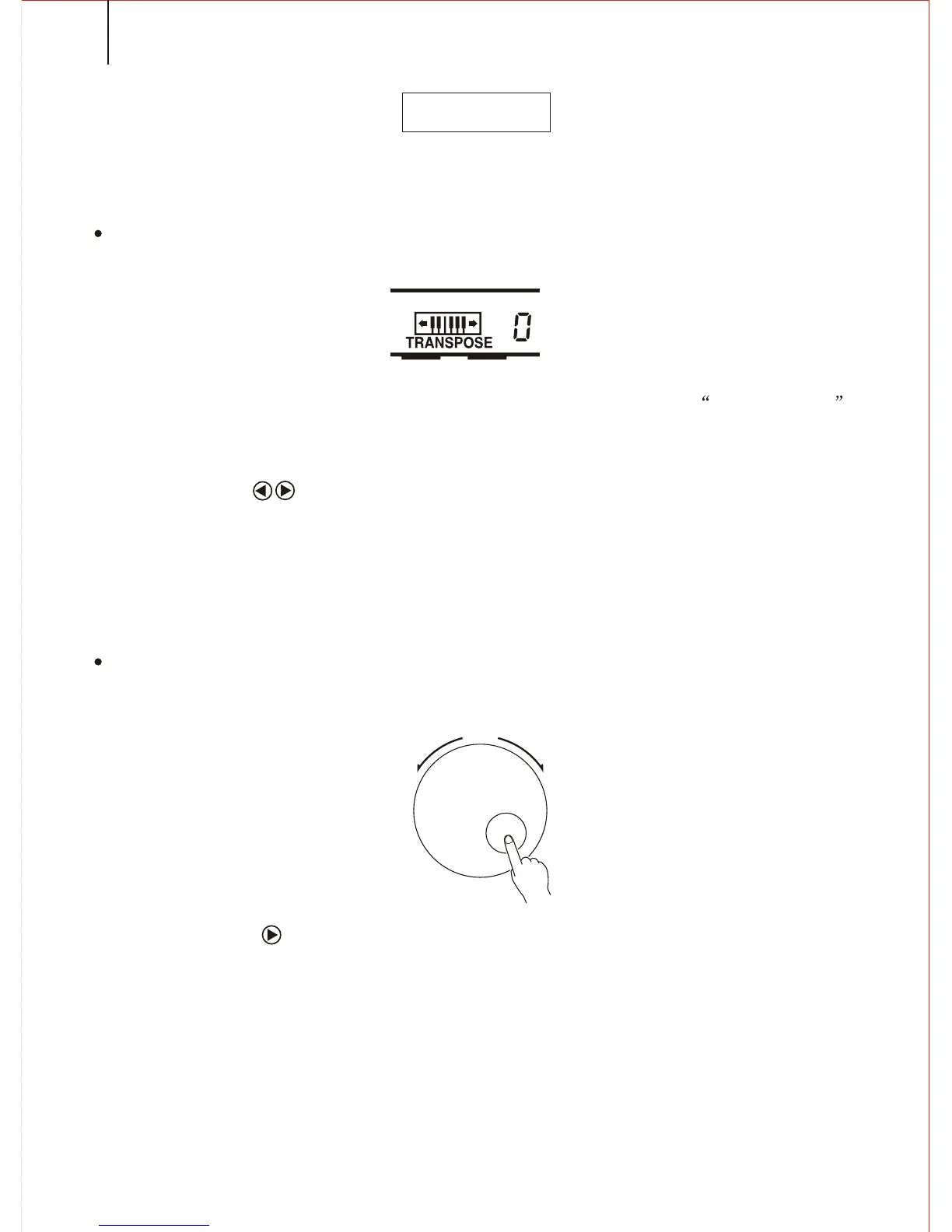
TRANSPOSE
*.This function makes the keyboard transpose a half tone.
1.TO SELECT THE PARAMETER OF THE TRANSPOSE
Use the CURSOR buttons to select the number at right side of the TRANSPOSE
in the screen display, which makes the number flash.
NOTICE:
*.Press the CURSOR buttons at the same time can remove the transpose parameter to 0.
The new parameter of the transpose will act on the following tone.
2. To set the parameter you need
Use the [SEARCH] dial to select the parameter number(-12 to +12).0 stands for the
standard pitch.
NOTICE:
*.Press the CURSOR and the number button at the same time to enter in minus number.
SEARCH
22



 To Next Page