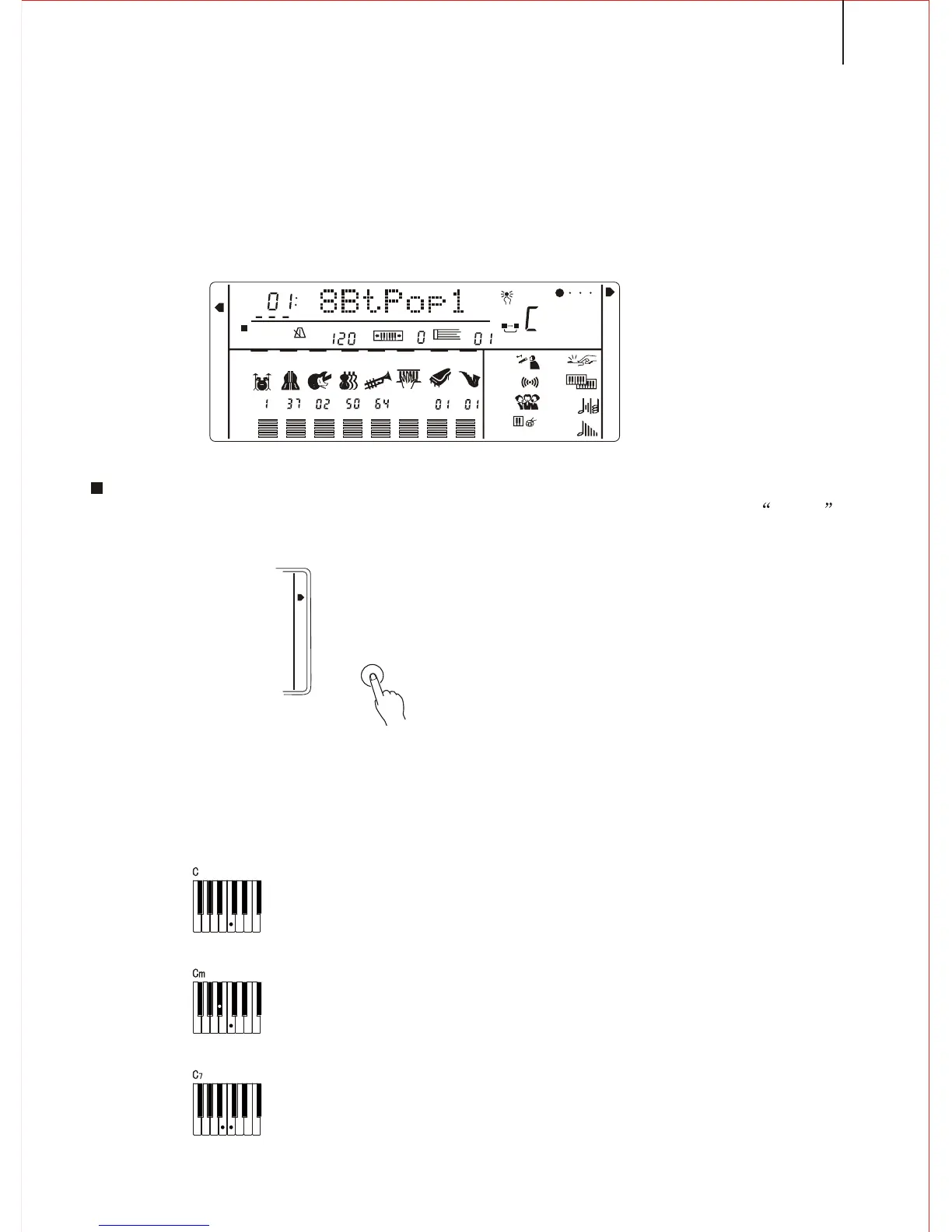
*.The following procedure describes how to use the keyboard's Auto accompaniment
feature.
This instrument comes with 100 built-in styles.
1.Selecting Accompaniment Mode
Keep pressing the [MODE] button (on the right side of the panel ) till the arrow
points to the SINGER FINGER or FINGERED MODE.
*.SINGER FINGER MODE
Under this mode, the chord accompaniment lets you play four types of chords with
one or two fingers..
USING AUTO ACCOMPANIMENT
Example
Chord Types
Major
Minor
Seventh
Major chord---Press the root note of the chord.
Minor chord----Press the root note together with the nearest
black key to the left of it.
Seventh chord----Press the root note together with the nearest
white key to the left of it.
1
REGIST
FREEZE
TEMPO
TRANSPOSE
MEASURE
REPEAT
A
B
OTS
CHORD
BEAT
RHYTHM
BASS
ON/
OFF
VOICE
VOL
CHORD
PAD
PHRASE
ACCOMP
MELODY
MELODY
1
1
1
2
MINUS ONE
REVERB
CHORUS
KEY
PERCUSSION
SUSTAIN
HARMONY
DUAL
TOUCH
S. T
FINGERED
S.FINGER
KB SPLIT
N. PERFORMANCE
MODE
27



 To Next Page