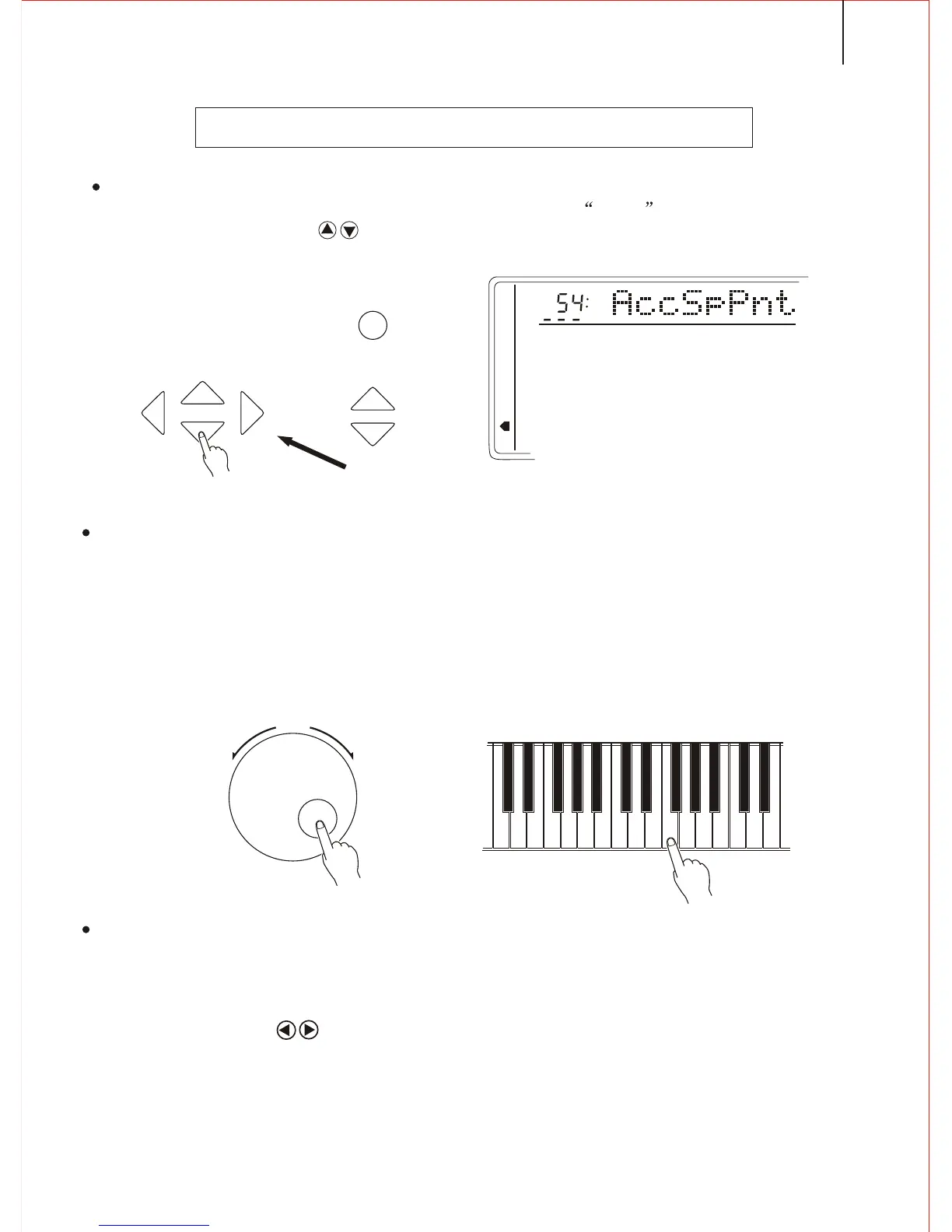
1.Selecting the split point function
Press the FUNCTION button on the front panel till the arrow points to the Whole Function
Then use the CURSOR button to select the AccSpPNT.
CHANGING THE SPLIT POINT OF ACCOMPANIMENT TRACK
2.Setting the Data
3.Quit
Press [VOICE] or select other function to quit.
Input directly by the Key(of the keyboard). Or select by the [SEARCH] dial. The
relative name appears in the screen. The lowest C1keyboard number is 36; centre C
(C3) is 60; and highest C6 is 96. Split point number could be any of 0-127(though it has
overpassed the range of this instrument) in order to make easier using the MIDI
Function.
Notice:
Split point is the highest note of the left hand part.
Press the CURSOR buttons together can return to the original setting 59.
SEARCH
MEMORY
MULTIFUNCTION
DUAL VOICE
SPLIT MODE
HARMONY/ECHO
WHOLE FUNCTION
NUMBER EFFECT
S. NUMBER
VOICE
STYLE
FUNCTION
TEMPO
CURSOR
35



 To Next Page