4.Stop recording
Press the [PLAY/STOP] button, and REC disappears and the volume of the Melody
track appears in the screen.
ACCOMP TRACK RECORDING ( WITH/WITHOUT MELODY)
Song accompaniment track can record the following data and operation:
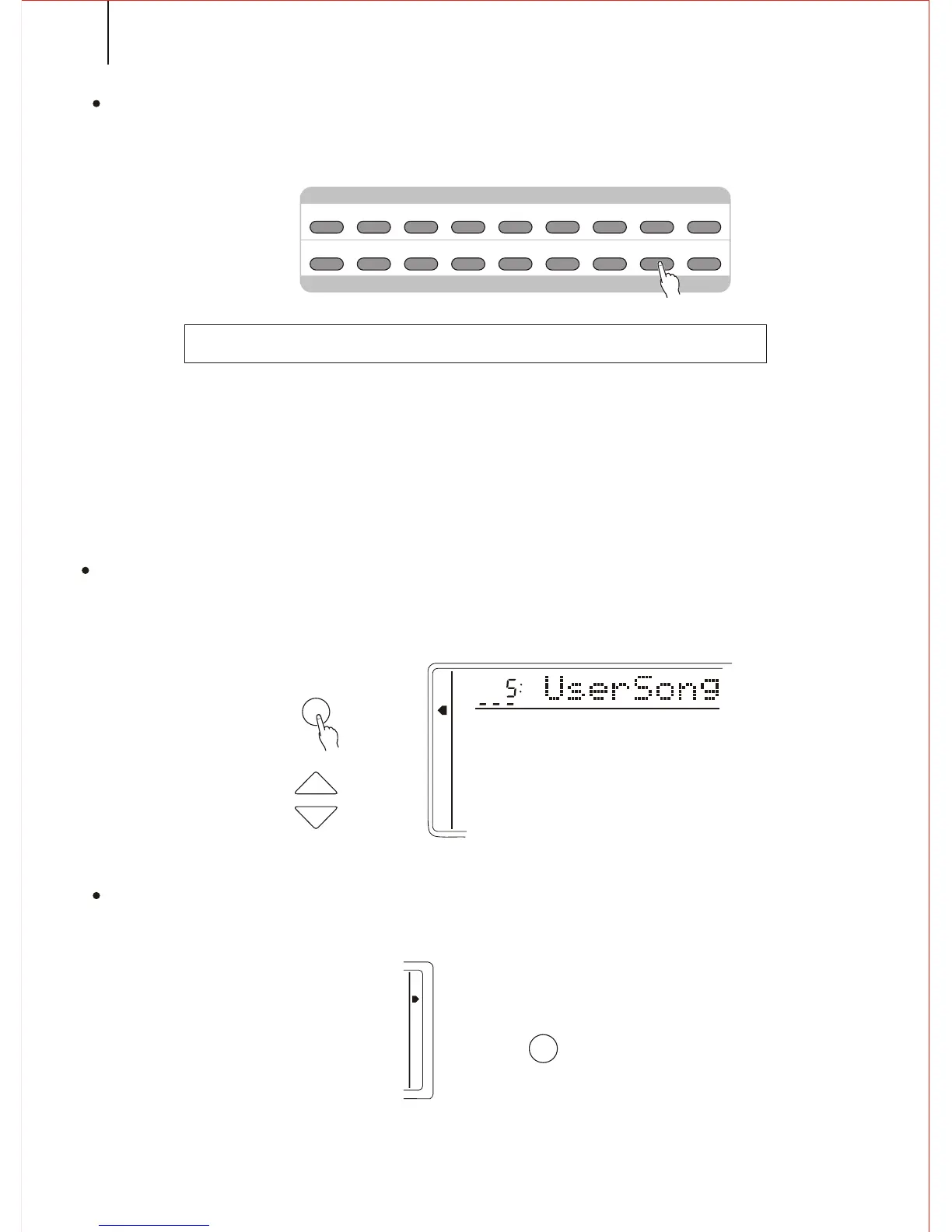
1.Selecting a Song number
If needed, press the FUNCTION button to select the Song number. Then adjust the
[SEARCH] dial to select Song Number 5( USER SONG)
2.Selecting Single Finger or Fingered Style
Select Single Finger or Fingered mode and any style to suit the song.
40
*. Section change (INTRO, FILL IN, ENDING) *. Style number
*. Chord change, current value *. Melody track on/off, Voice, Volume change
*. Rev *. Accompaniment volume
*. Chorus
* Only start recording when the song begins, and the changes made during the
performance will not be recorded.
M1 M2 M3 M4 M5 M6 M7 M8
REGISTRATION MEMORY
REGISTRATION
/ MEMORY
B./S.
ACMP
TRACK1 TRACK2 TRACK4
TRACK3
TRACK5
RECORD
PLAY
/STOP
REPEAT
RECORD & PLAY
MEMORY
MULTIFUNCTION
DUAL VOICE
SPLIT MODE
HARMONY/ECHO
WHOLE FUNCTION
NUMBER EFFECT
S. NUMBER
VOICE
STYLE
FUNCTION
TEMPO
S.TS.T
MODE
FINGERED
S.FINGER
KB SPLIT
N. PERFORMANCE



 To Next Page