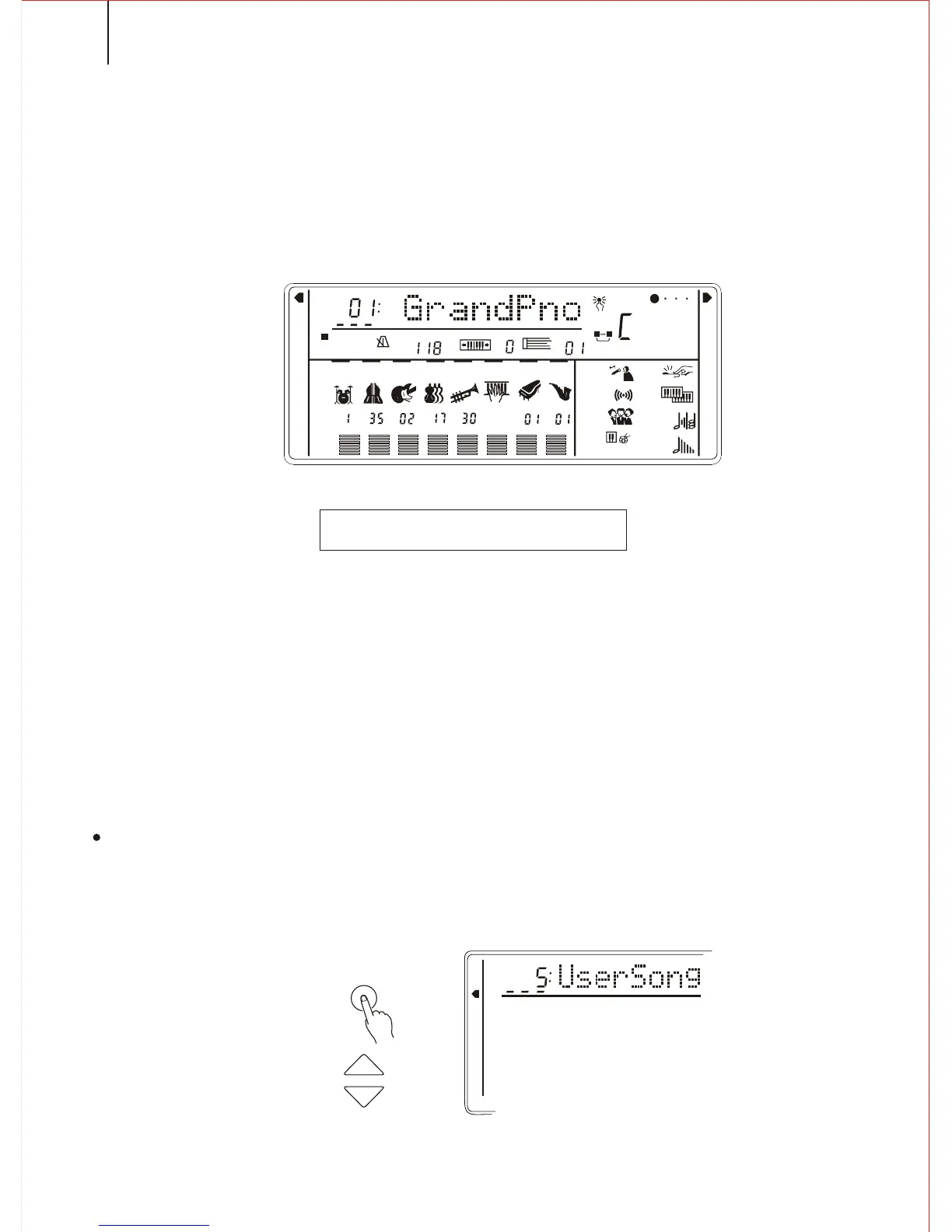
MELODY TRACK RECORDING
*. It records only at the beginning of a song. Any changes made during recording will
not be recorded.
1.Selecting a Song Number
If needed, press the FUNCTION button to select a S. NUMBER. Then use the
[SEARCH] dial to select Song the song.
SONG RECORDING
Melody Track Recording can control the following operation and data.
*. Note ON/OFF *. Voice number of the Dual ( vol; Octave; Rev; Chorus Level; Pan)
*. Touch *. Range
*. Voice number *. Rev
*. Octave *. Duel switch
*. Vol of the Keyboard *. P.B Range
*. Tempo ( accompaniment and melody track)
*. You can record and replay a song with this instrument. The song includes the
accompaniment and the melody you played. The song track includes an
accompaniment track and two melody tracks. Song 5 is a user song( to record your
performance). This instrument lets you record a complete user song at one time.
38
1
REGIST
FREEZE
TEMPO
TRANSPOSE
MEASURE
REPEAT
A
B
OTS
CHORD
BEAT
RHYTHM
BASS
ON/
OFF
VOICE
VOL
CHORD
PAD
PHRASE
ACCOMP
MELODY
MELODY
1
1
1
1
2
MINUS ONE
REVERB
CHORUS
KEY
PERCUSSION
SUSTAIN
HARMONY
DUAL
TOUCH
S. T
FINGERED
S.FINGER
KB SPLIT
N. PERFORMANCE
MEMORY
MULTIFUNCTION
DUAL VOICE
SPLIT MODE
HARMONY/ECHO
WHOLE FUNCTION
NUMBER EFFECT
S. NUMBER
VOICE
STYLE
MEMORY
MULTIFUNCTION
DUAL VOICE
SPLIT MODE
HARMONY/ECHO
WHOLE FUNCTION
NUMBER EFFECT
S. NUMBER
VOICE
STYLE
FUNCTION
TEMPO



 To Next Page