CHANGING THE CHORUS
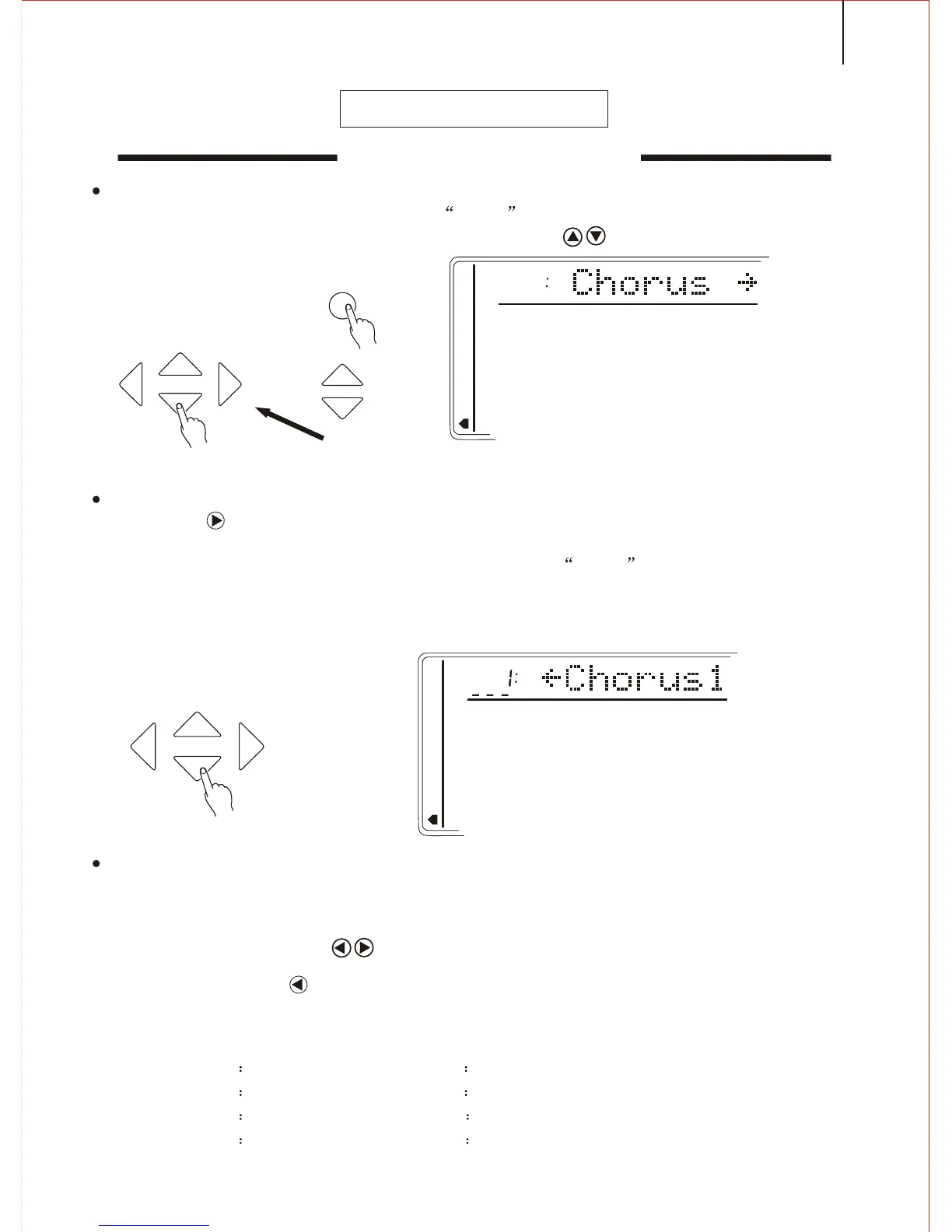
1.Selecting the Chorus Function
Press the FUNCTION button till the arrow points to the NUMBER EFFECT
position. Then select the Chorus by the CURSOR buttons.
2.Selecting the Chorus style
Use the CURSOR to enter in. Then adjust the [SEARCH] dial to select one
of the 8 Chorus. The relative name appears on the display.
You may also press the [CHORUS] button till the arrow points to the NUMBER
EFFECT position, and the current chorus name appears in the first line of the screen.
Selecting the Chorus Style
3.Quit
Press the [VOICE] button or select another function to quit.
Notice:
Pressing both CURSOR buttons may return to the original setting of Chorus
style.
Press the CURSOR to return to the former page: 'Chorus' and then select the
Reverb style:
CHORUS STYLE
01 CHORUS1 02 CHORUS2
03 CHORUS3 04 CHORUS4
05 FEEDBACK CHORUS 06 FLANGER
07 SHORT DELAY 08 SHORT DELAY WITH FEED-BACK
FUNCTION
TEMPO
CURSOR
MEMORY
MULTIFUNCTION
DUAL VOICE
SPLIT MODE
HARMONY/ECHO
WHOLE FUNCTION
NUMBER EFFECT
S. NUMBER
VOICE
STYLE
CURSOR
MEMORY
MULTIFUNCTION
DUAL VOICE
SPLIT MODE
HARMONY/ECHO
WHOLE FUNCTION
NUMBER EFFECT
S. NUMBER
VOICE
STYLE
25



 To Next Page