M1 M2 M3 M4 M5 M6 M7 M8
REGISTRATION MEMORY
REGISTRATION
/ MEMORY
B./S.
ACMP
TRACK1 TRACK2 TRACK4
TRACK3
TRACK5
RECORD
PLAY
/STOP
REPEAT
RECORD & PLAY
ACCOMPANIMENT TRACK CONTROL
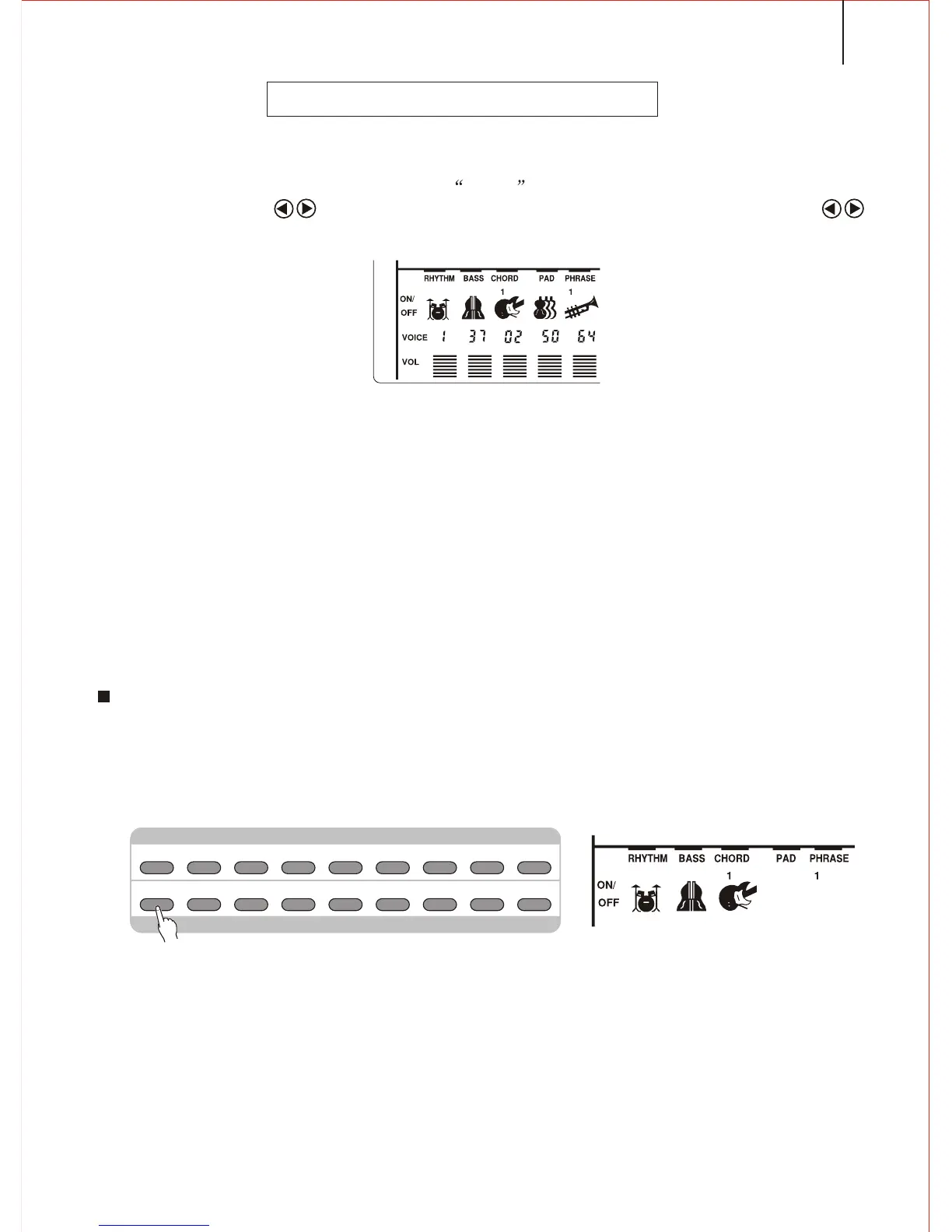
*. This instrument has 7 Accompaniment Tracks: RHYTHM, BASS, CHORD1/2, PAD and
PHRASE1/2. After a style is selected, CHORD1and PHRASE1 will display in the
screen. Press FUNCTION button till the arrow points to the track position.
Press the CURSOR buttons can select 7 tracks. Then you can use CURSOR
buttons to open/close the Accompaniment Track separately.
*.The content of Accompaniment Track:
Notice:
While a style is selected, The track including the data will display in the screen.
RHYTHM Provide the Percussion or Drum voice
BASS Provide different Bass voices, according to the style, such as ELECTRIC BASS;
ACOUSTIC BASS
CHORD 1&2 Provide the Rhythm Strings accompaniment, like the voice of Guitar and Piano.
PAD Provide the long chord, such as strings and Organ.
PHRASE 1&2 Provide the decorations, including the separate Chord, strong note, etc.
Big & Small Accompaniment
This is the simplest way to control the accompaniment track. Using this button can
open / close certain accompaniment track. If the Big Accompaniment is selected,
all the tracks are open; if the small one, the icons for some tracks disappear.
NOTICE
If a new style is selected, the instrument will automatically select the Big Accompaniment mode.
The accompaniment selects the tracks according to the style. Sometimes, some tracks are closed, and
you are not able to open them.
33



 To Next Page