8 Stopping the Auto Accompaniment
*. The volume of the Accompaniment could be set by the Whole Function. (Refer to P47)
*. Quiescence Accompaniment Function
Under the function of Single Finger & Fingered, after you stop the accompaniment,
if you play on the left part of the keyboard, it will continue playing proper bass chord that
suitable for your performance.
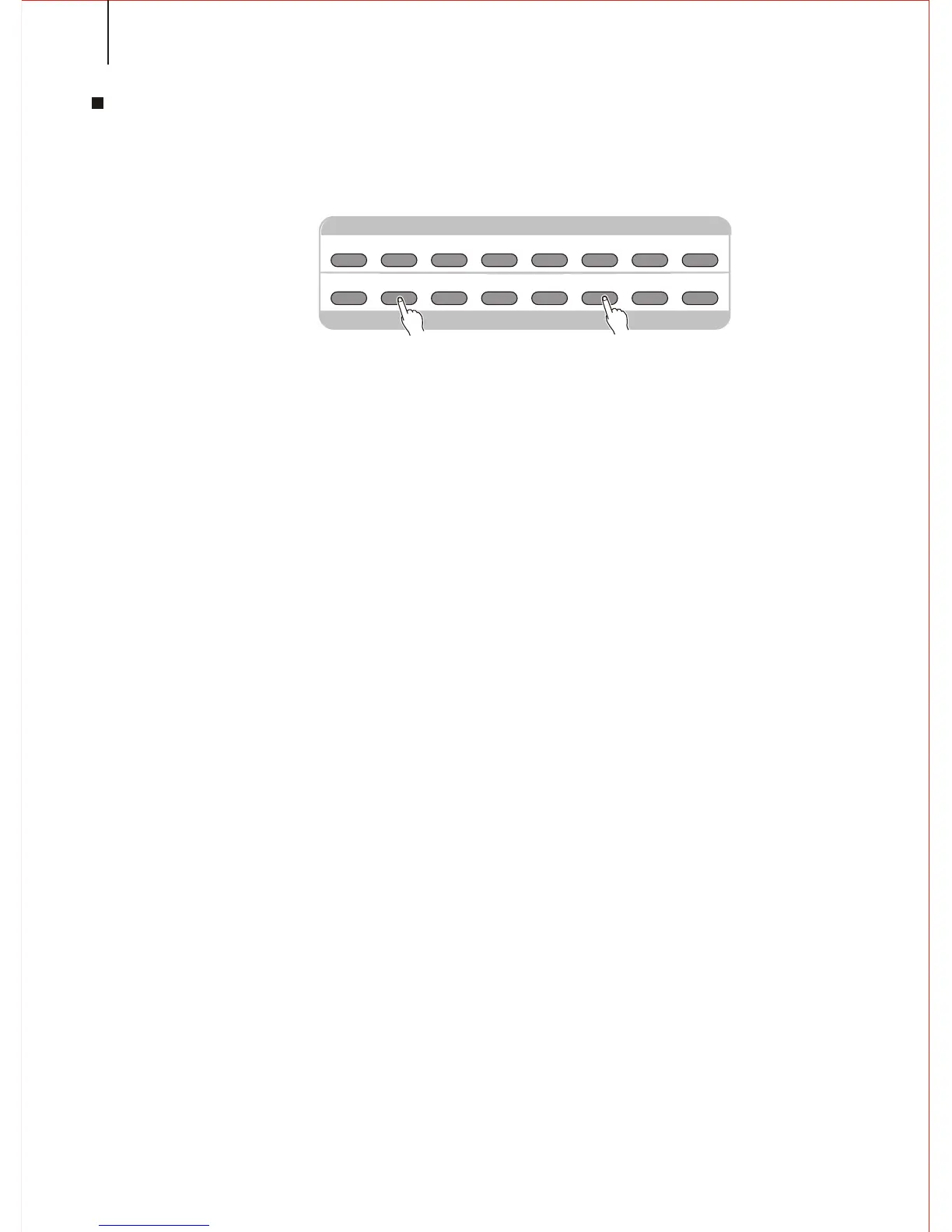
Press [START/STOP] button to stop accompaniment. Or press [ENDING] button to
stop it after the ending. The Ending will start from the beginning of next measure.
DEMO
DUAL
REBERB
TOUCH CHORUS
HARMONY
/ECHO
3D EFFECT
PERCUSSION
MINUS
CHANNEL
ACMP
FREEZE
ENDINGMAIN BMAIN A
INTRO
START
/STOP
SYNC START
/ STOP
DEMO EFFECT CONTROL
SELECT & ACMP CONTROL
32



 To Next Page