EVOM™ Manual
World Precision Instruments 21
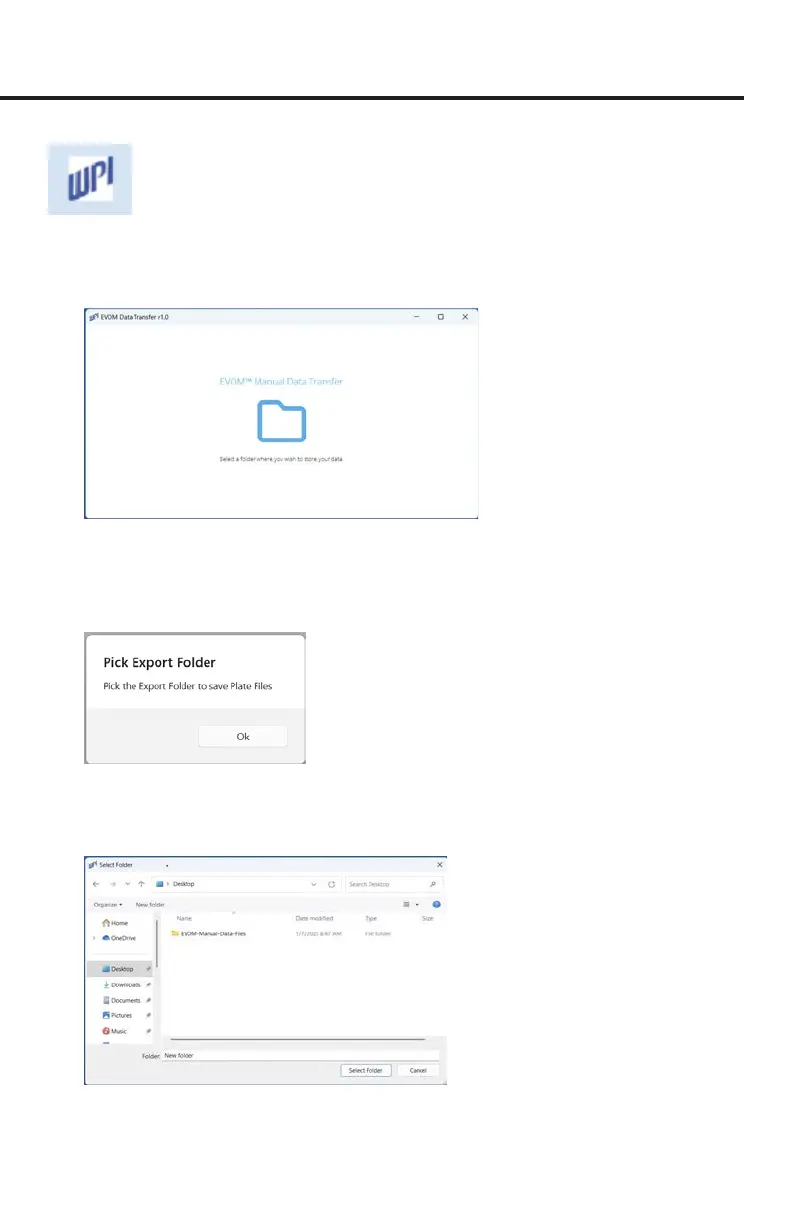
Fig. 35—The WPI icon appears in the taskbar when the program is running. Right click to
pin it to the taskbar for future use.
2. The EVOM™ Companion Application opens (Fig. 36).
Fig. 36—The application opens and asks you to select a data storage folder.
3. When the EVOM™ Companion Application is rst launched, it prompts you
to select a folder for data export. Click on the folder icon in the center of the
window. A popup message displays (Fig. 37). Click
OK.
Fig. 37—Select OK to choose a folder to store your EVOM™ Manual data les.
4. A window appears allowing you to navigate to the folder you want to use.
Highlight the desired folder and click the
Select Folder
button (Fig. 38).
Fig. 38—Choose the folder you want to use and click Select Folder.



 To Next Page