Operation Multi 197i
46
ba75339e04 07/2009
4.7.2 Switching on AutoStore (Int 1)
The save interval (Int 1) determines the chronological interval between
automatic save processes. After the fixed interval has expired, the cur-
rent data record is transmitted to the internal storage and to the inter-
face.
Switching on AutoStore
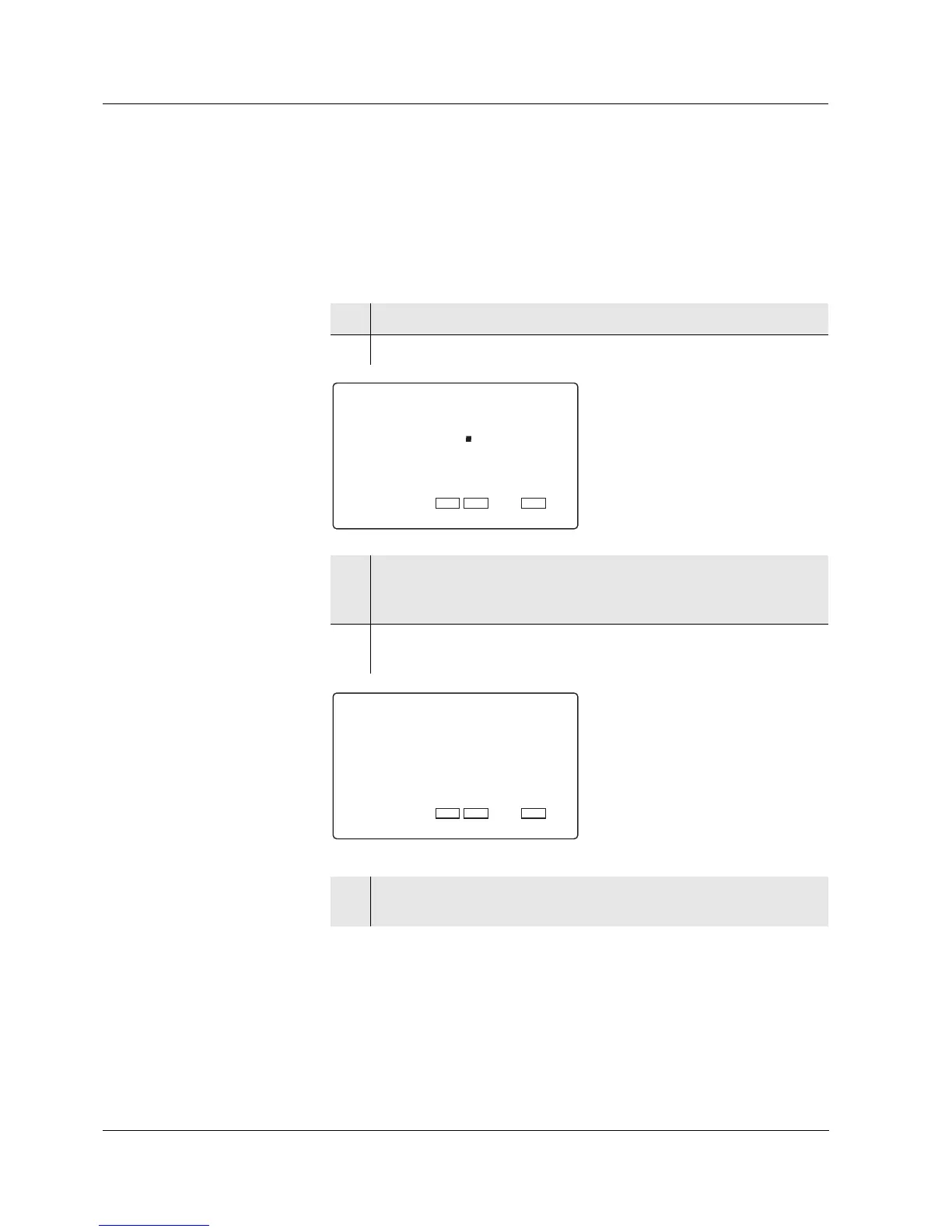
1 Press the <RUN/ENTER> key and hold it down.
2 Press the <STO> key. Int 1 appears on the display.
3 Set the required interval between the saving procedures with
<▲> <▼> (selection: 5 s, 10 s, 30 s, 1 min, 5 min, 10 min,
15 min, 30 min, 60 min).
4 Confirm with <RUN/ENTER>.
The number of free memory locations appears on the display.
5 Confirm with <RUN/ENTER>.
The prompt for the ID number appears on the display.













 To Next Page