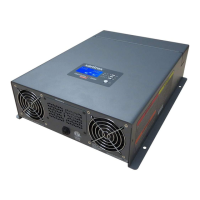
Display Panel Operation
975-0390-01-01 29
To return all feature settings to factory default settings:
1. Press and hold the Inverter Power button for five seconds.
2. Press the Inverter Power button four times. The LED
screen will flash “def” intermittently.
3. Press and hold the Select button for five seconds to return
all feature settings to their factory default settings.
Display Panel Operation
The Freedom HF features a display panel with three-digit LED
display to show inverter, AC source, and battery status
information.
Figure 15 Display Panel
FREEDOM HF
Input Voltage (V)
Select
STATUS
Battery
Fault
Utility
Input Current (A)
Output Power (kW)
Item Description
1 Inverter Power button
n Press and hold for one second to turn the Freedom HF’s
Inverter function ON or OFF (when AC Shore Power is
NOT present.)
n Press and hold for five seconds to adjust feature settings.
Go backto Adjusting Feature Settings for instructions.
2 Three-digit LED display screen shows status information and
fault codes.



 To Next Page
 Loading...