CClleeaarriinngg PPaappeerr JJaammss
CClleeaarriinngg PPaappeerr JJaammss ffrroomm tthhee DDooccuummeenntt FFeeeeddeerr
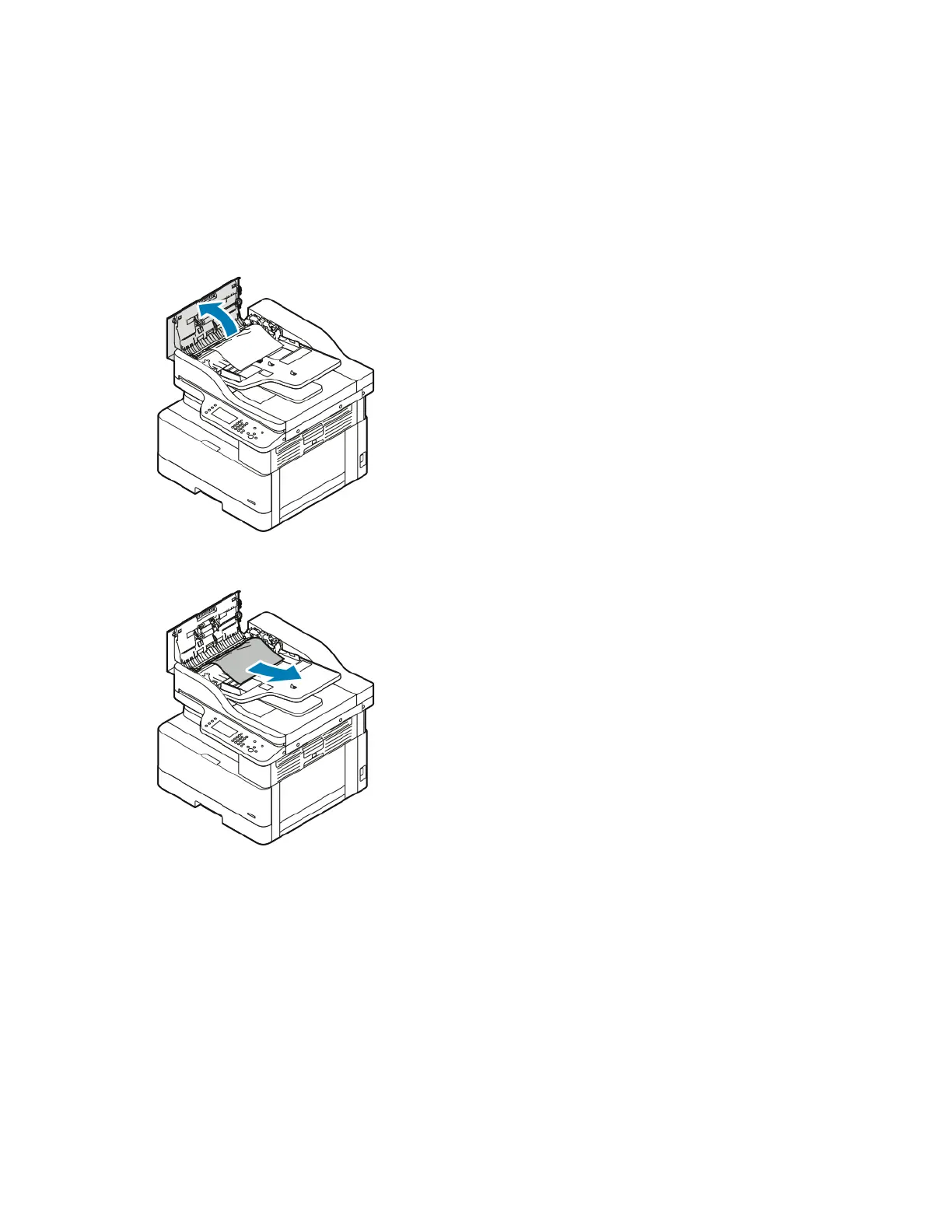
1. Remove any documents from the document feeder.
2. Open the document feeder top cover.
3. If the paper is jammed in the exit of the document feeder, gently pull out the paper toward you.
Xerox
®
B1025 Multifunction Printer
User Guide
135
Troubleshooting

 To Next Page
 Loading...