Clearing Paper Jams
Phaser® 4510 Laser Printer
6-10
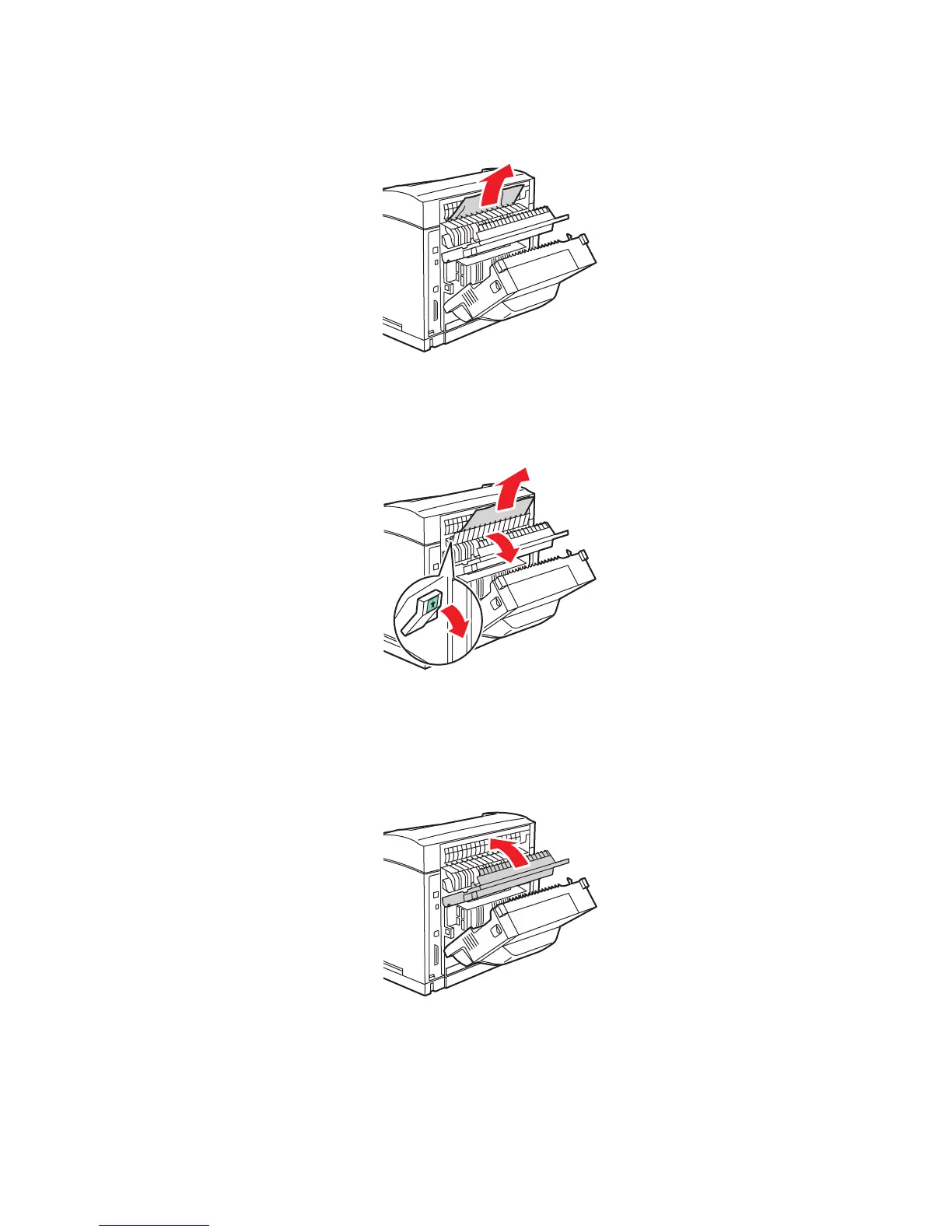
3. Remove the jammed paper. Confirm that all paper fragments are removed.
4. If you do not find jammed paper in Step 3, open the fuser exit cover and pull the jammed
paper completely out of the printer.
Note: When you let go of the fuser exit cover it will return to it’s original position.
5. Close the rear cover.
4510-024
4510-025
4510-026
















 To Next Page