Clearing Paper Jams
Phaser® 4510 Laser Printer
6-13
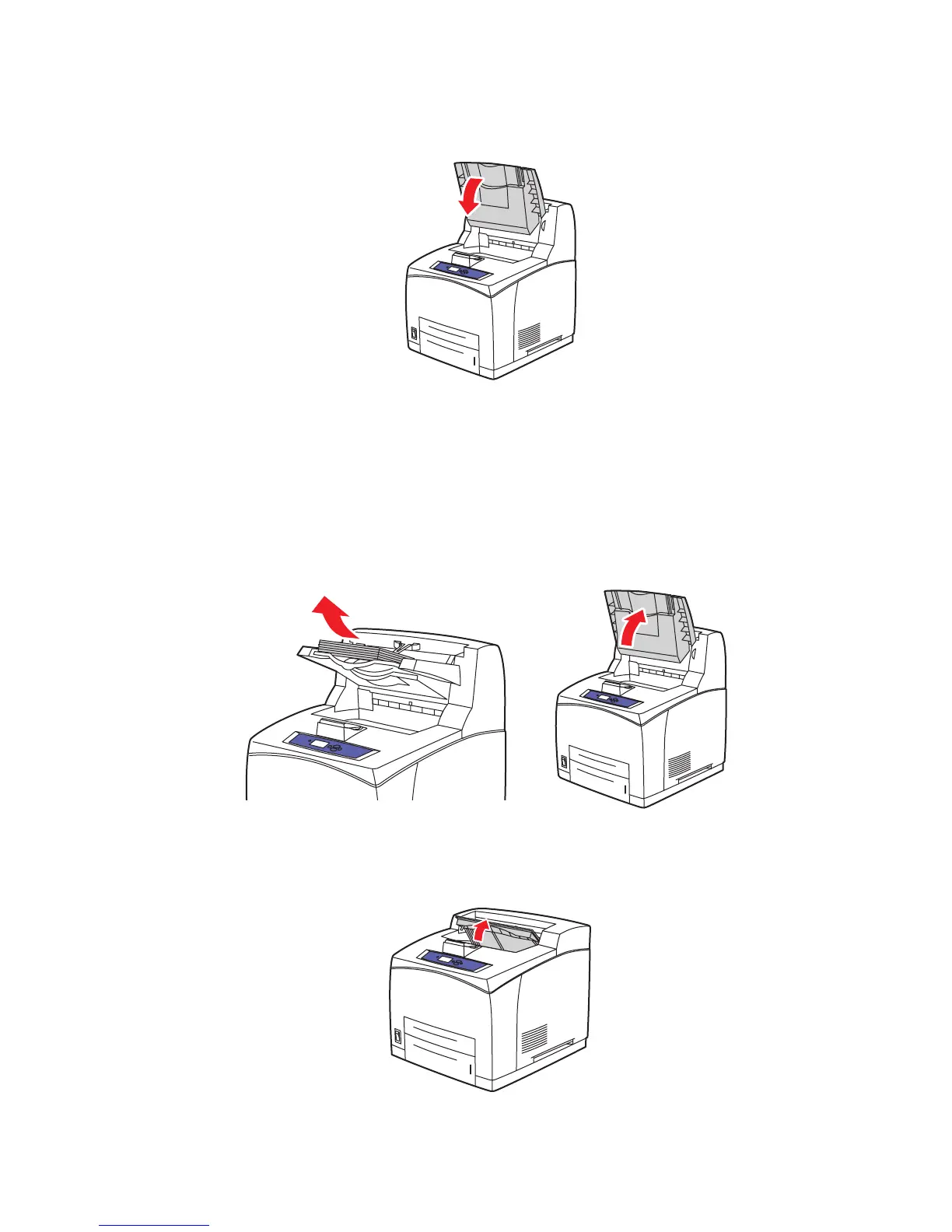
5. If you have a stacker, lower the stacker.
Jam at the Top Cover
There is a jam at the exit or at the rear cover. On the control panel of the printer, press the Help
(?) button to view information about the control panel message.
To clear the jam:
1. If you have a stacker, remove paper from the stacker, and then raise the stacker tray.
2. Open the top cover.
4510-010
4510-005
4510-007
















 To Next Page