Clearing Paper Jams
Phaser® 4510 Laser Printer
6-14
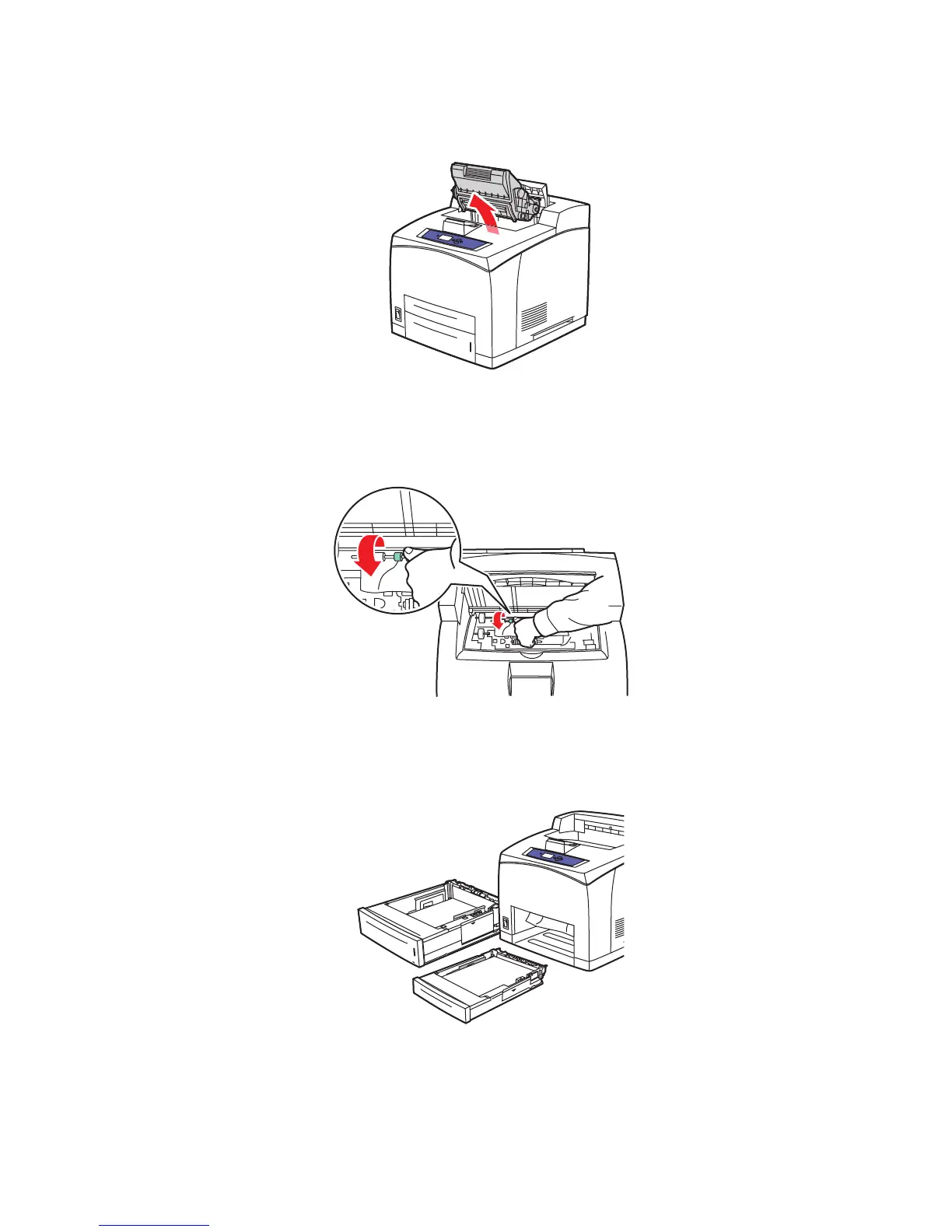
3. Remove the print cartridge.
4. Turn the green roller to move the jammed paper out of the rollers, and then gently pull the
jammed paper out of the rollers.
5. If you cannot move the jammed paper, pull Trays 1 and 2 completely out of the printer.
4510-122
4510-033
4510-034
















 To Next Page