Cleaning the Printer
Phaser® 4510 Laser Printer
5-2
Cleaning the Printer
For safety information, see User Safety on page A-1.
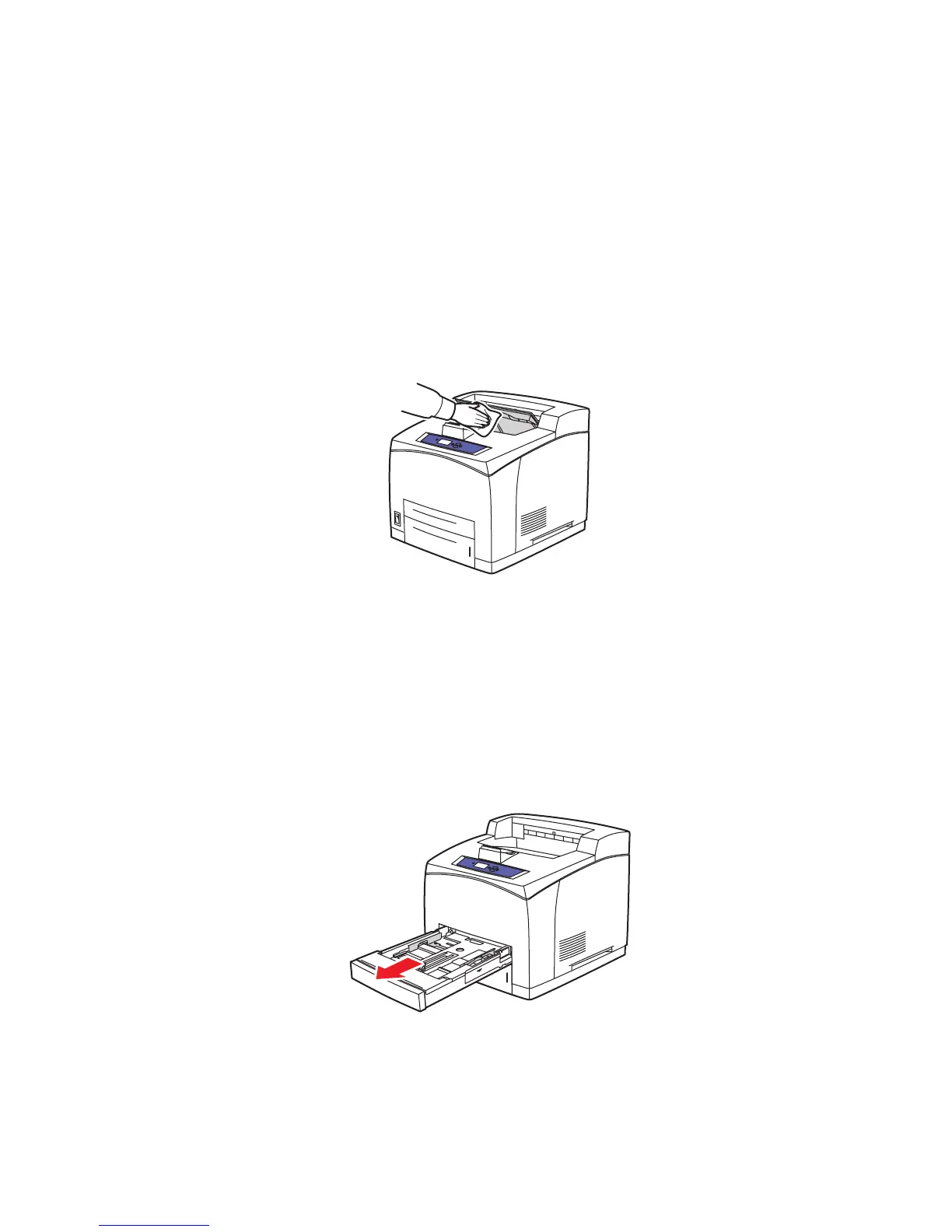
Cleaning the Outside of the Printer
To remove stains, clean the outside of the printer using a soft, damp cloth moistened with a
mild neutral detergent. Do not spray detergent directly onto the printer.
Warning: To prevent electric shock, turn the printer off and unplug the power cord from the
electrical outlet before cleaning the printer.
Use only an approved toner vacuum to clean the printer. Do not lubricate the printer with oil.
Cleaning the Feed Roller
Use this procedure to clean the feed roller if you encounter problems with the paper feeding
incorrectly from the tray.
1. Pull the tray completely out of the printer.
4510-112
4510-069
















 To Next Page