Clearing Paper Jams
Phaser® 4510 Laser Printer
6-21
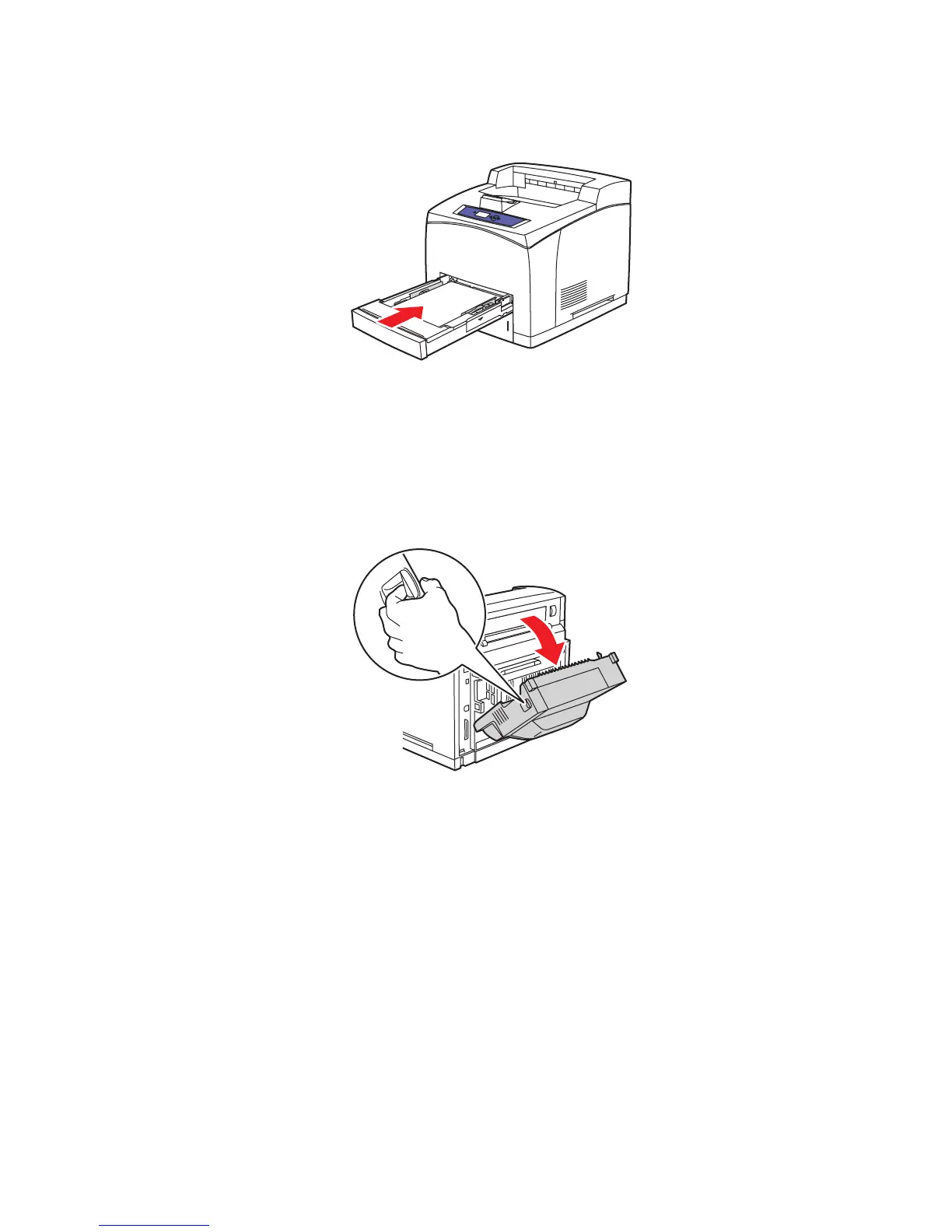
3. Insert the tray into the printer slot and push it completely to the back of the printer.
4. If the control panel prompts you:
■ If you haven't changed the type of paper, press the OK button.
■ If you have changed the type of paper, scroll to the correct paper type and press the
OK button.
5. If you have a duplex unit, open the duplex unit cover.
4510-044
4510-018
















 To Next Page