Printing on Specialty Media
Phaser® 4510 Laser Printer
3-26
Printing Transparencies from Tray 1
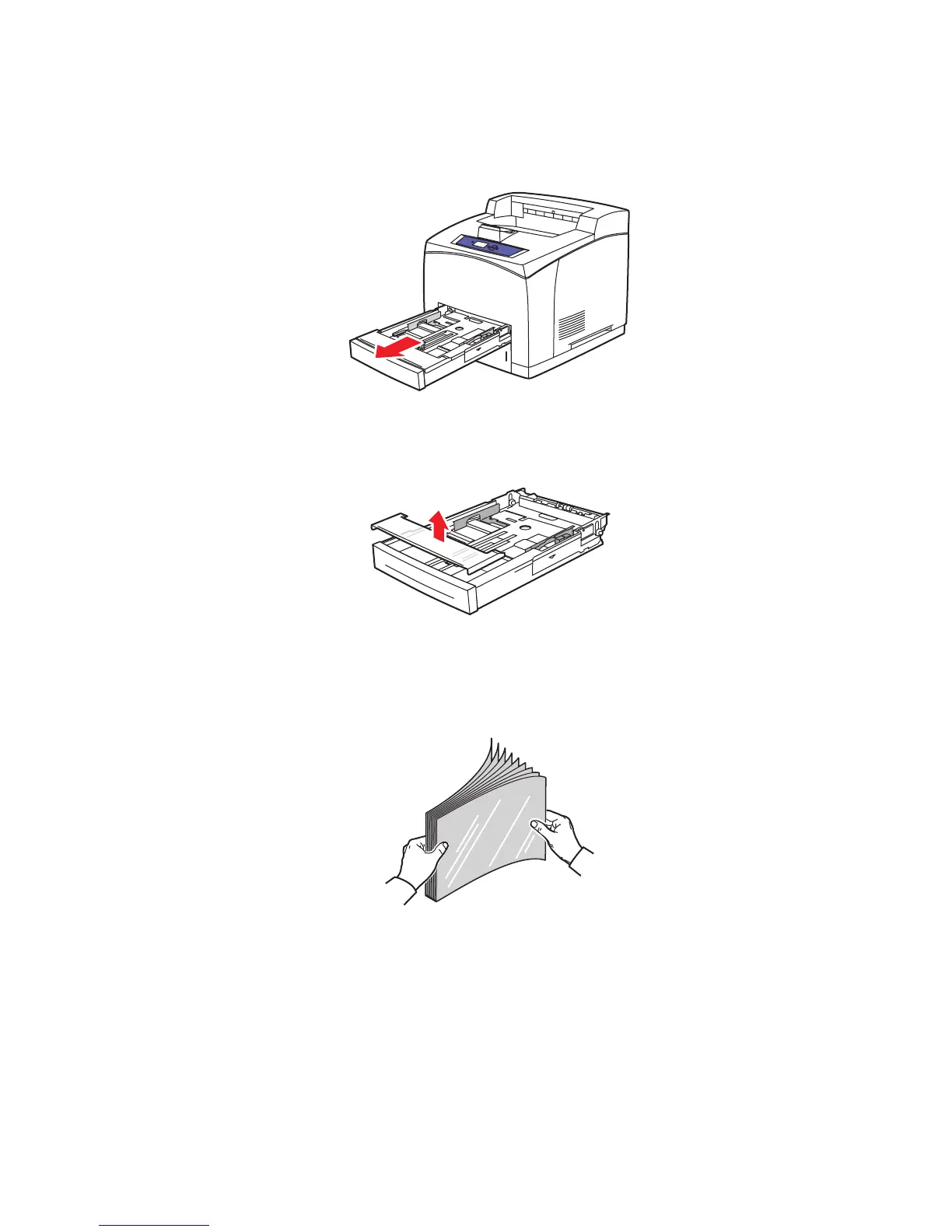
1. Remove Tray 1 from the printer by pulling out on the handle.
2. Remove the lid from the tray.
3. Remove all media from the tray.
4. Fan the transparencies to release sheets that are stuck together.
4510-069
4510-097
6360-047


 To Next Page
 Loading...













