Printing on Specialty Media
Phaser® 4510 Laser Printer
3-42
Printing Index Cards from Tray 1
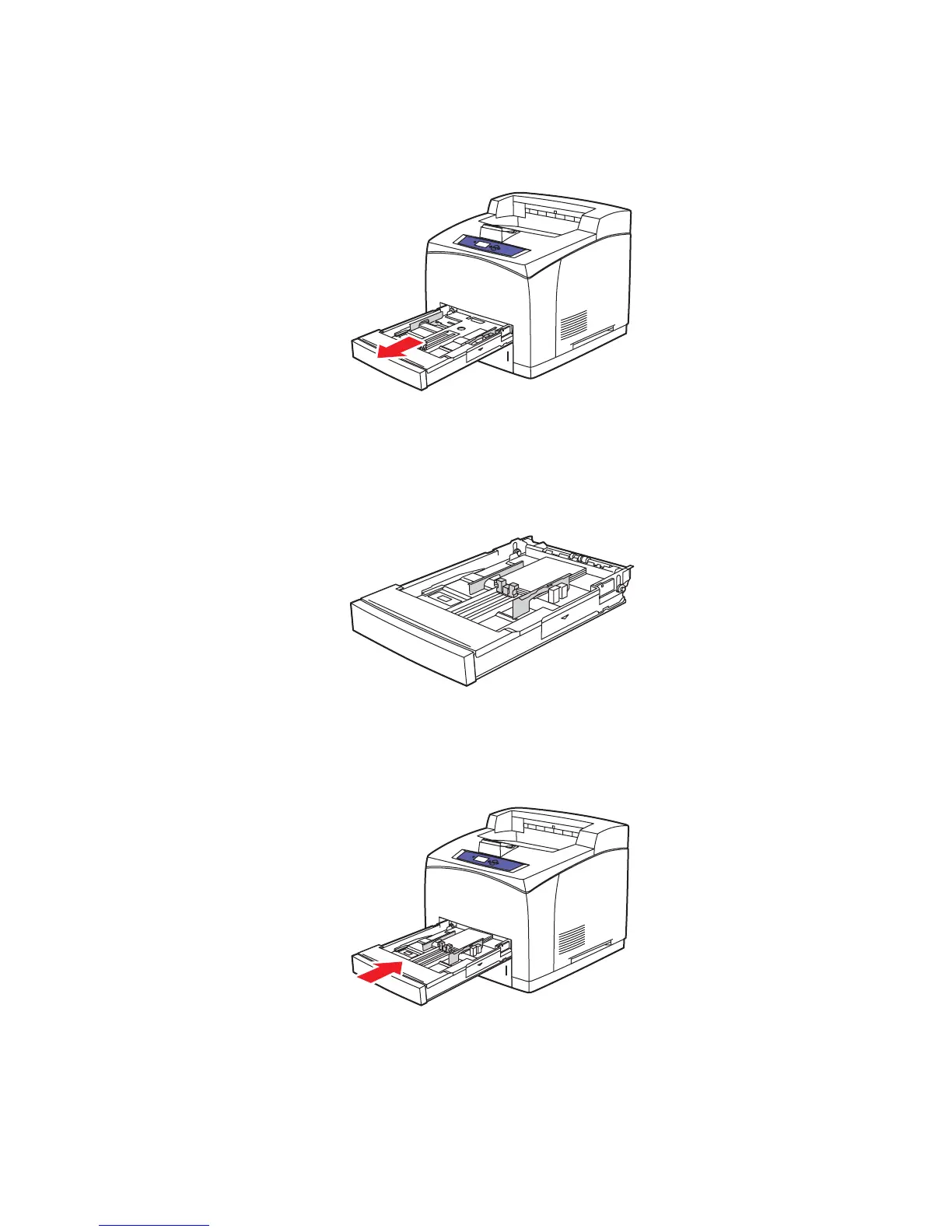
1. Pull the tray completely out of the printer.
2. Insert the 3 x 5 in. index cards into the tray with the side to be printed faceup with the top
of the card toward the back of the tray.
Do not load paper above the fill line indicated inside the tray.
3. Adjust the paper guides to fit against the index cards.
4. Insert the tray into the printer tray slot and push it completely to the back of the printer.
4510-069
4510-085
4510-086
















 To Next Page