To rename a folder
1
Tap the folder to open it.
2
Touch and hold the folder's title bar to open the Rename folder dialog box.
3
Enter the Folder name and tap OK.
To create a shortcut from the applications screen
1
From the Home screen, tap .
2
Touch and hold an application until it appears on the Home screen.
Applications screen
You can access your applications in the phone using the Applications screen.
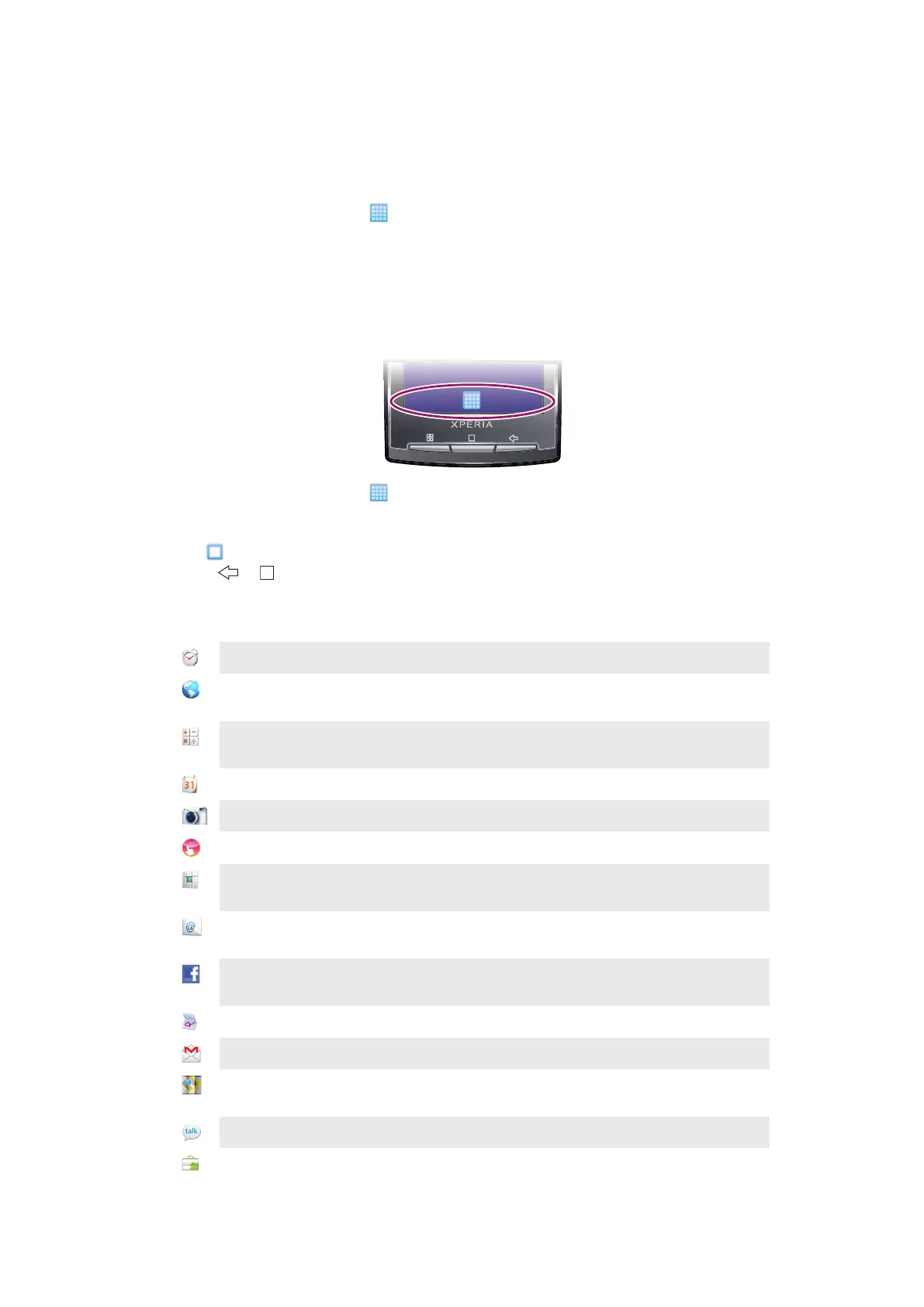
To open the Applications screen
•
From the Home screen, tap .
To close the Applications screen
•
Tap .
•
Press
or .
Applications overview
Alarm Clock
Set an alarm
Browser
Browse web sites as well as download new programs and files
from the Internet
Calculator
Perform basic calculations such as addition, subtraction,
multiplication, and division
Calendar
Keep track of your appointments
Camera
Take photos and record video clips
Creatouch
Design your own wallpaper
Phone
Make and receive calls, switch between calls, and set up
conference calling
Email
Send and receive email messages. You can also use more than
one account
Facebook™
Facebook for Android™ makes it easy to stay connected and
share information with friends
Gestures Builder
Create a set of pre-defined gesture controls
Gmail™
An email application that supports Gmail™
Google Maps
View your current location, find other locations and calculate
routes
Talk
Chat online
Market
Android™ Market service to download and buy new
applications to your phone
12
This is an Internet version of this publication. © Print only for private use.



 To Next Page