Facebook™
Facebook for Android™ makes it easy to stay connected and share information with
friends. You can share status updates from your home screen, check out your news feed,
look at your friends’ walls and view user info. Use your regular Facebook™ account to log
in, or create a new account the first time you open the application.
To open Facebook™
•
From the Home screen, tap , then tap Facebook™.
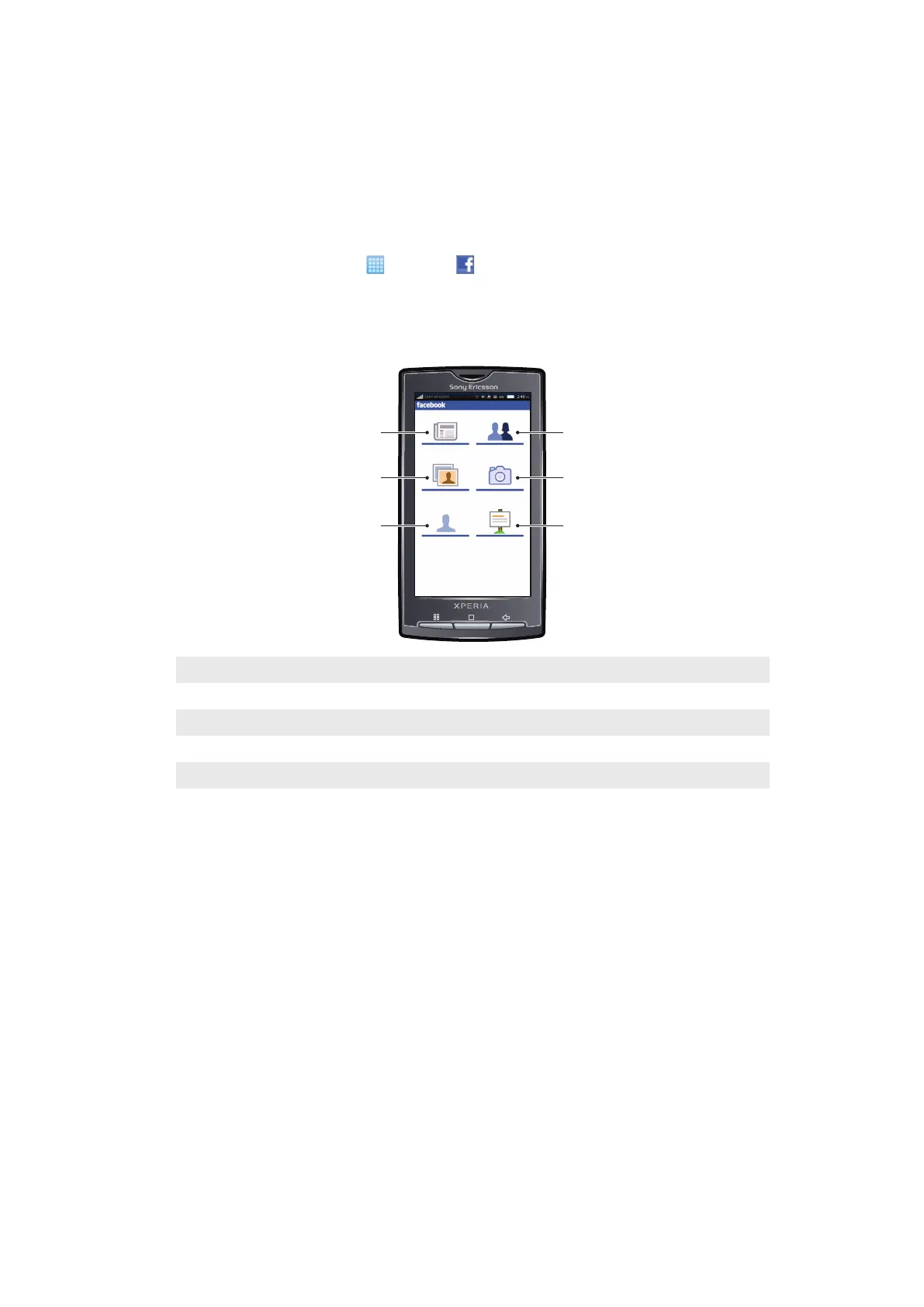
Facebook™ overview
The following options are available in the Facebook™ application:
1
View your friends' status updates, and update your status
2 View your photos
3 View your profile and update your status
4 View your friends' profiles and search for new friends
5 Take a new photo. It will be saved to your memory card.
6 View your recent notifications
41
This is an Internet version of this publication. © Print only for private use.



 To Next Page