Videos in Sony Ericsson Mediascape
You can browse and view your videos using Sony Ericsson Mediascape. Use the
Media Go™ application to transfer content to and from the memory card in your phone.
For more information, see Connecting your phone to a computer on page 64.
To browse your videos
1
From the Home screen, tap Mediascape.
2
If the video home screen is not shown, tap Video .
3
In the upper part of the screen, tap More.
4
Flick left or right to view videos by category.
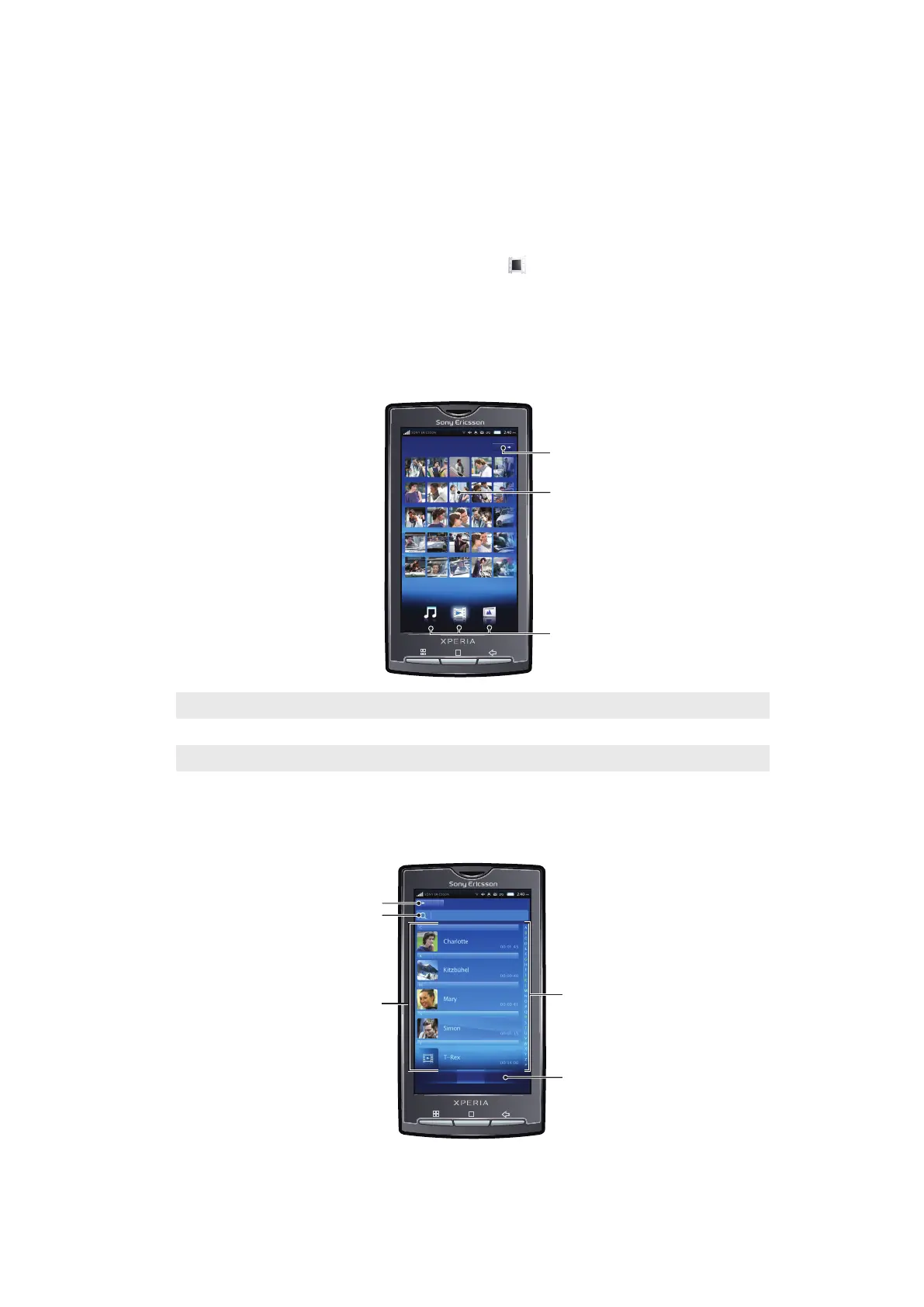
Video home screen
The video home screen contains locally stored videos.
1
More key. Browse videos by category
2 Predefined video lists
3 Media categories. Change category home screen
Browsing videos
You can browse your videos by categories.
83
This is an Internet version of this publication. © Print only for private use.



 To Next Page