To format the memory card
1
From the Home screen, tap .
2
Find and tap Settings > SD card & phone storage settings > Unmount SD
card.
3
After you have unmounted the memory card, tap Format SD card > Erase
everything.
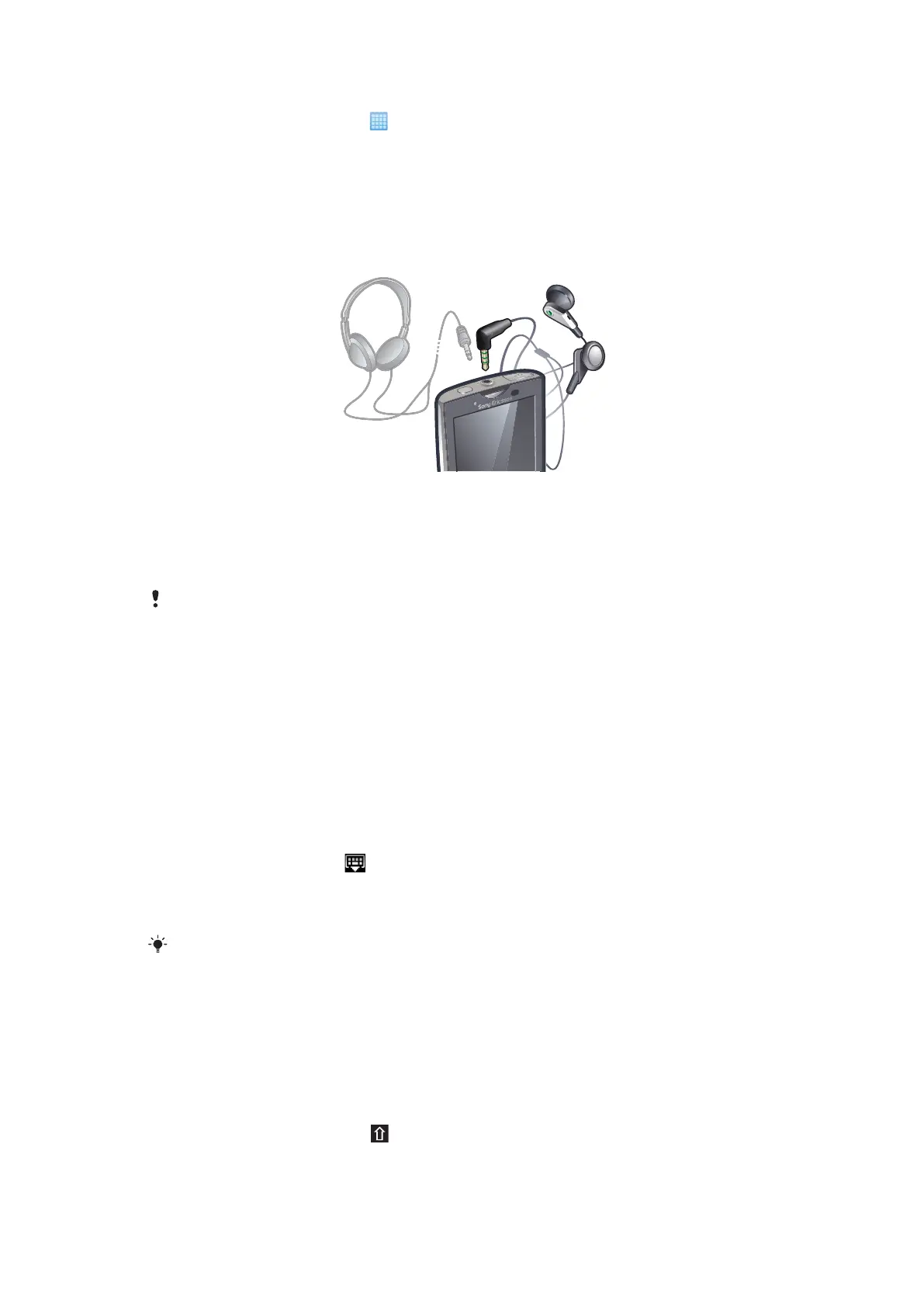
Stereo portable handsfree
To use a handsfree
1
Connect a portable handsfree.
2
To answer a call, press the call handling key. If you listen to music, it stops when
you receive a call and resumes when the call has ended.
3
To end a call, press the call handling key.
If a portable handsfree is not included with the phone, you may purchase it separately.
Entering text
Using the keyboard
When you start an application or select a field that requires text or numbers, the keyboard
appears.
To display the keyboard to enter text
•
Tap a text entry field.
To hide the keyboard
•
When you enter text, tap
.
To use the landscape keyboard
•
When you enter text, turn the phone sideways.
For the keyboard to support this feature, landscape mode must be supported by the application
you are using, and your screen orientation settings must be set to automatic.
To enter text
•
To enter a character visible on the keyboard, tap the character.
•
To enter a letter variant, touch and hold a regular keyboard letter to get a list of
available options, then select from the list. For example, to enter "é", touch and hold
"e" until a list appears, then select "é" from the list.
To shift between upper-case and lower-case letters
•
Before you enter a letter, tap .
20
This is an Internet version of this publication. © Print only for private use.



 To Next Page