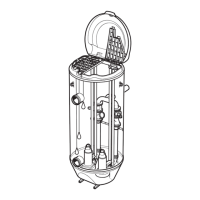
6.7.1 Remove the entrance cover
1.
Remove the entrance cover screws.
2. Disconnect the cable leads.
3. Lift off the entrance cover.
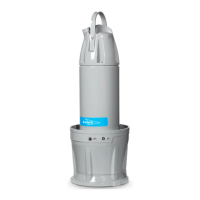
6.7.2 Attach the assembly and dismantling stand
Two lifting devices are required for this task.
1.
Bolt the assembly/dismantling stand (605 70 00) in position. Secure it using the screws
for the entrance cover.
6 Maintenance
68 P7030, P7035, P7040 Installation, Operation, and Maintenance Manual


 To Next Page
 Loading...