Multi 3630 IDS Operation
ba77170e03 10/2017 19
4.1.6 Sensor info
You can display the current sensor data and sensor settings of a connected
sensor at any time. The sensor data are available in the measured value dis-
play with the [Info] softkey.
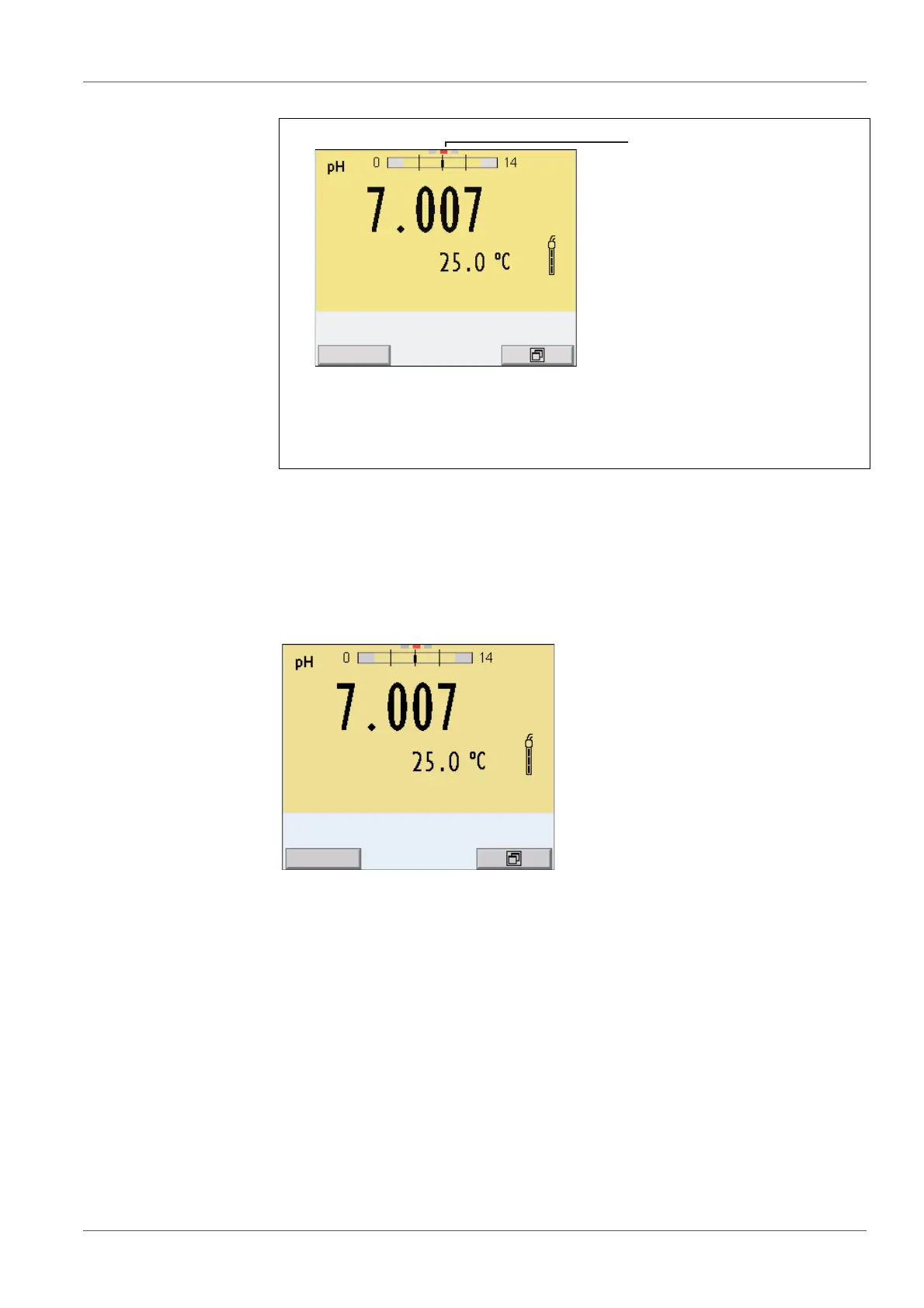
1 Channel display:
Display of the plug position for the relevant parameter
The red bar indicates for each connected sensor to which plug posi-
tion (channel) of the meter it is connected.
1 In the measured value display:
Display the sensor data (sensor name, series number) with [Info].














 To Next Page