pH value Multi 3630 IDS
34 ba77170e03 10/2017
5.2.4 Manual calibration (ConCal)
Make sure that in the sensor menu, Buffer menu, the
ConCal
buffer set is cor-
rectly selected (see section 11.1.1).
Use one to five buffer solutions in any order. The pH values of the buffer solu-
tions should differ by at least one pH unit.
19 Wait for the measurement with stability control to be completed or ter-
minate the stability control and take over the calibration value with
<ENTER>.
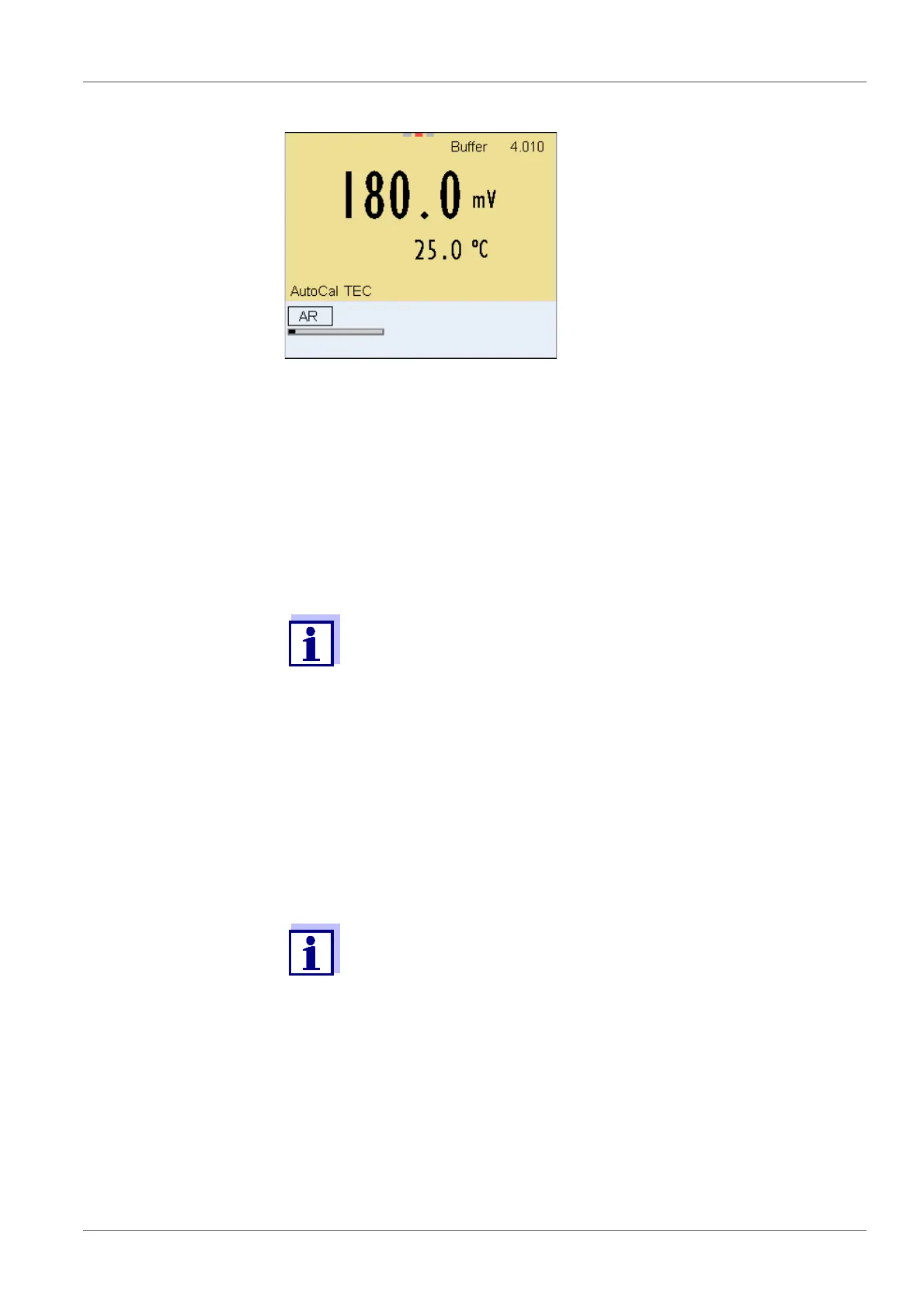
The calibration display for the next buffer appears (voltage display).
20 If necessary, use <M> to finish the calibration.
The calibration record is displayed.
or
Switch to calibration with the next buffer with <ENTER>.
Calibration is automatically completed after the last buffer of a buf-
fer set has been measured. Then the calibration record is dis-
played.
The calibration line is determined by linear regression.
If single-point calibration was set in the menu, the calibration pro-
cedure is automatically finished with the measurement of buffer
solution 1 and the calibration record is displayed.
1 In the measured value display, select the measured parameter pH or
mV with <M>.
2 Start the calibration with <CAL>.
The calibration display for the first buffer appears (voltage display).














 To Next Page