Operation Multi 3630 IDS
26 ba77170e03 10/2017
4.5.4 Navigation example 1: Setting the language
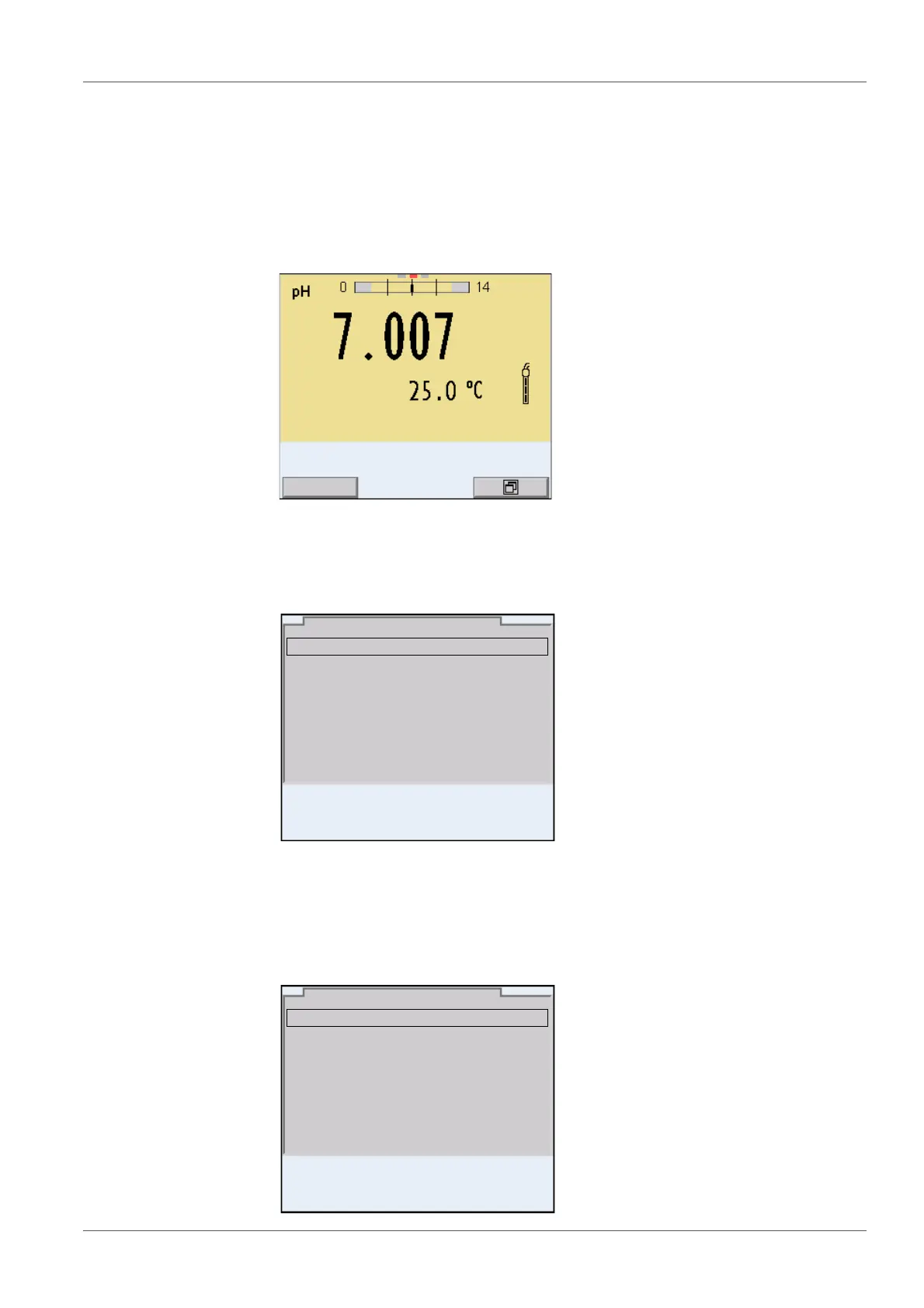
1 Press the <On/Off> key.
The measured value display appears.
The instrument is in the measuring mode.
2 Open the Storage & config menu with <ENTER_>.
The instrument is in the setting mode.
3 Select the System submenu with <><>.
The current selection is displayed with a frame.
4 Open the System submenu with <ENTER>.
System
Data storage
Storage & config
30.09.2015 08:00
General
Interface
Clock function
Service information
Reset
System
30.09.2015 08:00














 To Next Page