Operation Multi 3630 IDS
22 ba77170e03 10/2017
4.4 Login with user name
After activation of the user administration by the administrator (software Multi-
Lab User, on enclosed CD-ROM), measurements with the meter are only pos-
sible after login with a user name. The user name is documented with the
measured values and in records.
All user names entered by the administrator are listed in the User name menu.
The administrator determines for each user whether or not a password is
required for the login to the meter.
If the Password menu item is grayed out, no password is required for the login.
1 Switch the meter on with <On/Off> (or <On/Off_>).
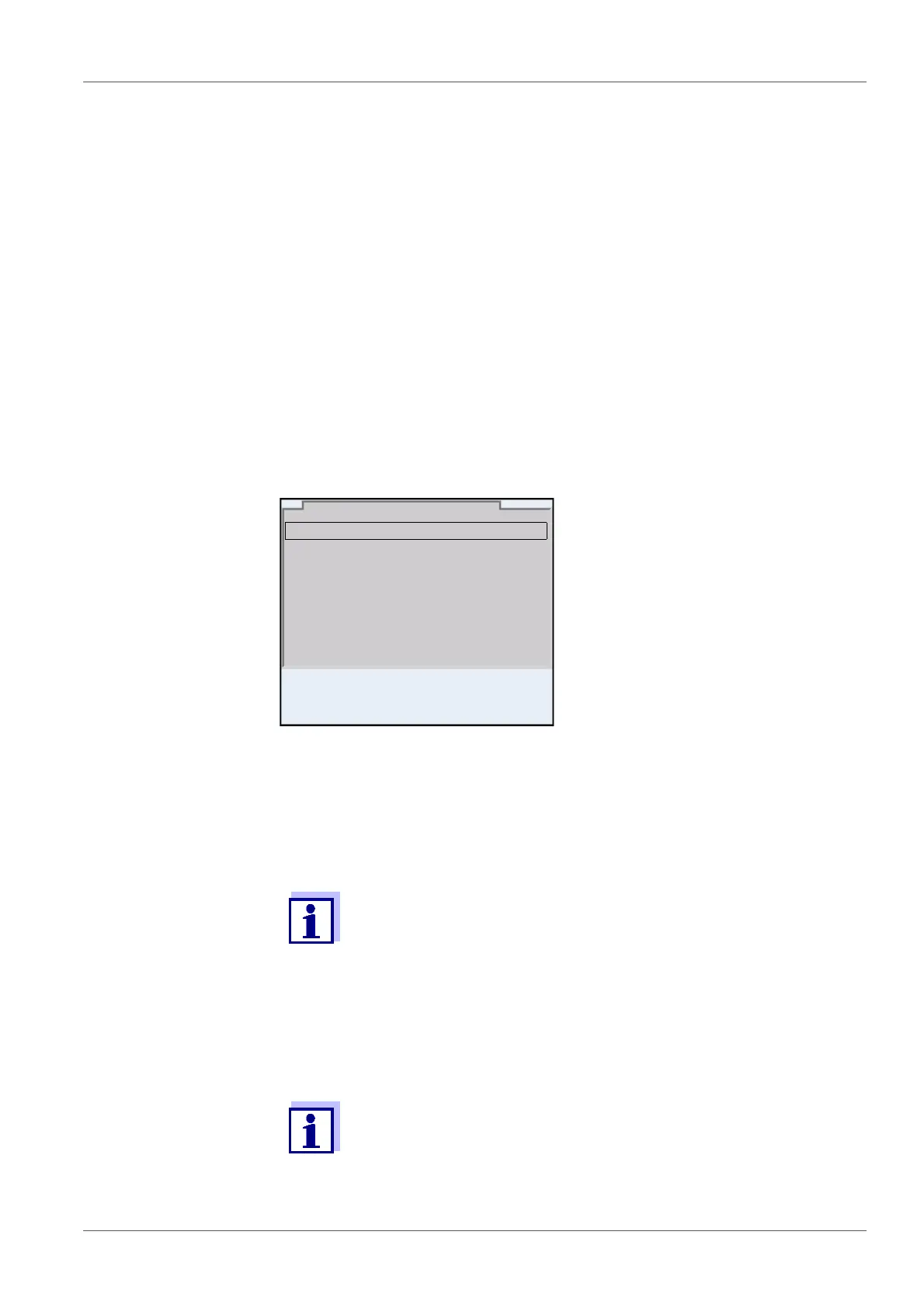
The Login dialog appears.
2 Using <><>, select the menu item, User name and confirm with
<ENTER>.
The user name is highlighted.
3 Using <><>, select a user name and confirm with <ENTER>.
The login is done immediately if no password is required.
If a sensor is connected the measured value display appears.
4 If a password is required:
Using <><>, select the menu item, Password and confirm with
<ENTER>.
The user specifies the password when he or she first logs in with a
user name.
A valid password consists of 4 digits.
The user can change the password with the next login.
User name Admin
Password ####
Change password
Login
30.09.2015 08:00














 To Next Page