Dissolved oxygen Multi 3630 IDS
48 ba77170e03 10/2017
7 Dissolved oxygen
7.1 Measuring
7.1.1 Measuring D.O.
Selecting the
displayed
measured parameter
You can switch between the following displays with <M>:
D.O. concentration [mg/l]
D.O. saturation [%]
D.O. partial pressure [mbar].
Salinity correction When measuring the concentration of solutions with a salt content of more than
1 g/l, a salinity correction is required.
You have the following options to measure the salinity:
Measurement of the salinity with an IDS conductivity sensor.
If the measured value from an IDS conductivity sensor is taken over, the sta-
tus indicator [Sal
↑
] is displayed in the measurement window of the IDS oxy-
gen sensor. The status indicator [Sal
↓
] is displayed in the measurement
window of the IDS conductivity sensor.
Manual determination and input of the salinity.
The sensor connection and the USB-B (device) interface are gal-
vanically insulated. This facilitates interference-free measurements
also in the following cases:
Measurement in grounded test samples
Measurement with several sensors connected to one
Multi 3630 IDS in one test sample
1 Connect the D.O. sensor to the meter.
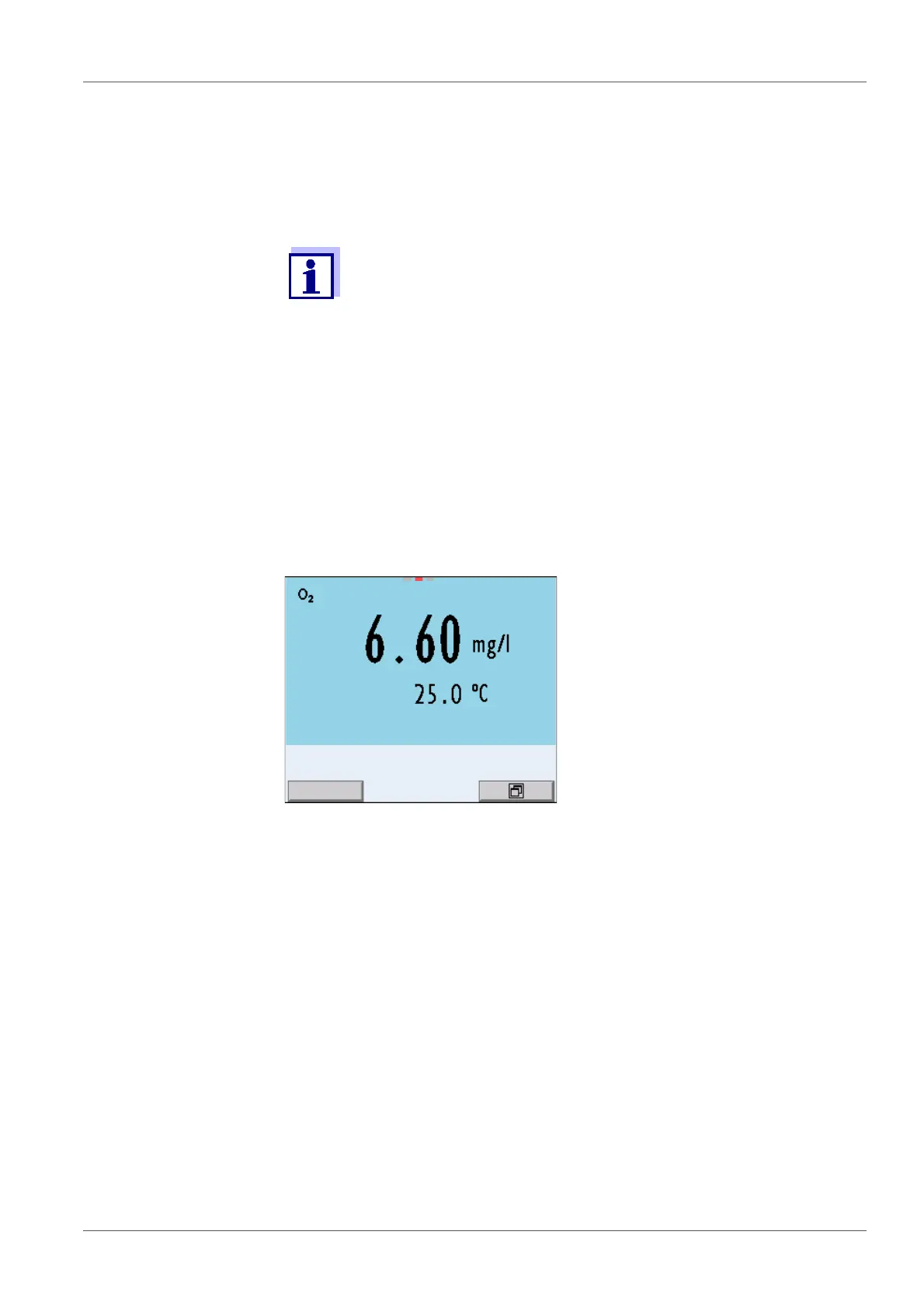
The D.O. measuring screen is displayed.
2 Check or calibrate the meter with the sensor.
3 Immerse the D.O. sensor in the test sample.














 To Next Page