Operation Multi 3630 IDS
28 ba77170e03 10/2017
Calibration date
Identification of stored measured values.
Therefore, check the time at regular intervals.
Setting the date,
time and date format
The date format can be switched from the display of day, month, year
(dd.mm.yy) to the display of month, day, year (mm/dd/yy or mm.dd.yy).
The date and time are reset to default after a fall of the supply volt-
age (empty batteries).
1 In the measured value display:
Open the Storage & config menu with <ENTER_>.
The instrument is in the setting mode.
2 Select and confirm the System / Clock function menu with <><>
and <ENTER>.
The setting menu for the date and time opens up.
3 Select and confirm the Time menu with <><> and <ENTER>.
The hours are highlighted.
4 Change and confirm the setting with <><> and <ENTER>.
The minutes are highlighted.
5 Change and confirm the setting with <><> and <ENTER>.
The seconds are highlighted.
6 Change and confirm the setting with <><> and <ENTER>.
The time is set.
7 If necessary, set the Date and Date format. The setting is made simi-
larly to that of the time.
8 To make further settings, switch to the next higher menu level with
<ESC>.
or
Switch to the measured value display with <M>.
The instrument is in the measuring mode.
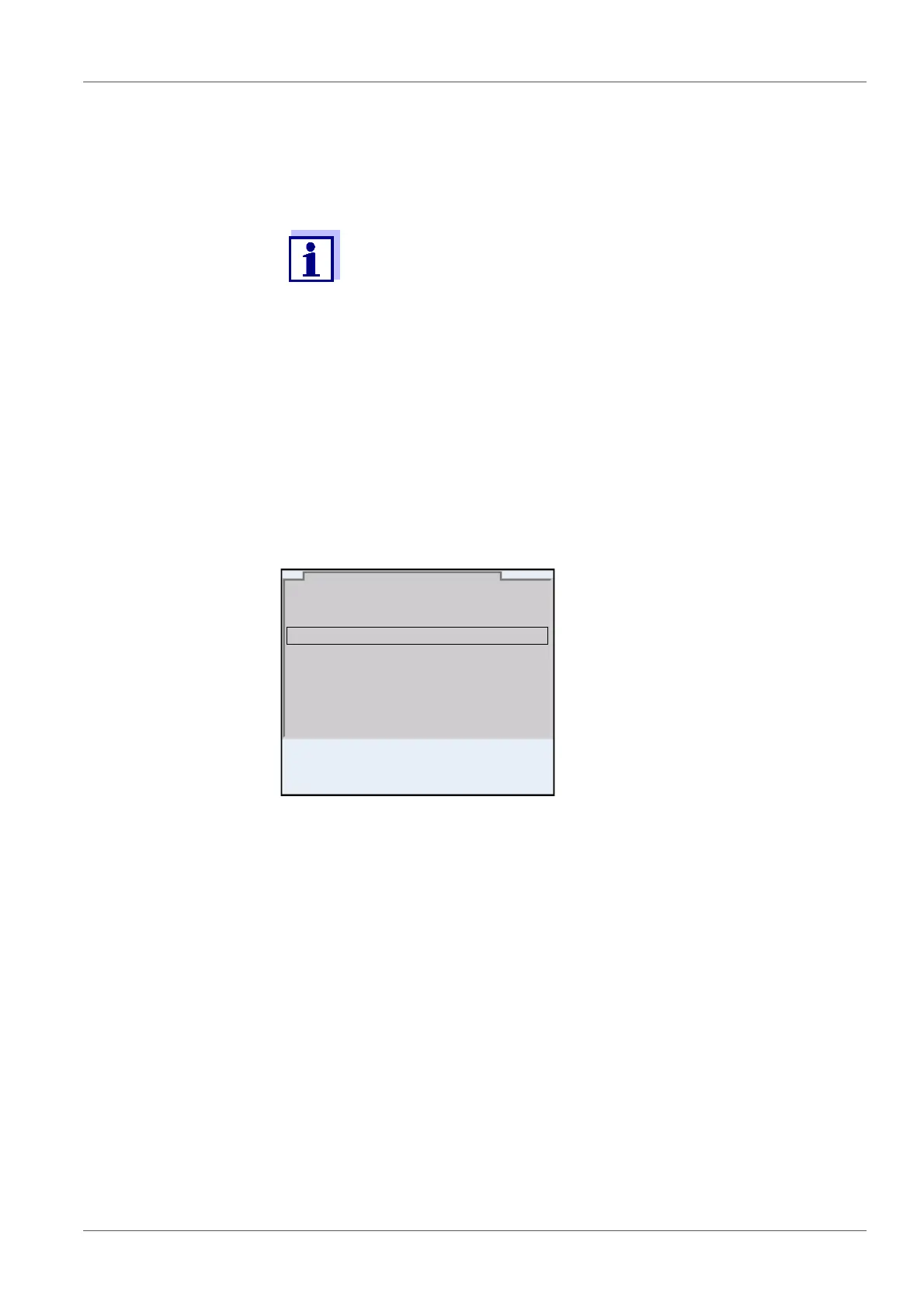
Date format: dd.mm.yy
Date: 15.03.2016
Time: 14:53:40
Clock function
30.09.2015 08:00














 To Next Page