pH value Multi 3630 IDS
32 ba77170e03 10/2017
2 Start the calibration with <CAL>.
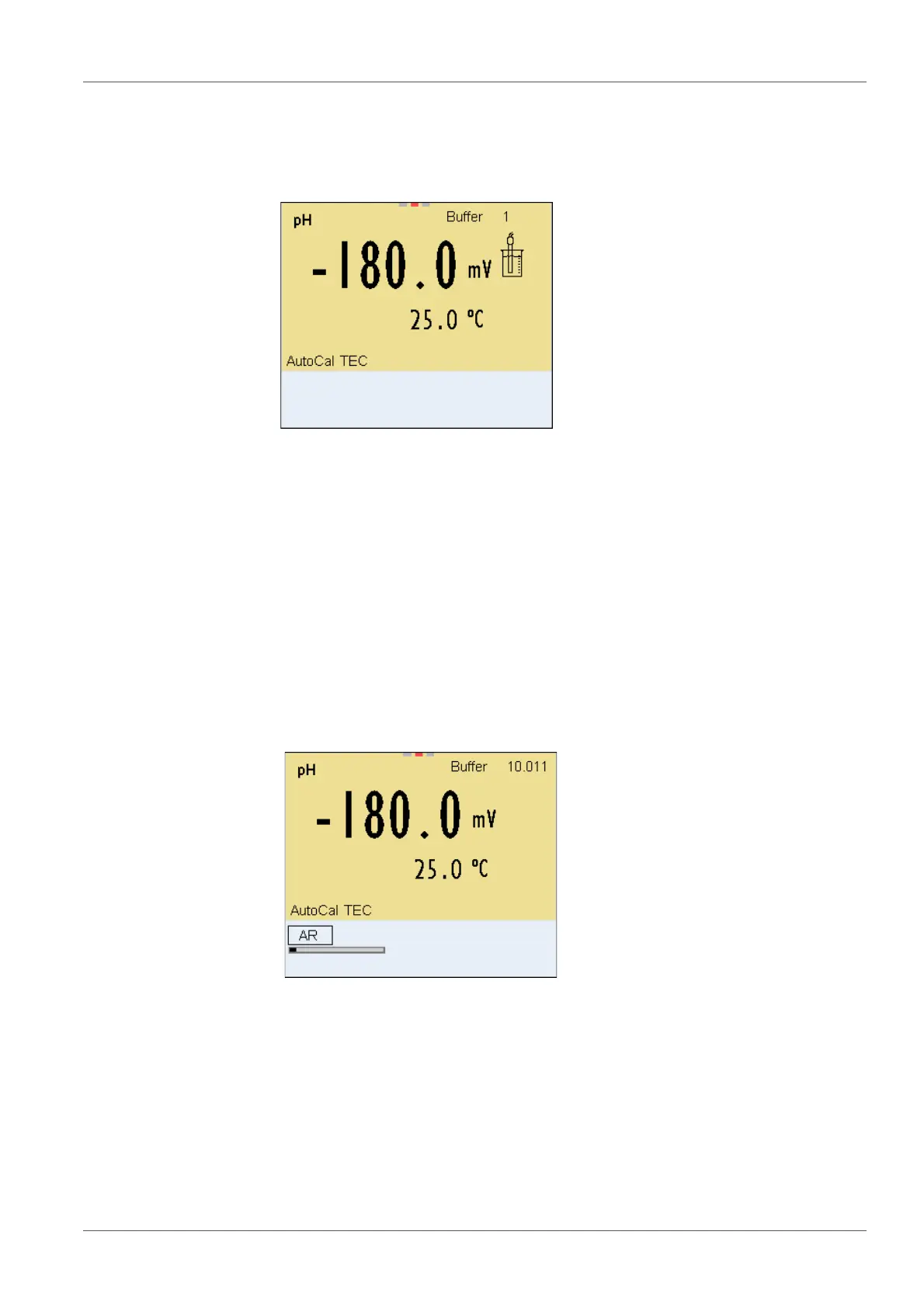
The calibration display for the first buffer appears (voltage display).
3 Thoroughly rinse the IDS sensor with deionized water.
4 Immerse the IDS-pH sensor in buffer solution 1.
5 For measurements without temperature sensor
(e.g. when using an IDS adapter
):
Measure the temperature of the buffer manually and enter it with
<><>.
6 Start the measurement with <ENTER>.
The measured value is checked for stability (stability control).
The [AR] status indicator is displayed. The measured parameter
flashes.
7 Wait for the end of the measurement with stability control or accept the
calibration value with <ENTER>.
The calibration display for the next buffer appears (voltage display).
8 If necessary, finish the calibration procedure as a single-point calibra-
tion with <M>.
The calibration record is displayed.














 To Next Page