Multi 3630 IDS Conductivity
ba77170e03 10/2017 61
Calibration
evaluation
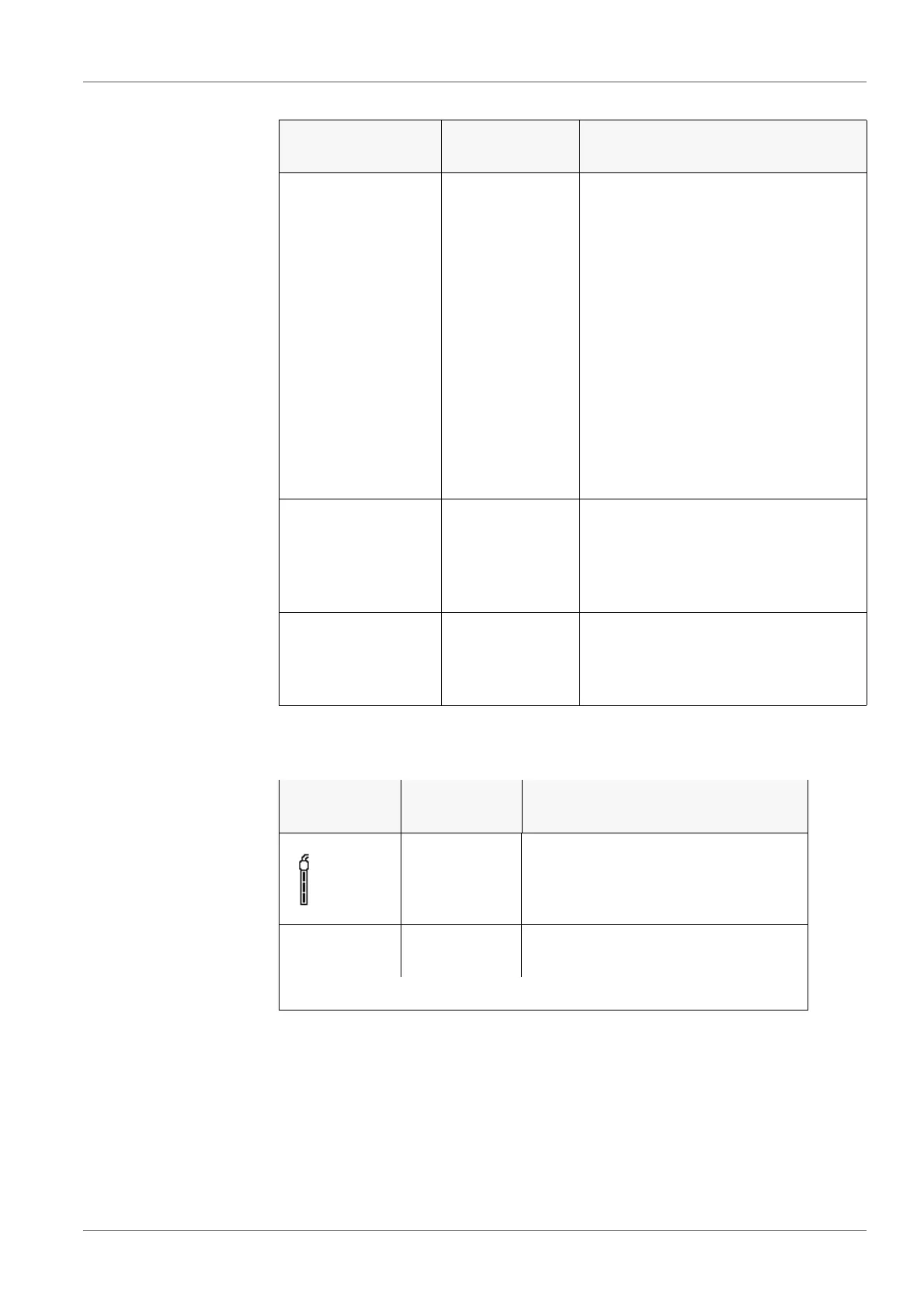
After calibration, the meter automatically evaluates the current status of the cal-
ibration. The evaluation appears on the display and in the calibration record.
Menu item Setting/func-
tion
Explanation
Calibration /
Calibration data
storage / Display
- Displays the calibration records.
Further options:
Scroll through the calibration
records with <><>.
Output the displayed calibration
record to the interface with
<PRT>.
Output all calibration records to
the interface with <PRT_>.
Quit the display with <ESC> or
<ENTER>.
Switch directly to the measured
value display with <M>.
Calibration /
Calibration data
storage / Output to
USB flash drive or
printer
- Outputs the stored calibration data
to the USB-A interface (USB mem-
ory device/USB printer)
Calibration /
Calibration data
storage / Output to
RS232/USB
- Outputs the stored calibration data
to the USB-B interface (PC)
Display Calibration
record
Cell constant [cm
-1
]
+++ Within the range
0.450 ... 0.500 cm
-1
Error Error
Outside the range
0.450 ... 0.500 cm
-1
Eliminate the error according to chapter 15 WHAT TO DO IF...














 To Next Page