Multi 3630 IDS Depth of immersion (multi parameter probe MPP 9x0 IDS)
ba77170e03 10/2017 71
– The depth of immersion of the IDS sensors connected
(averaged value for all IDS sensors of the XXX-P series)
– The depth of immersion of the pressure sensor of the MPP 9x0 IDS
(if no IDS sensors of the XXX-P series are connected)
If IDS sensors of the XXX-P series are operated with the multi parameter
probe MPP 9x0 IDS, only those functions required for measuring are avail-
able for the sensors.
The following functions are enabled only if the IDS sensors of the XXX-P
series are connected directly to the meter (see section 10.5):
– Calibration
–Reset
– Updating the firmware
10.2 Measuring
10.2.1 Measuring the depth of immersion
You can measure the depth of immersion as follows:
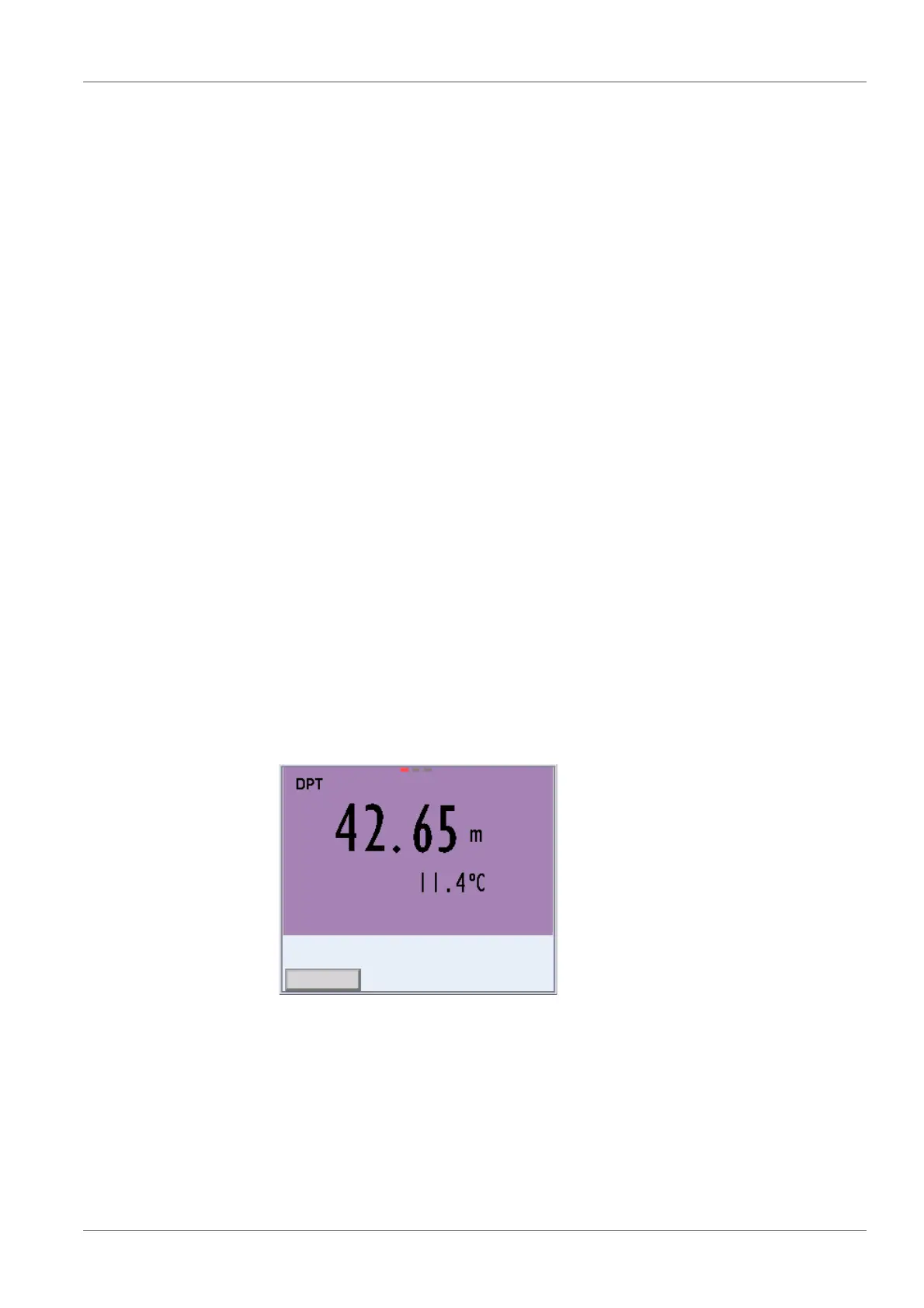
Fig. 10-2 Display of the parameter depth of immersion as main measured value
1 Connect the IDS sensors of the XXX-P series.
or
Close the open plug connections of the MPP 9x0 IDS with blind plugs
2 Connect the multi parameter probe MPP 9x0 IDS to the meter.
The depth of immersion is shown on the display.
3 Immerse the multi parameter probe in the test sample.














 To Next Page