DR-2X / DR-2XE Operating Manual26
11. Remote Controls
Setting the remote control
• Remote control of the DR-2X/DR-2XE repeater can be performed in either C4FM digital mode or analog FM
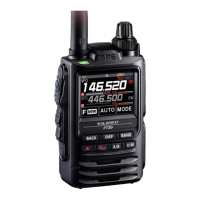
mode. For C4FM digital mode, use the FTM-100D, FTM-400D, FTM-400XD or FTM-3200D transceiver.
For security reasons, we recommend using a mobile C4FM transceiver with the DP-ID that is registered to
the DR-2X/DR-2XE repeater.
• Remote operation sends commands on the uplink frequency of CH-B. Response of the remote command
and Voice Message are transmitted on CH-A's downlink frequency of normal operation.
• When remote control is required, it is necessary to set whether to control the DR-2X/DR-2XE with analog
FM or C4FM in advance.
Selection of analog FM, C4FM digital
1
Touch
[
A SETUP
]
or
[
B SETUP
]
on the operation mode screen.
The setup mode screen will appear.
2 Touch
[
F
]
in the setup mode screen.
The setup menu will appear.
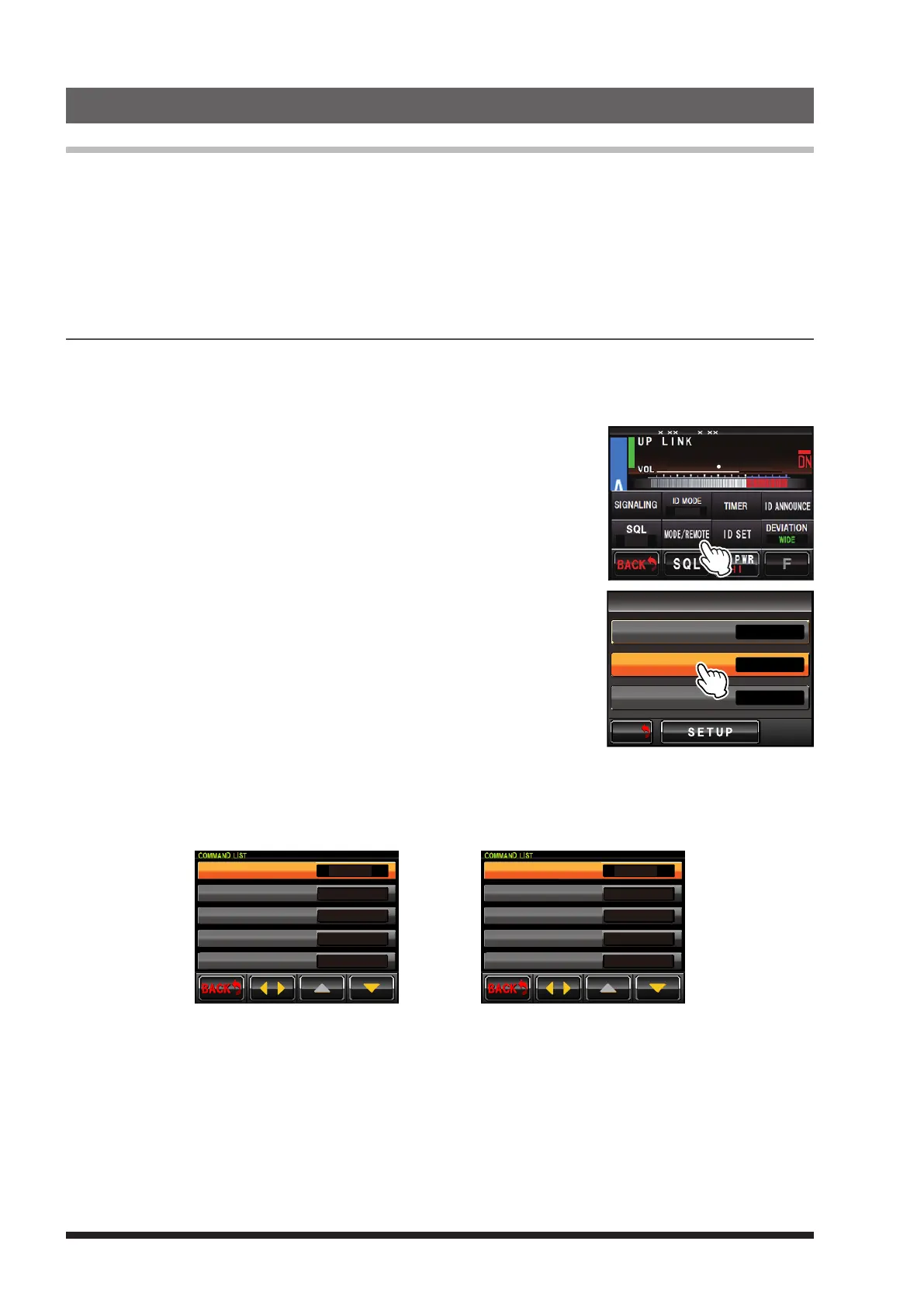
3 Touch
[
MODE/REMOTE
]
.
The menu list will appear.
8
4
DG-ID
T-OFF
R-OFF
SETUP RXx.xx TX .x
4 Select and touch
[
COMMAND
]
.
The command list will appear.
M/V
BACK
BACK
REMOTE/COMMAND/DISP TIMER
>
OFF
ON
REMOTE
COMMAND
DISPLAY TIMER
5 Touch
[
CONTROL MODE
]
.
The set value will change in the following sequence each time
[
CONTROL MODE
]
is touched.
à “DTMF” (Analog FM) à “DIGITAL” (C4FM Digital) à
DIGITAL
*1111
*2222
*2221
*3333
CONTROL MODE
ACTIVATE
DEACTIVATE(LOCAL)
DEACTIVATE(ALL)
FIX DIGITAL
DIGITAL (C4FM Digital)
DTMF
*1111
*2222
*3333
*4444
CONTROL MODE
ACTIVATE
DEACTIVATE
FIX DIGITAL
AUTO
DTMF (Analog FM)
6 Touch
[
BACK
]
4 times.
The screen returns to the operation mode screen.


 To Next Page