DR-2X / DR-2XE Operating Manual 7
Accessories and Options
Supplied Accessories
AC Power Cord (T9027682)
ø1
...................................................................................................................... 1
DC Power Cord with Fuse (T9026115) ........................................................................................................... 1
Spare Fuse 15 A (Q0000075) .................................................................................................................. 1
5 A (Q0000143)
ø1
.............................................................................................................. 1
Case Legs (S4000052) ................................................................................................................................... 4
PC Connection Cable SCU-20 ........................................................................................................................ 1
Operating Manual (this manual) ..................................................................................................................... 1
Warranty Card .................................................................................................................................................. 1
ø
1: For DR-2X only
Optional Accessories
DTMF Microphone MH-48A6JA
Hand Microphone MH-42C6J
Voice Guide Unit FVS-2
LAN Unit LAN-01A
Name and Function of Each Component
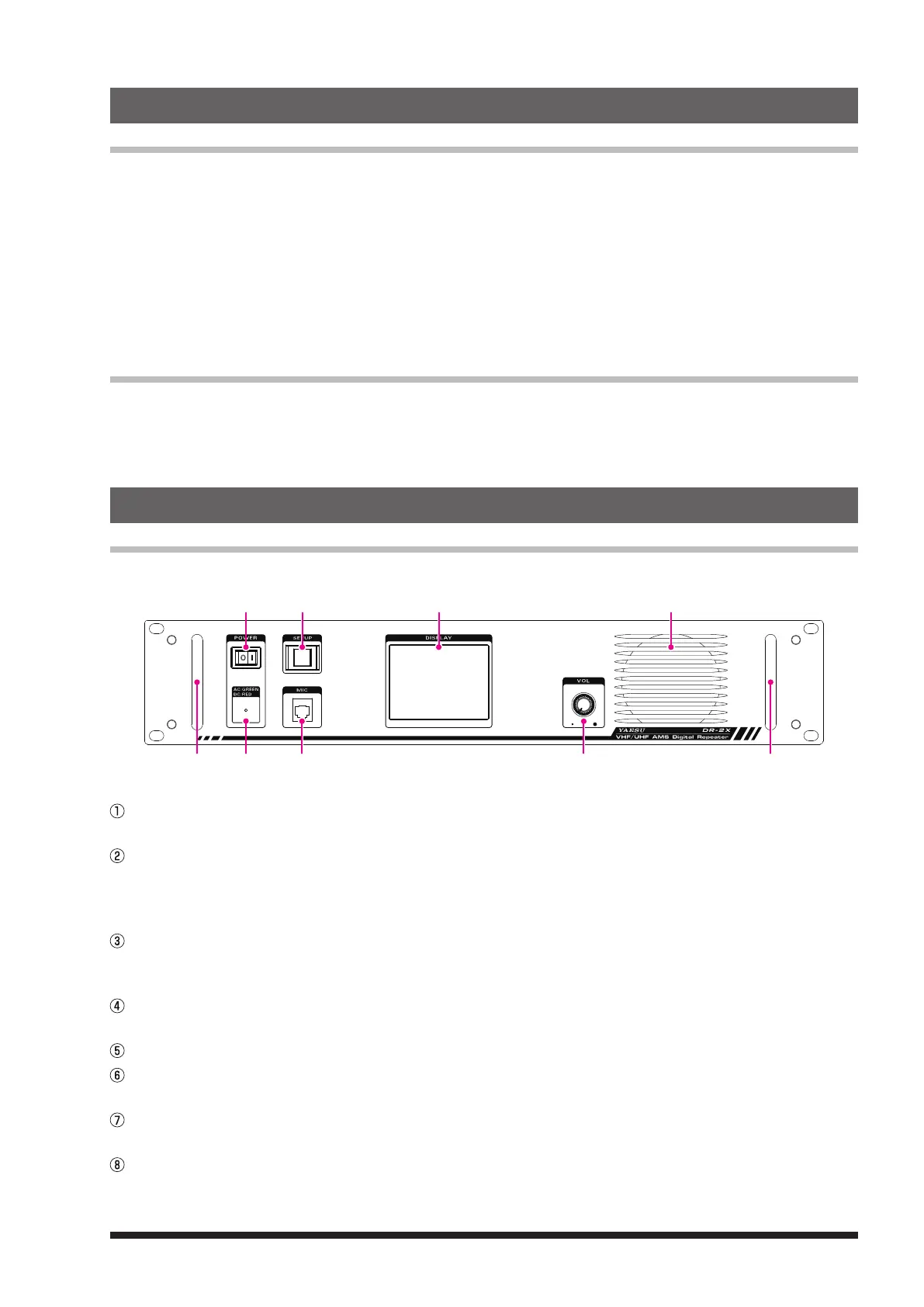
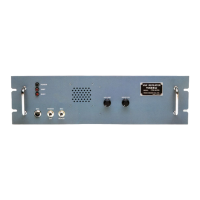
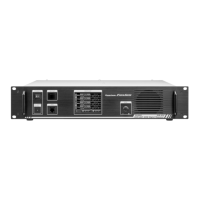
Front Panel
① ③ ⑤ ⑦
⑧ ② ④ ⑥ ⑧
POWER Switch
Press “
|
” side to switch the repeater ON, and “” side to switch the repeater OFF.
LED Indicator
• When the indicator illuminates in green, the power is supplied from the AC IN jack (DR-2X only).
• When the indicator illuminates in red, the power is supplied from the DC IN terminals (DR-2XE) or BACKUP
terminals (DR-2X).
SETUP Button
Press and hold to switch the display ON and OFF.
When a display is OFF, operation of a touch panel will be locked.
MIC Jack
Insert the plug of the optional microphone MH-48A6JA or MH-42C6J to this 6-pin modular jack.
Touch Panel Display
VOL Knob
The VOL knob adjusts the audio volume level of the received (uplink) signal and the beep sound.
Speaker
The internal speaker is located here.
Handle


 To Next Page