DR-2X / DR-2XE Operating Manual28
Change the remote command
To change the factory command codes.
1
Touch
[
A SETUP
]
or
[
B SETUP
]
on the operation mode screen.
The setup mode screen will appear.
2 Touch
[
F
]
on the setup mode screen.
The setup menu will appear.
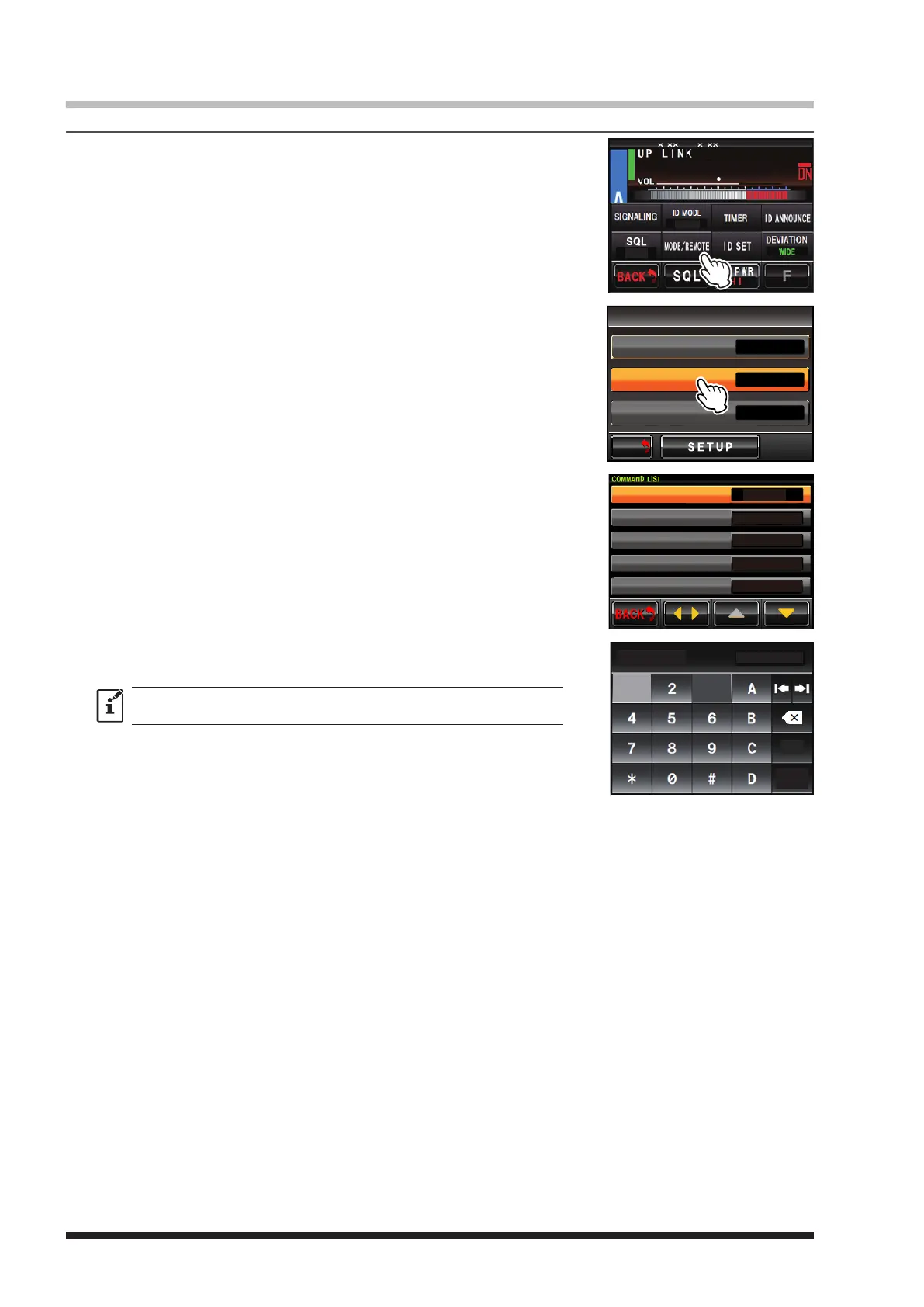
3 Touch
[
MODE/REMOTE
]
.
The menu list will appear.
8
4
DG-ID
T-OFF
R-OFF
SETUP RXx.xx TX .x
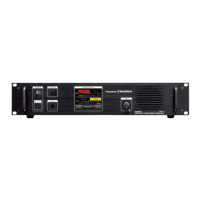
4 Touch
[
COMMAND
]
twice.
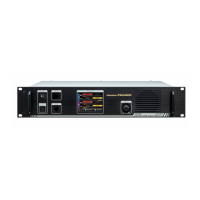
The command list will appear.
M/V
BACK
BACK
REMOTE/COMMAND/DISP TIMER
>
OFF
ON
REMOTE
COMMAND
DISPLAY TIMER
5 Touch
[
tu
]
to select the desired CONTROL MODE (DIGITAL or
DTMF).
6 Touch
[
▲
]
or
[
▼
]
to select the desired command.
7 Touch the command to enable setting the remote control code.
DIGITAL
*1111
*2222
*2221
*3333
CONTROL MODE
ACTIVATE
DEACTIVATE(LOCAL)
DEACTIVATE(ALL)
FIX DIGITAL
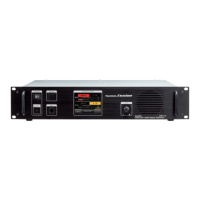
8 Enter a 4-digit control code.
The screen returns to the command list.
The same code as another function may not be set.
9 Touch
[
BACK
]
4 times.
The screen returns to the operation mode screen.
ACTIVATE
1 3
Space
*1111
ENT


 To Next Page