DR-2X / DR-2XE Operating Manual32
15. Operate message function at the DR-2X/DR-2XE site
To Record a message for Analog FM:
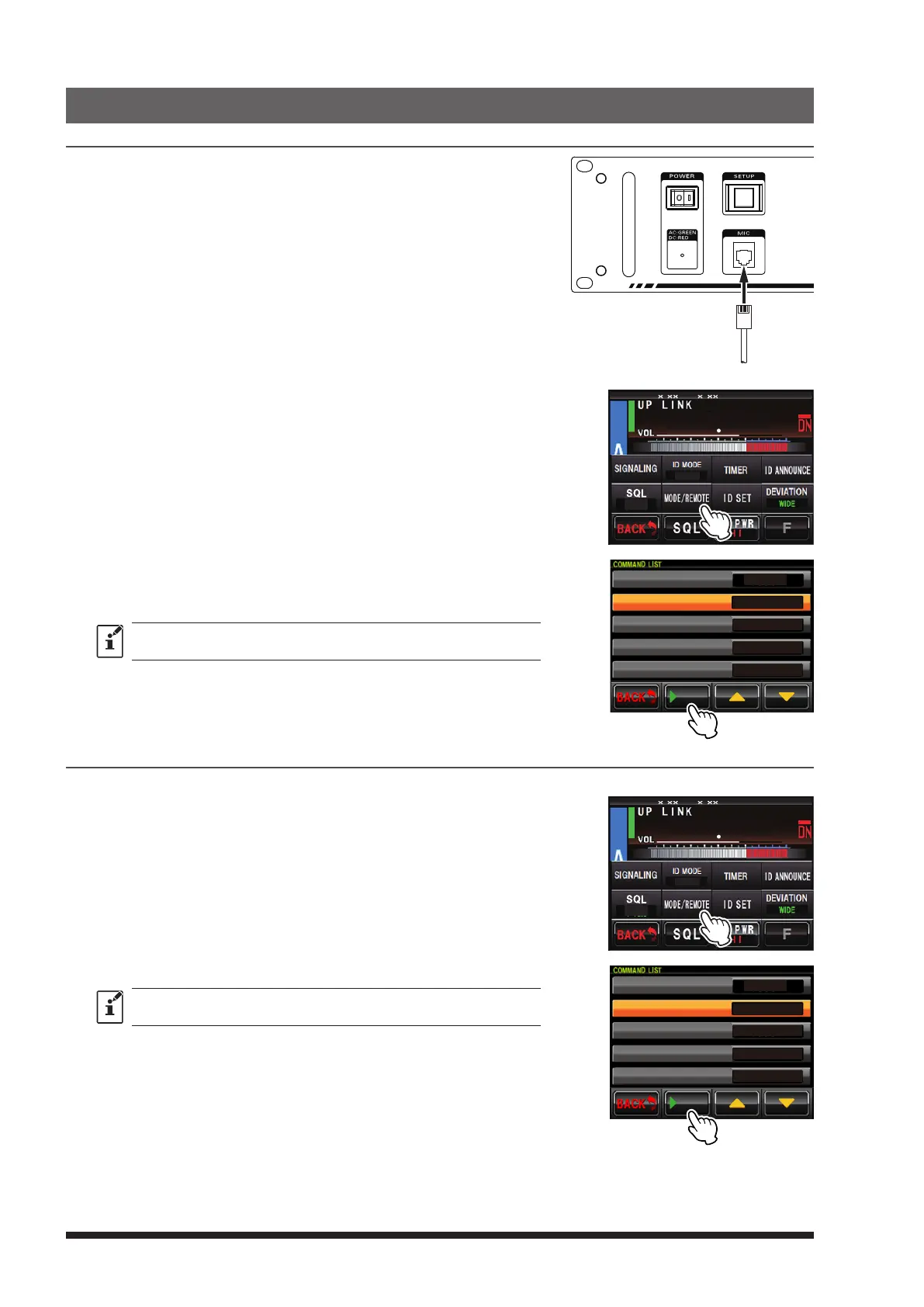
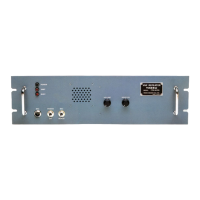
1 Connect an optional MH-48A6JA or MH-42C6J microphone to the
“MIC” jack on the front panel of the DR-2X/DR-2XE.
2 Touch
[
A SETUP
]
or
[
B SETUP
]
on the bottom of the Operation
Mode Screen, then touch
[
F
]
.
3 Touch
[
MODE/REMOTE
]
.
4 Touch
[
COMMAND
]
twice.
5 Touch
[
CONTROL MODE
]
to select “DTMF”.
6 Touch
[
▼
]
.
[
uPLAY
]
will be displayed at the bottom of the screen.
8
4
DG-ID
T-OFF
R-OFF
SETUP RXx.xx TX .x
7 Press the PTT switch on microphone,
[
uPLAY
]
will change to
[
●
REC
].
Speak into the microphone, the message is recorded
until you release the PTT switch.
Recording is possible for a maximum of 60 seconds.
DTMF
*1111
*2222
*3333
*4444
CONTROL MODE
ACTIVATE
DEACTIVATE
FIX DIGITAL
AUTO
PLAY
How to check recorded contents
1 Touch
[
A SETUP
]
or
[
B SETUP
]
on the bottom of the Operation Mode Screen, then touch
[
F
]
.
2 Touch
[
MODE/REMOTE
]
.
3 Touch
[
COMMAND
]
twice.
4 Touch
[
CONTROL MODE
]
to select “DTMF”.
5 Touch
[
▼
]
.
[
uPLAY
]
will be displayed at the bottom of the screen.
8
4
DG-ID
T-OFF
R-OFF
SETUP RXx.xx TX .x
6 Touch
[
uPLAY
]
to play the contents of the recording.
The recorded content will be played but will not be transmitted.
DTMF
*1111
*2222
*3333
*4444
CONTROL MODE
ACTIVATE
DEACTIVATE
FIX DIGITAL
AUTO
PLAY


 To Next Page