Page 95FT-2000D OPERATING MANUAL
CONTEST MEMORY KEYER
(
USING THE OPTIONAL FH-2 REMOTE CONTROL KEYPAD
)
LOCK
OFFON
6. When the message is complete, add the “}” character
at the end to signify the termination of the message.
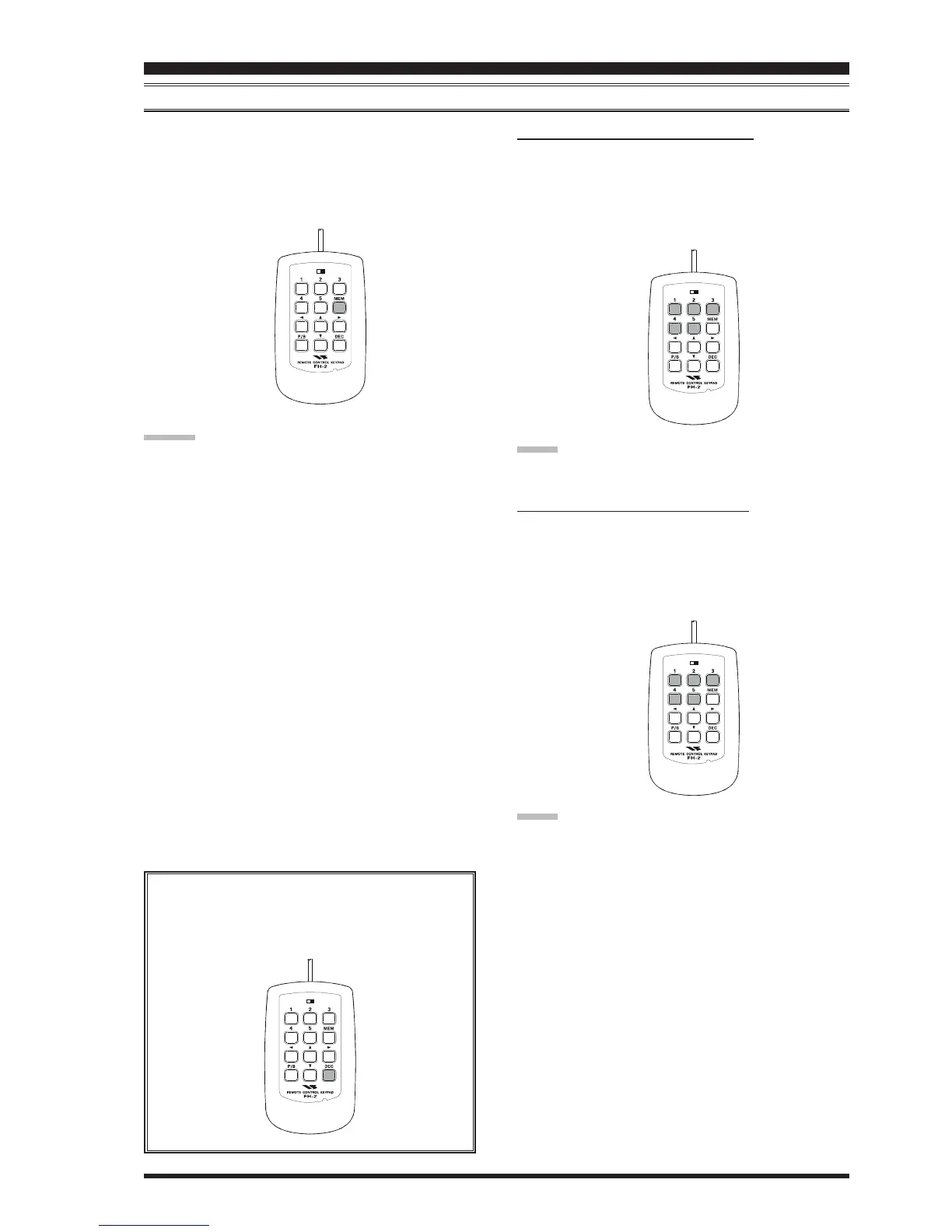
7. Press and hold in the FH-2’s
[
MEM
]
key for 2 sec-
onds to exit, once all characters (including “}”) have
been programmed.
ADVICE:
Deleting Previously-stored Characters
Use the FH-2’s
[
W
]
and
[
X
]
keys or Main Tuning Dial
knob to select the last correct letter in the message. Now
use the
[
S
]
and
[
T
]
keys or
[
SUB VFO-B
]
knob to se-
lect the “}” character; everything after the “}” character
will be deleted.
LOCK
OFFON
LOCK
OFFON
LOCK
OFFON
CW CONVENIENCE FEATURES
C
HECKING
THE
CW M
EMORY
C
ONTENTS
1. Be sure that Break-in is still turned Off.
2. Press the
[
MONI
]
button to enable CW monitor.
3. Press the FH-2’s
[
1
]
~
[
5
]
key to check your work.
You will hear the results in the sidetone, but no RF
energy will be transmitted.
NOTE:
You may adjust the monitor level using the
[
MONI
]
knob.
O
N
-T
HE
-A
IR
CW M
ESSAGE
P
LAYBACK
1. Press the
[
BK-IN
]
button to enable transmission. Ei-
ther Full- or Semi-break-in will be engaged, depend-
ing on the setting of Menu item “060 A1A BK-IN.”
2. Press the FH-2’s
[
1
]
~
[
5
]
key to transmit the pro-
grammed message.
NOTE:
If you subsequently decide to use the “Message Memory”
technique for memory storage, please note that the con-
tents of a message stored using text input will not be trans-
ferred over when you select “Message Memory technique”
on a particular memory register (the Menu Mode Setting
is set to “
tyP2tyP2
tyP2tyP2
tyP2”).
Decrementing the Contest Number
By pressing the FH-2’s
[
DEC
]
key momentarily,
you may reduce the current Contest Number by one.










 To Next Page