40
Preset VHF Weather Broadcast Receiver Memory Channels
The frequencies (10 channels) used for the VHF Weather Broadcast Stations are regis-
tered in dedicated preset receiver memory channels.
1. Press the [A/B] key to set the A-band as the operating band.
2. Touch [F MW], and then touch [P.RCVR].
If [P.RCVR] is not displayed, touch [BACK ←] to display [P.RCVR] and touch it.
3. Press the [BAND] key to select [WX CH].
4. Rotate the DIAL knob to select the desired channel.
•FortheavailableWeatherBroadcastchannels,seethefollowingtable.
•TostopreceivingtheWXChannelFrequency,pressthe[BACK] key or touch
[F MW] followed by [P.RCVR].
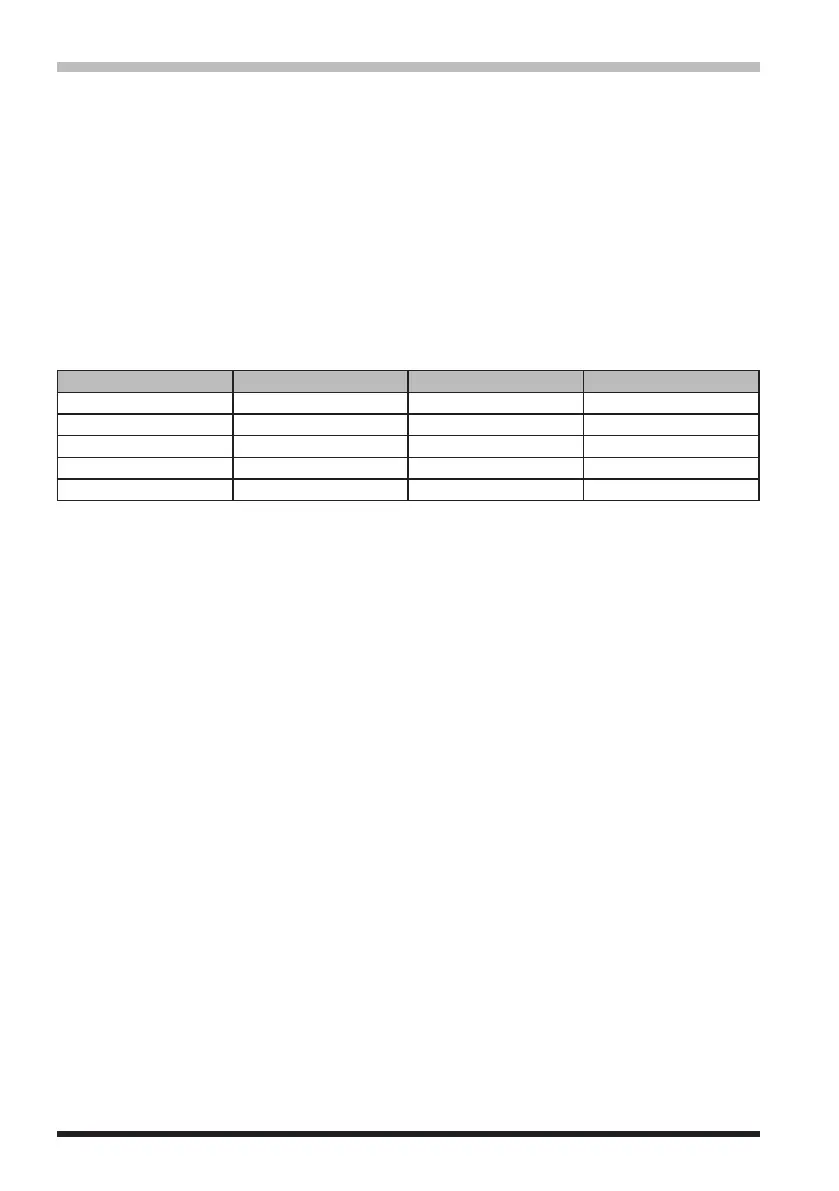
WX Channel Frequency List
Memory channel No. Frequency (MHz) Memory channel No. Frequency (MHz)
1 162.550 6 162.500
2 162.400 7 162.525
3 162.475 8 161.650
4 162.425 9 161.775
5 162.450 10 163.275
In the event of extreme weather disturbances, such as storms and hurricanes, the
NOAA (National Oceanic and Atmospheric Administration) sends a weather alert accom-
panied by a 1050 Hz tone and subsequent weather report on one of the NOAA weather
channels.YoumayenabletheWeatherAlerttoneviaSetModeoption[SIGNALING]→
[14 WX ALERT], if desired (See page 74).



 To Next Page