Setting Bus Out Master Levels 109
01V—Owner’s Manual
Setting Bus Out Master Levels
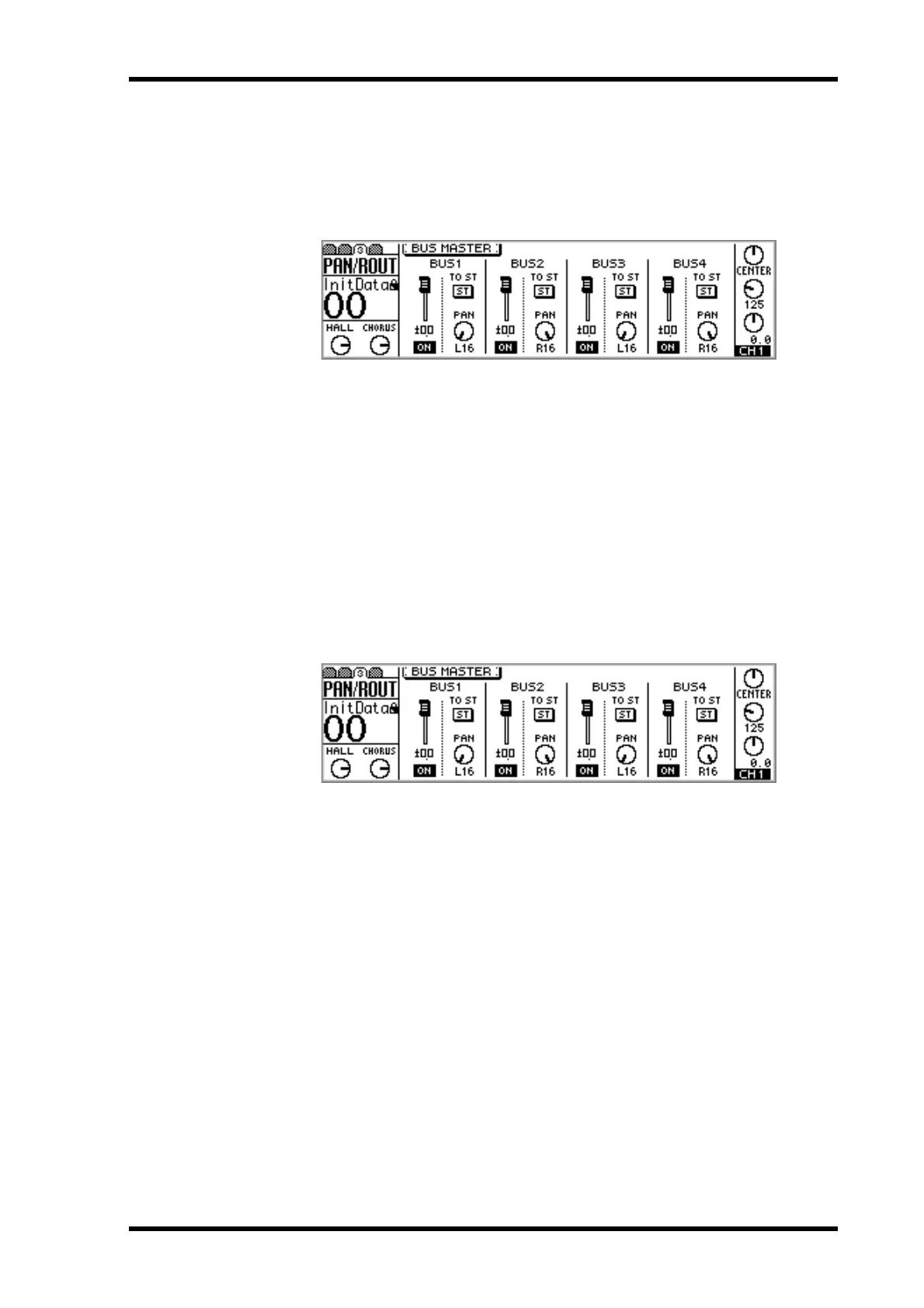
Bus out master levels are controlled using the virtual faders on PAN/ROUT page 3.
1. Use the [PAN/ROUTING] button to locate PAN/ROUT page 3, a shown
below.
2. Use the cursor buttons to select the bus out master faders, and the
PARAMETER wheel or [–1/DEC] and [+1/INC] buttons to set them.
When bus outs are paired (“Pairing Bus Outs” on page 111), their master faders are
linked.
Bus out master levels can be controlled using regular faders on REMOTE page 1. See
“Assigning Faders & On Buttons” on page 194 for more information.
Muting Bus Outs
Bus outs are muted using the virtual ON switches on PAN/ROUT page 3.
1. Use the [PAN/ROUTING] button to locate PAN/ROUT page 3, a shown
below.
2. Use the cursor buttons to select the bus out ON switches, and the [ENTER]
button, PARAMETER wheel, or [–1/DEC] and [+1/INC] buttons to set
them.
When bus outs are paired (“Pairing Bus Outs” on page 111), their ON switches are
linked.
Bus outs can be muted using regular [ON] buttons on REMOTE page 1. See “Assigning
Faders & On Buttons” on page 194 for more information.



 To Next Page