Assigning Option I/O Digital Outputs 219
01V—Owner’s Manual
Assigning Option I/O Digital Outputs
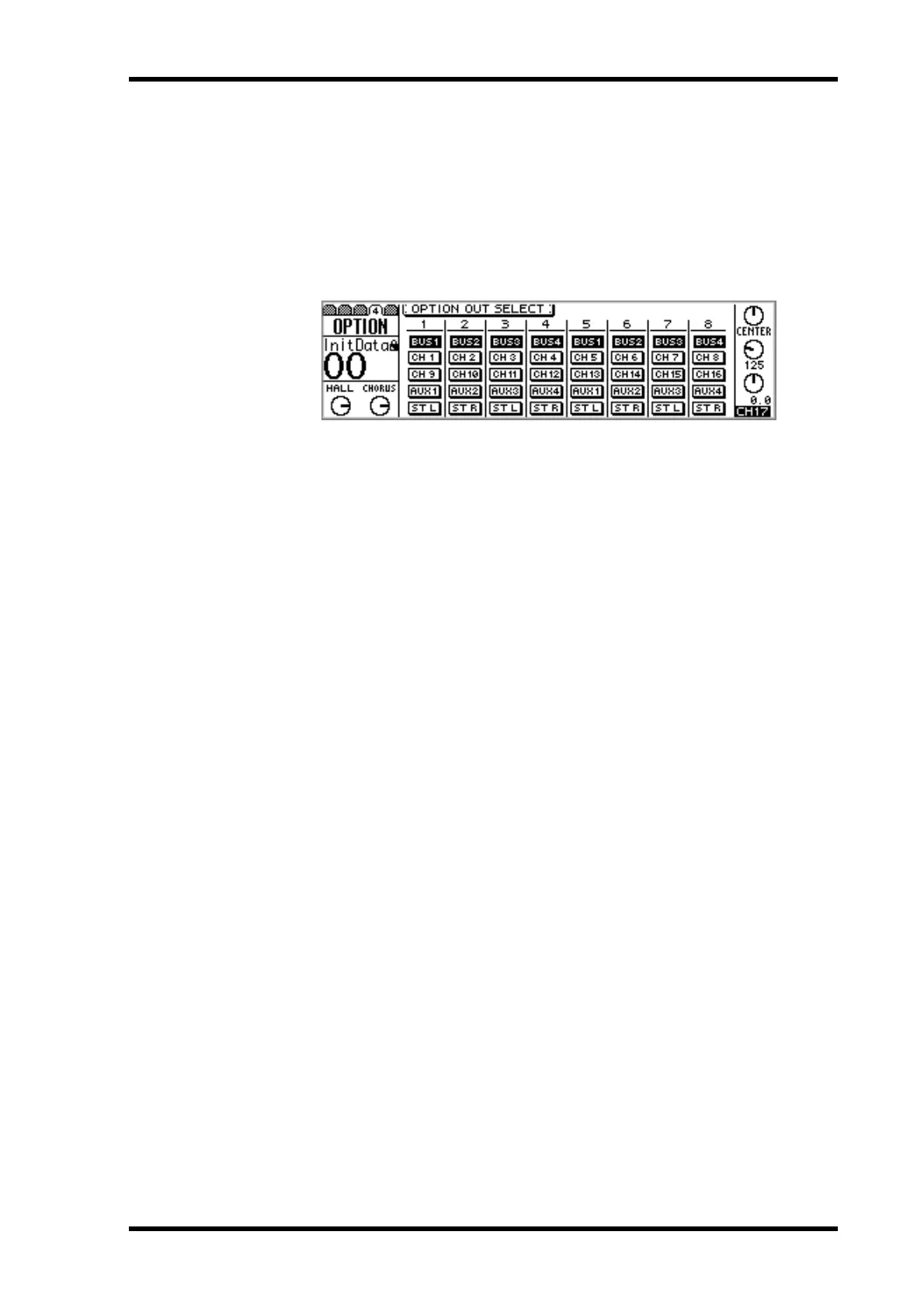
The eight Option I/O digital outputs can be assigned to bus outs 1 through 4, aux sends
1 through 4, the left or right channels of the stereo output, or the post-fader direct out-
puts of input channels 1 through 16. Although the 01V is a four-bus mixer, assigning
the four bus outs and four aux sends to digital outputs allows eight-track simultaneous
recording.
1. Use the [OPTION I/O] button to locate OPTION page 4, as shown below.
2. Use the cursor buttons to select the switches, and the [ENTER] button,
PARAMETER wheel, or [–1/DEC] and [+1/INC] buttons to set them.
Switches appear highlighted when selected as the output source.
Option I/O digital outputs are automatically assigned to post-fader direct outputs of
input channels 1 through 12 when the corresponding D switch on PAN/ROUT page 1
is turned on. Likewise, when a direct output is selected as the source for an Option I/O
output on this page, the corresponding D switch is turned on on the PAN/ROUT page.
See “Routing Input Channels” on page 49 for more information.



 To Next Page