86 Chapter 7—Solo, Monitors & Meters
01V—Owner’s Manual
Effects Send Meters
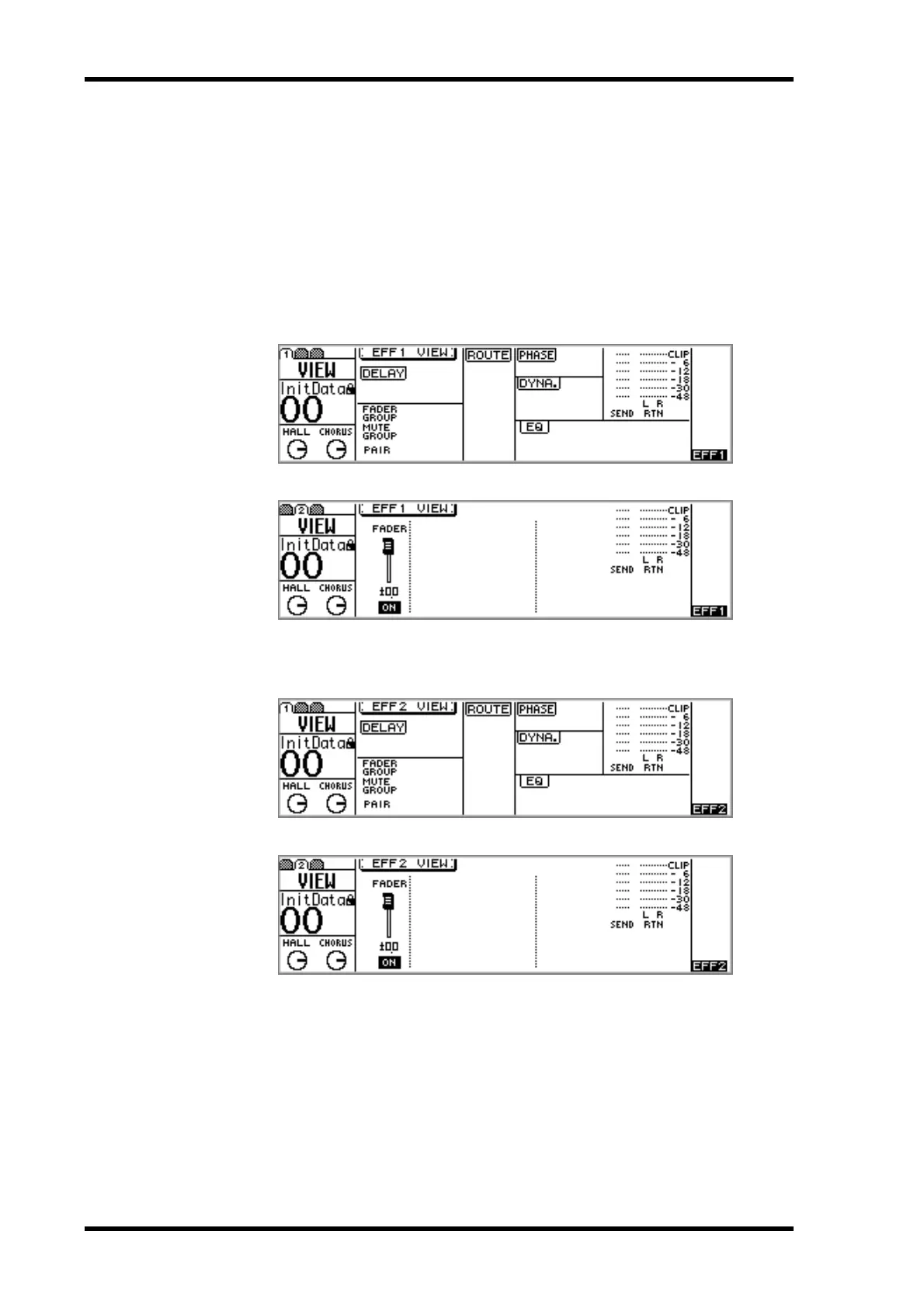
Signal level meters for effects sends 1 and 2 are displayed on the VIEW pages.
1. Use the [EFFECT 1] or [EFFECT 2] button to select an effects send, and
then press the MASTER [SEL] button.
EFF1 or EFF2 appears on the display, indicating that an effects send is selected.
2. Use the [VIEW] button to locate VIEW pages 1 and 2, as shown below.
Signal level meters for effects send 1 are displayed on VIEW pages 1 and 2, as shown
below.
Signal level meters for effects send 2 are displayed on VIEW pages 1 and 2, as shown
below.



 To Next Page