Viewing Input Channel Settings 57
01V—Owner’s Manual
Viewing Input Channel Settings
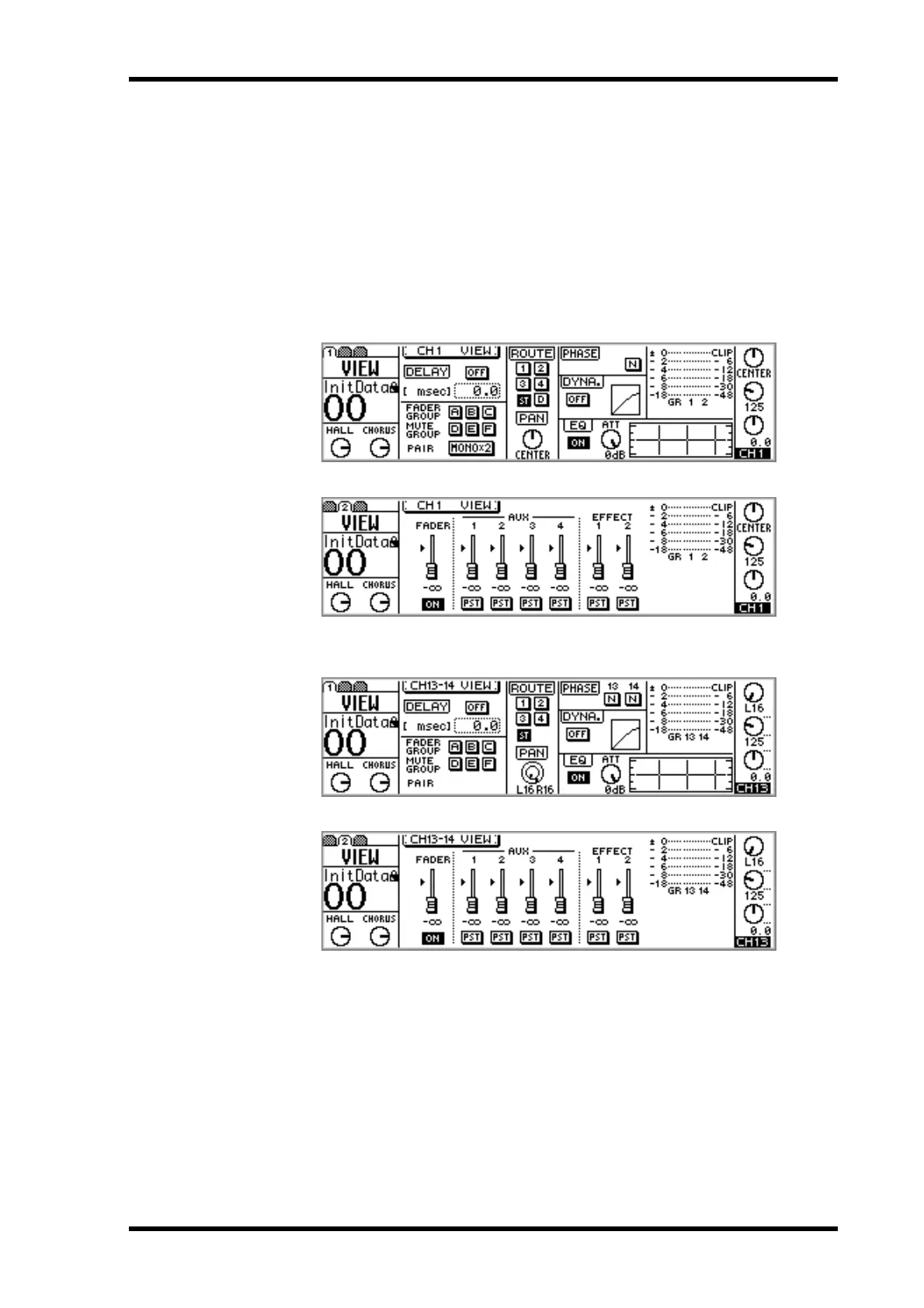
Settings for input channels 1 through 16 can be viewed, and certain parameters
adjusted on VIEW pages 1 and 2. Settings for input channels 17 through 24 can be
viewed and adjusted on OPTION page 2.
Input Channels 1–16
1. Use the [VIEW] button to locate VIEW page 1 or 2
VIEW pages for input channels 1 through 12 appear as below.
VIEW pages for input channels 13/14 and 15/16 appear as below.
2. Use [SEL] buttons 1 through 16 to select channels.
3. Use the cursor buttons to select the parameters, and the PARAMETER
wheel, [–1/DEC], [+1/INC], and [ENTER] buttons to set them.



 To Next Page